Lily
@ddesignfairy
Quality Control analyst 🧪 | iSew👗 | UI/UX Designer 🎨
ID: 1145411581737623553
https://www.behance.net/edehlilian 30-06-2019 19:19:36
526 Tweet
679 Followers
192 Following
Day 4 of the Your Designer case study challenge Booking a ride screens for “Kwik” a ride-hailing app 🚙 Reference-Bolt App The key takeaway for me from Day 4 is learning how to design a map. I thought plugins could solve everything, but I guess I was wrong #DailyUi #uidesign

Day 5 of the Your Designer case study challenge Choosing your destination and payment method Screens of “Kwik” a ride-hailing app 🚙 Reference- Bolt App The key takeaway for me from Day 5 is learning how to apply shadows, it stressed me, but here we are! #DailyUi #uidesign

Day 6 of the Your Designer case study challenge Choosing a ride type Screens of “Kwik” a ride-hailing app 🚙 Reference- Bolt App The key takeaway for me from day 6 was perfecting the use of Auto Layout, it helped me to structure these car frames easily. #DailyUi #UiDesign

Day 7 of the Your Designer case study challenge Waiting for driver's arrival Screens of “Kwik” a ride-hailing app 🚙 Reference- Bolt App The key takeaway for me from day 7 is that I think “paste to replace” is the coolest function in Figma, it saved my #ss😬 #DailyUi #UiDesign

Day 8 of the Your Designer case study challenge Live location sharing, driver arrival, and inviting friends Screens of “Kwik” a ride-hailing app 🚙 Reference- Bolt App The key takeaway for me from day 8 is to stay consistent with elements across all screens #DailyUi #UiDesign

Day 9 of the Your Designer case study challenge Rating your ride Screens of “Kwik” a ride-hailing app 🚙 Reference- Bolt App The key takeaway for me from day 9 is learning how to design tables/columns with auto layout, YouTube came to my rescue🤭 #DailyUi #UiDesign

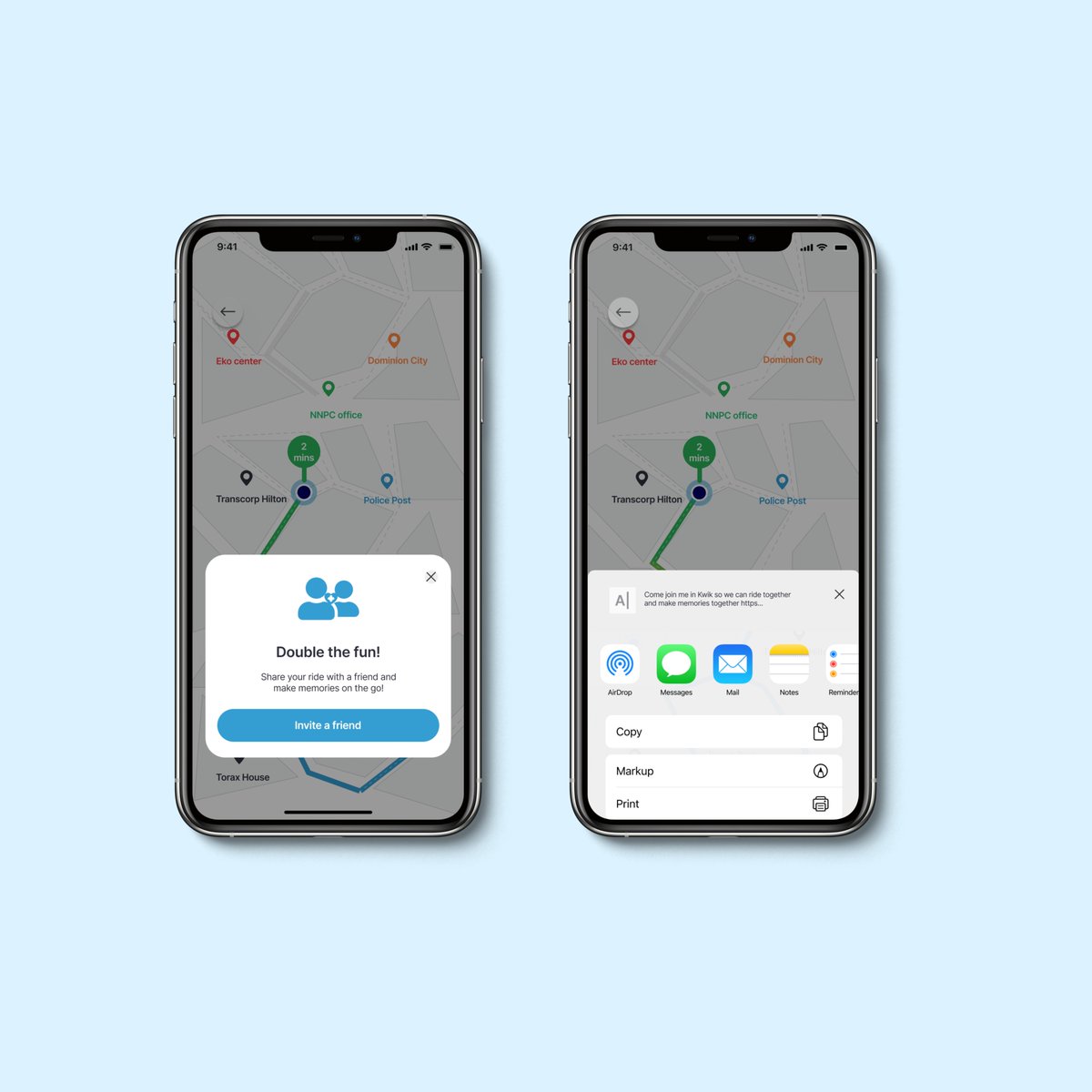
Day 10 of the Your Designer case study challenge Inviting a friend Screens of “Kwik” a ride-hailing app 🚙 Reference- Bolt App The key takeaway for me from day 10 is to start whatever it is you want to do, cos look at me on day 10! almost halfway through this😊 #DailyUi
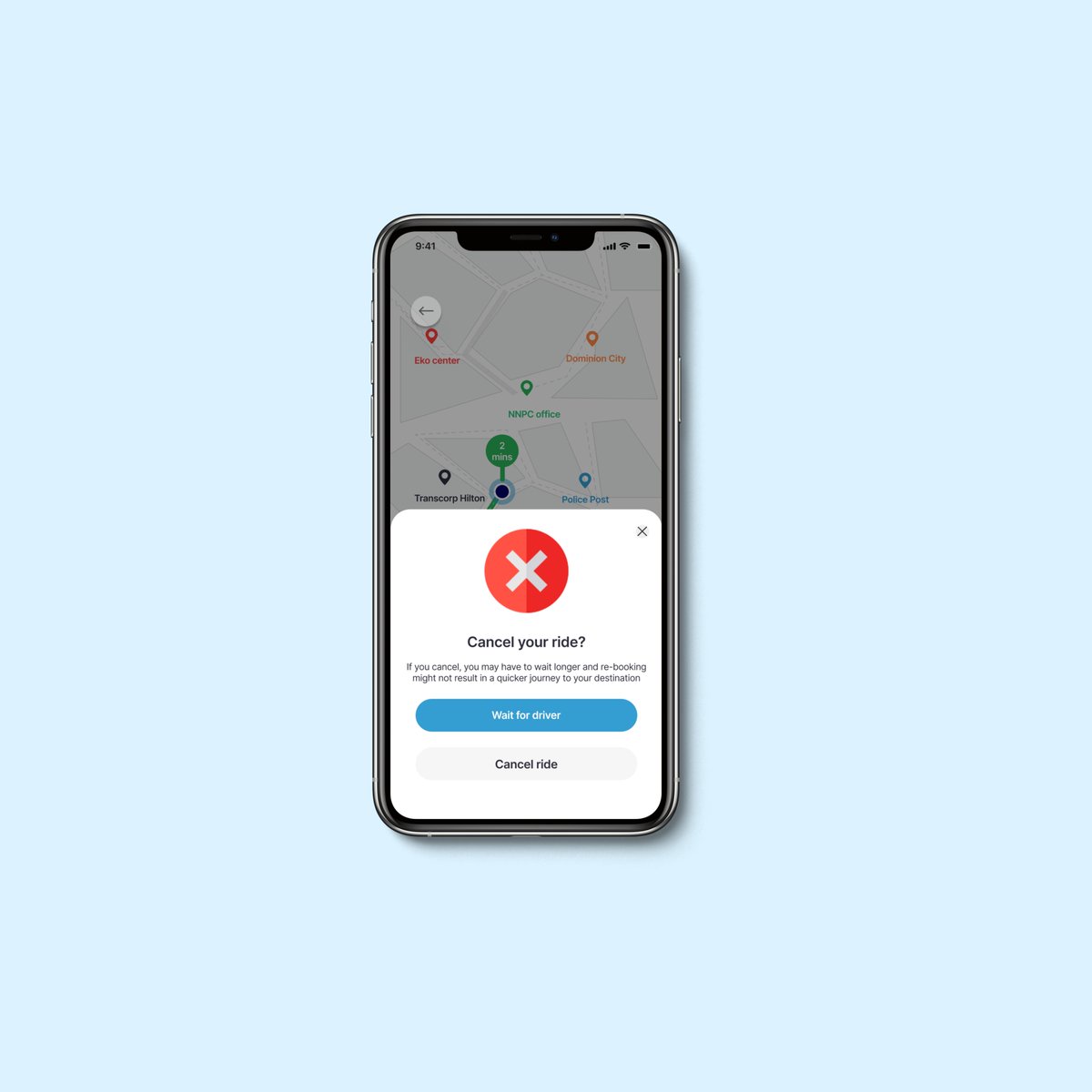
Day 11 of the Your Designer case study challenge Canceling a ride Screen of “Kwik” a ride-hailing app 🚙 Reference- Bolt App Someone said they always look forward to reading what I took away😂 Well, no key takeaway oo, this was the easiest screen in this case study😊 #DailyUI
Day 12 of the Your Designer case study challenge Sharing ride details screen of “Kwik” a ride-hailing app🚙 Reference-Bolt App The key takeaway for me for day 12 is 'name your layers' I always do, but I was in a hurry and forgot 2 name an element and finding it was a struggle😵💫

Day 13 of the Your Designer case study challenge Trip details Screen of “Kwik” a ride-hailing app Reference- Bolt App Things really gets easy with practicing. #DailyUi #uidesign

Day 14 of the Your Designer case study challenge Contacting driver Screen of “Kwik” a ride-hailing app 🚙 Reference- Bolt App Merry Christmas everyone, have an amazing celebration with your loved ones😊 #DailyUi #uidesign
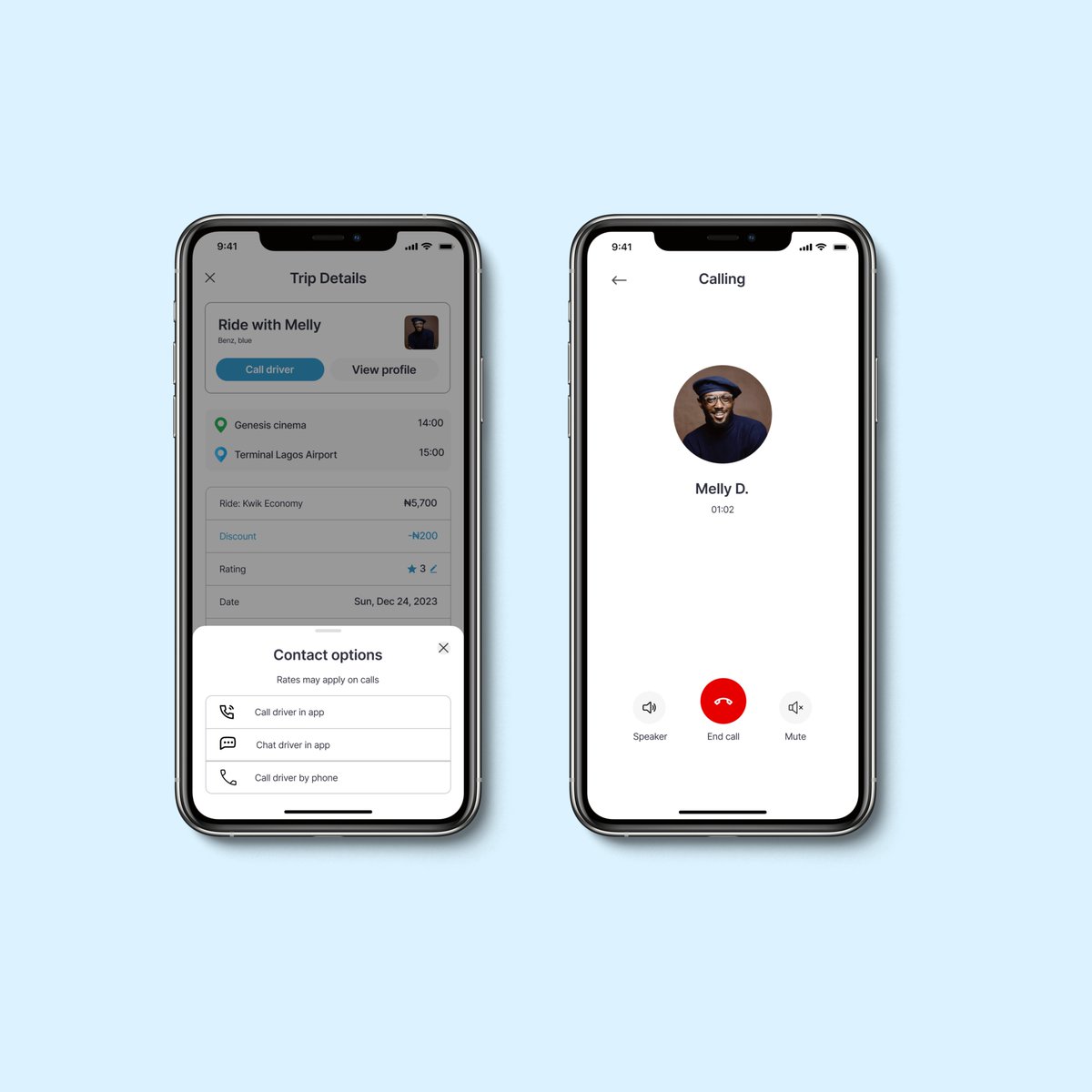
Day 15 of the Your Designer case study challenge Ending an ongoing ride Screen of “Kwik” a ride-hailing app 🚙Reference- Bolt App #DailyUi #uidesign
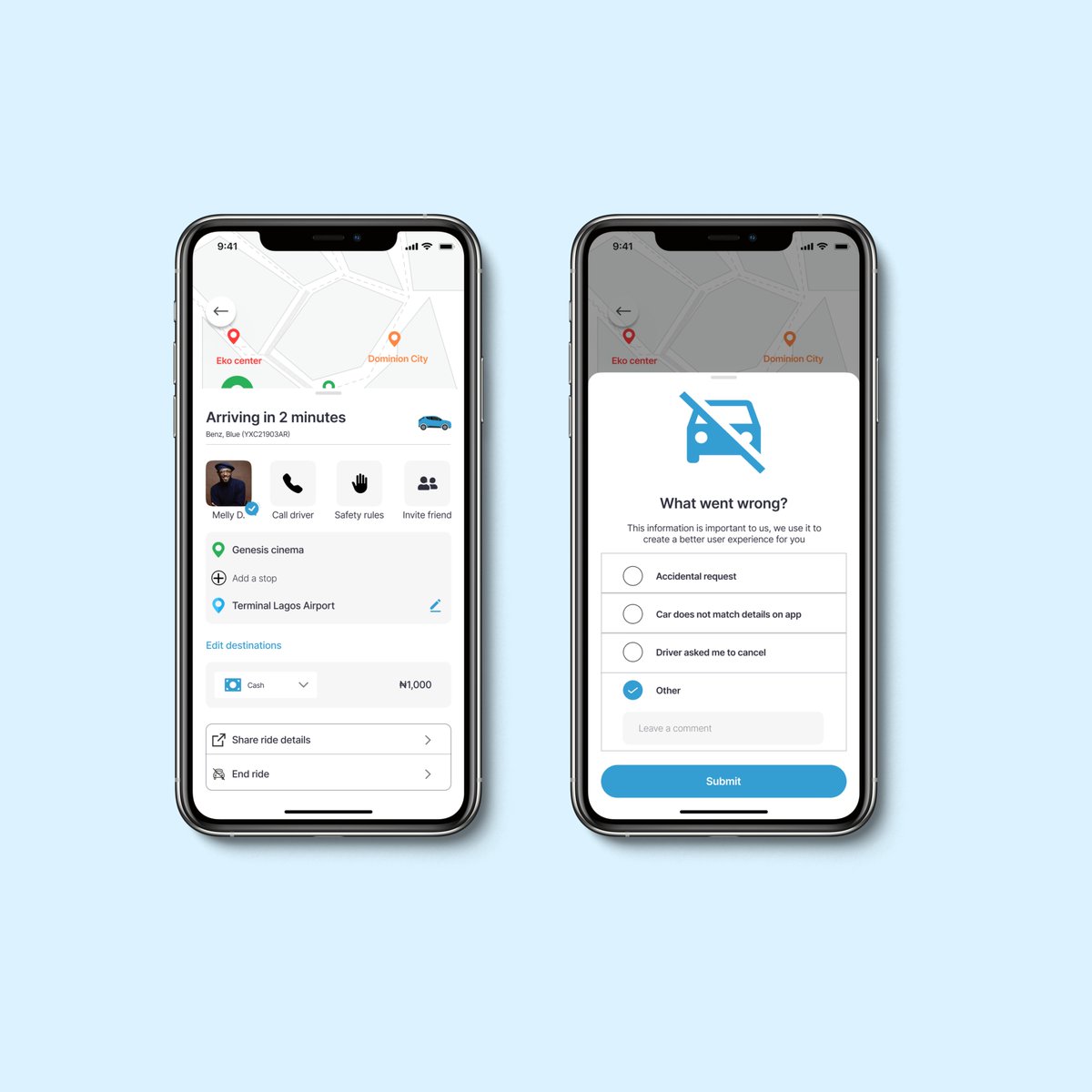
Day 16 of the Your Designer case study challenge Safety toolkit Screen of “Kwik” a ride-hailing app🚙 Reference- Bolt App #DailyUi #uidesign

Day 17 of Your Designer case study challenge Chatting with Driver screens of "Kwik" a ride-hailing app 🚙 Reference- Bolt app #DailyUI #uidesign

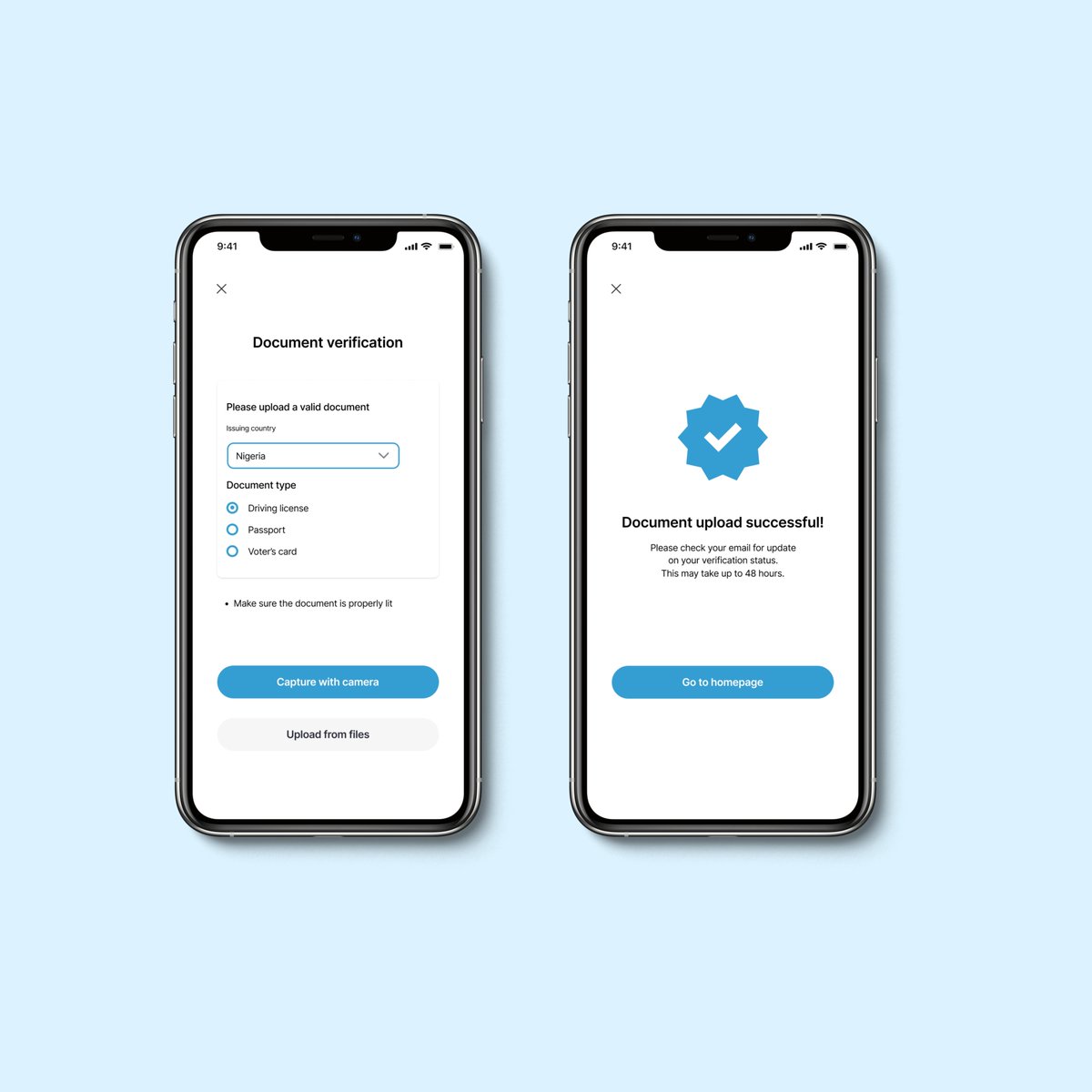
Day 18 of Your Designer case study case study challenge ID verification screen of "Kwik" a ride-hailing app 🚘 Now I understand why designers take UX writing courses. Took me time to figure out what to write on these screens to ensure the users understand every instruction