

Parrot AI🦜
@parrotai_inc
Secure AI for Meetings. Auto-record & transcribe meetings, and safely store them in an AI-based collaborative workspace that knows the context of your business.
ID: 1458549320685326352
http://www.parrot.ai 10-11-2021 21:37:31
153 Tweet
140 Followers
78 Following
As a Security or IT professional, ensuring the privacy and security of your meetings is crucial. That’s why Parrot AI🦜 continues to build features that prioritize data privacy and protection for our customers. Click here to learn more about how Security and IT teams use

Thank you The Cloud Awards! We are thrilled to share that Parrot AI🦜 has been named a finalist in the AI Awards’ “Best Use of AI in Telecoms / Unified Communications / Conferencing” and “Best Consideration of Ethics and Governance” categories🏆 See all finalists, including

Inviting the Parrot to your meetings just got easier! Install the Parrot AI🦜 Chrome extension and connect your calendar to invite your Parrot as you’re creating a new event! Click here to learn more about the newly enhanced Parrot AI Chrome extension: bit.ly/3TwldU0

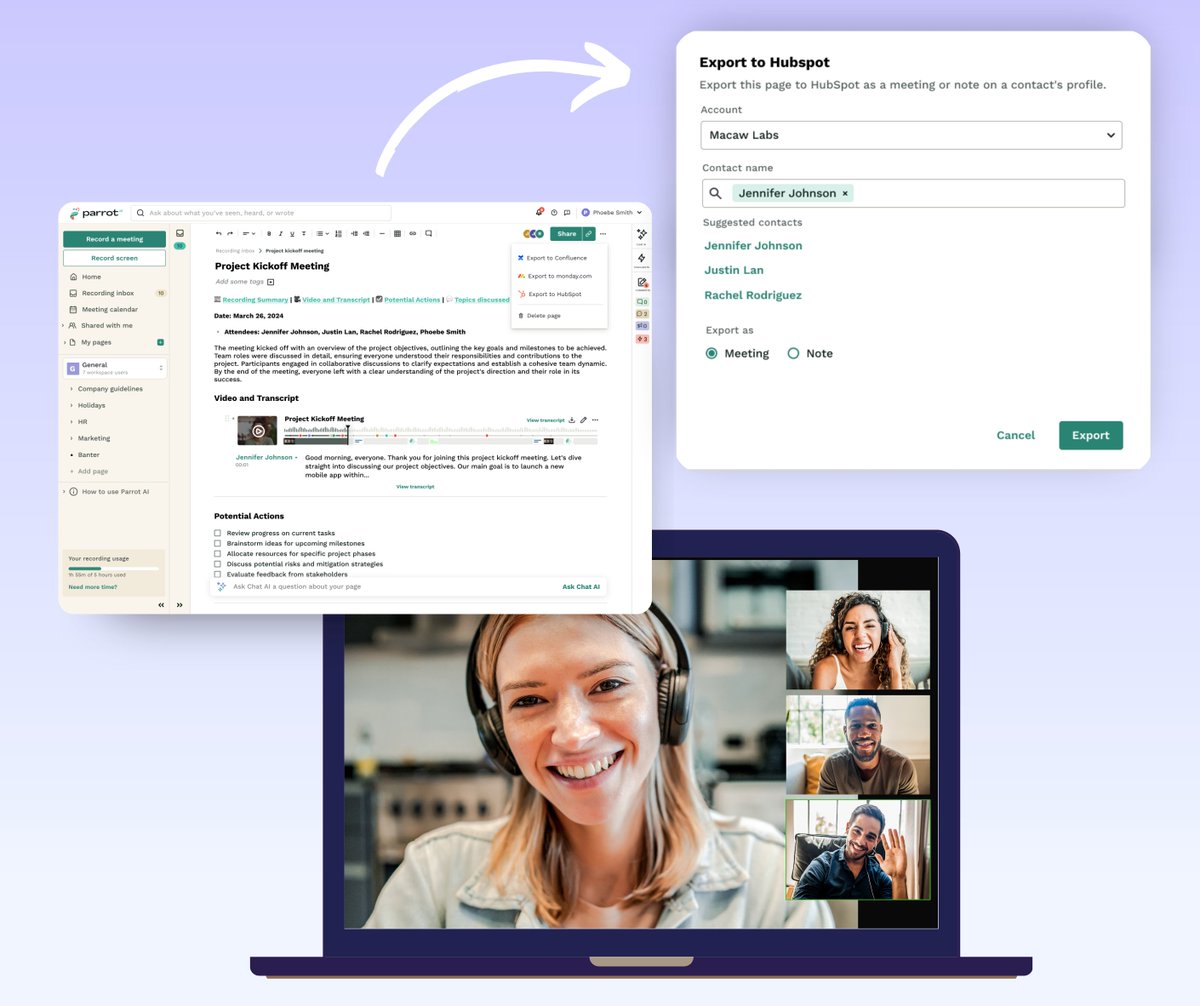
When it comes to your CRM, accuracy is key. With Parrot AI🦜's new integration, you can export meeting summaries and notes directly to HubSpot, ensuring that every interaction with your customers is captured and accessible. Click here to learn more about this new integration:
As a sales professional, it can be challenging to manage several accounts and ensure that your CRM remains current and accurate. With Parrot AI🦜, you can record and transcribe every interaction. And, with our HubSpot integration, you can automatically update your CRM with the
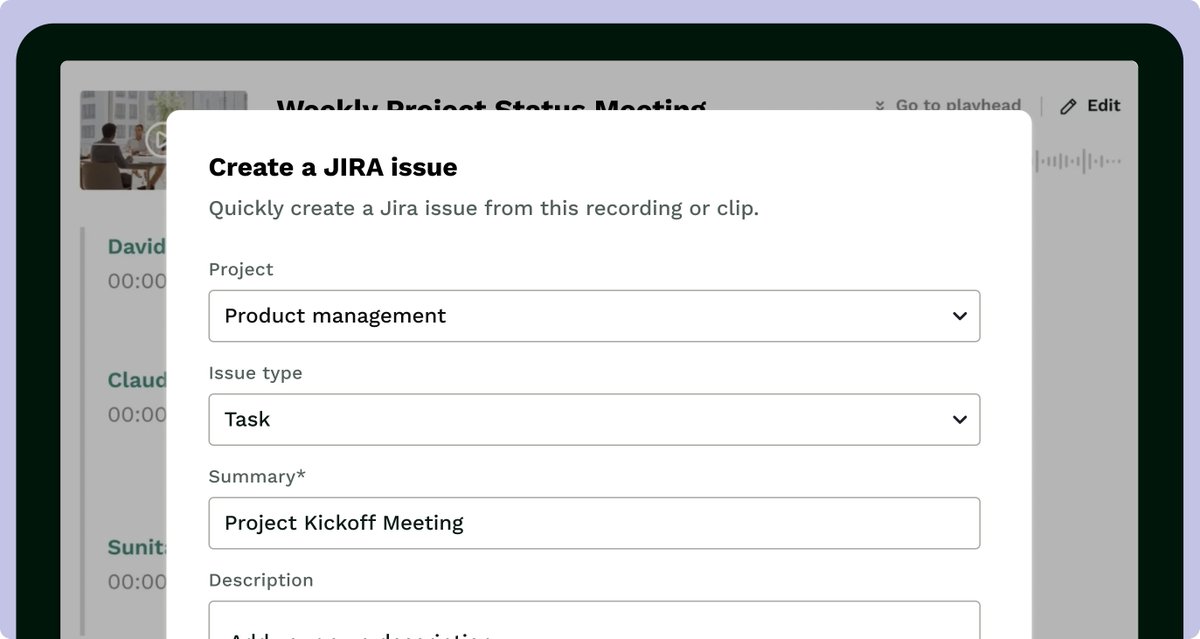
Parrot AI🦜 lets you easily export meeting notes directly to Jira. Add context to your tasks, bug tickets, user stories, product roadmaps and more using the very conversations where they were discussed. Click here to learn more about this new integration:

Take control of your meeting summaries with Parrot AI🦜's new Resummarization feature. Rather than editing each summary to ensure it accurately reflects your meetings, simply click a button to regenerate your meeting summary. Click here to learn more about this feature:
With Parrot AI🦜, it's never been easier for R&D teams to keep track of calls and to create documentation. With our Jira integration, you can add context to your user stories, product roadmaps and more using the very conversations where they were discussed. Click here to
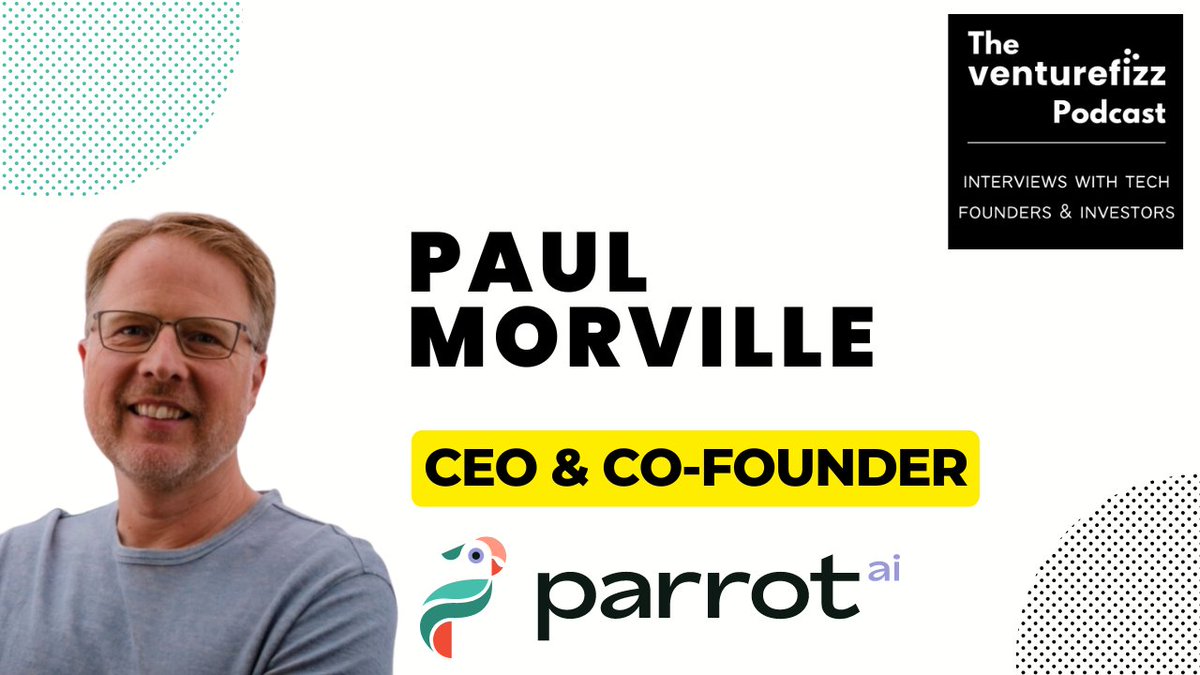
Tune into episode 354 of the VentureFizz Podcast for an interview with Keith Cline and our CEO, Paul Morville (recorded live at Startup Boston Week)! Listen now: lnkd.in/eF7XdhXZ
With our Slack integration, you can easily share links to your meetings and Parrot AI🦜 pages directly in your Slack channels. Whether you’re recapping a project kickoff, a customer call, or your daily standup meeting, you can keep your entire team in the loop! Click here to

Parrot AI🦜 lets you easily export meeting clips, snapshots of slides, and other images directly to Jira. Add context to your Jira issues using the very conversations where they were discussed. Click here to learn more about this integration: bit.ly/4e49cfN
Parrot AI🦜 was built to help product managers keep up with changing user needs and market trends. Use it to collect customer feedback, delegate tasks and even update your Jira issues using the very conversations where they were discussed. Click here to learn more:
The Parrot just got smarter! With Parrot AI🦜's new Custom Dictionary feature, you can give your Parrot a list of team-specific words or phrases to listen for as it records your meeting. Click here to learn more: bit.ly/3AiO7AD
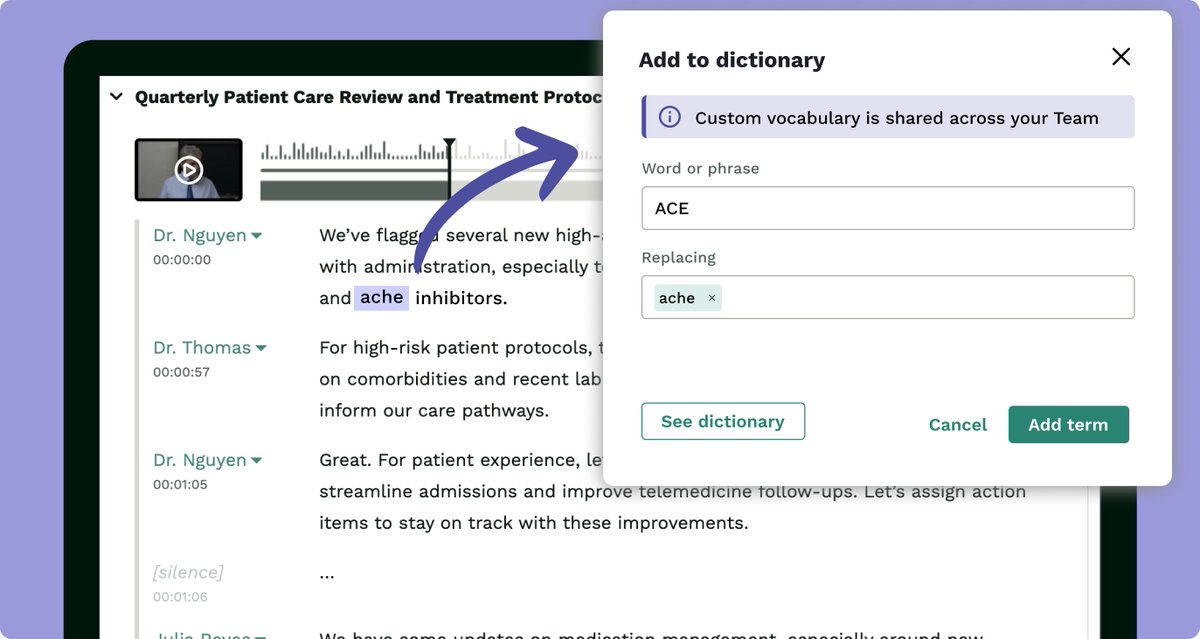
Parrot AI🦜 was built to help healthcare teams securely record and analyze their meetings. Capture your client interactions and even add commonly misspelled words and phrases to your Custom Dictionary to ensure that your transcripts are accurate. Click here to learn more:
Parrot AI🦜 is the perfect tool for user researchers, with seamless sharing and versatile Team plans. Record user interviews, create reports of customer insights and share them with colleagues via Slack. Click here to learn more: bit.ly/3YYNlSF
