Contact North EdTech
@cnorth_eclasses
#edtech resources from the Learning Technologies department @contactnorth
ID: 3343988925
http://www.contactnorth.ca 24-06-2015 13:42:22
87 Tweet
47 Takipçi
4 Takip Edilen
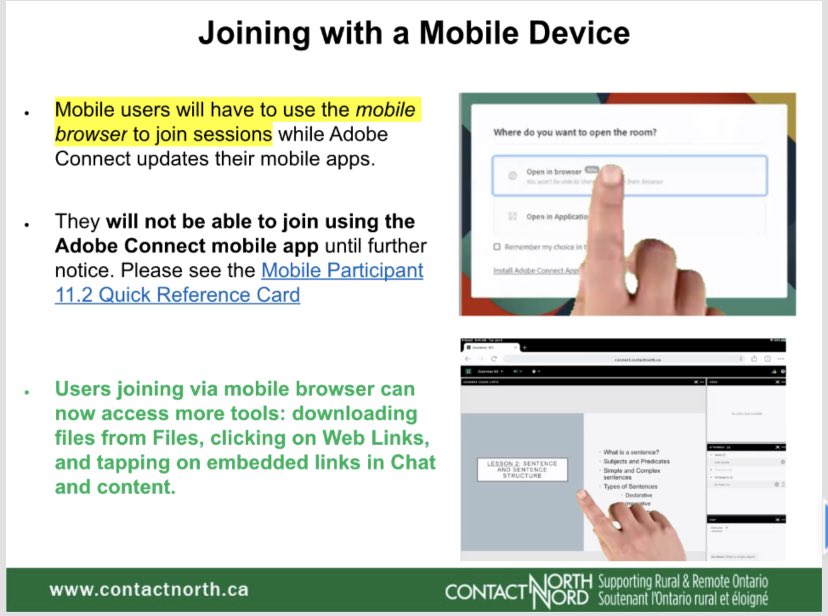
👉🏼 Ready for upload - HandsUp communication icons have been updated and return with their Settings option! Now named as Vantagepoint, see how to remove the older version from your @adobeconnect session and upload the new screencast.com/t/Ba8I0q6e

💡Wondering how to set up your @adobeconnect session? Our *Preparing Your First Session* video starts with the default Sharing layout and demonstrates how you can create new layouts and class exercises ahead of time: bit.ly/3wuht7k
💡Add a new layout to your @adobeconnect session and create a lobby where participants can start activities while waiting for others to arrive 👇🏼
Where is that YouTube Player? Contact North @adobeconnect hosts can add Custom Pods to their sessions. To see how to access and an explanation of selected custom pods click through the green tags here thinglink.com/scene/14757076…


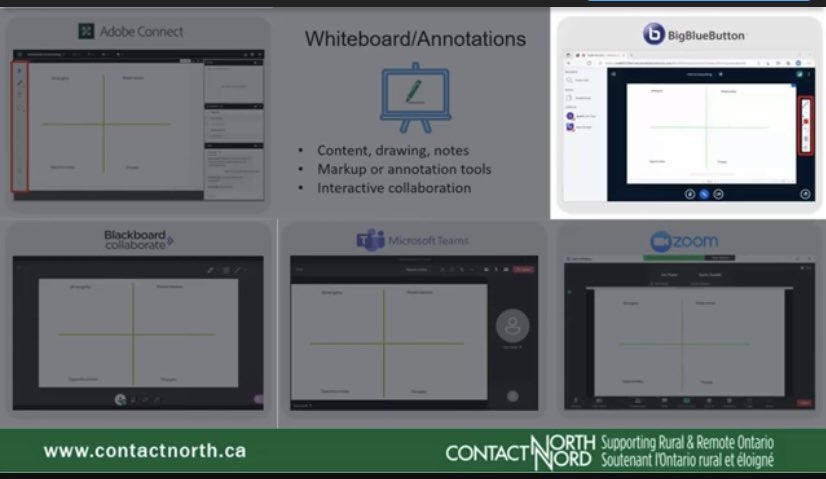
💡Find your 🎤💬✋🏼✅ in Zoom BigBlueButton @adobeconnect Microsoft Teams Blackboard with our new Finding Common Tools video at bit.ly/3yFVf4w #edtech
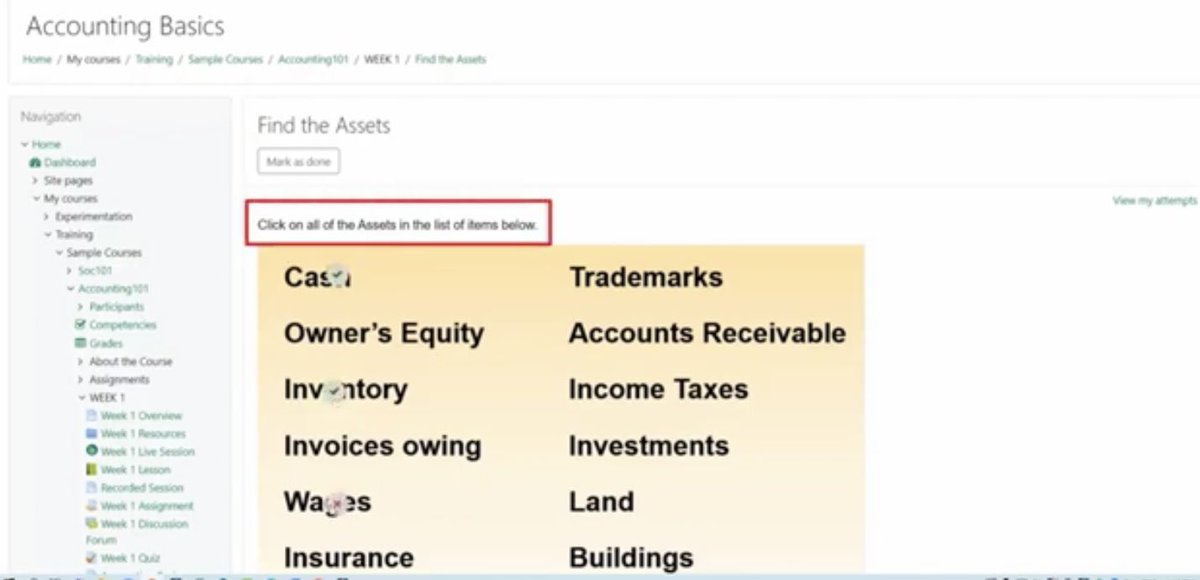
💡💻🧭👀 New to a Moodle | Online learning, delivered your way. course? While #moodle course styles and layouts vary, here are examples of ways to navigate through your course and some activities you may see. 👉🏼 What to Expect in Your Moodle Course bit.ly/3JBfHsI
Not having a #laptop should not hold you back from taking online courses. That's why Contact North's laptop loaning service is here to help! This service is open to residents of Ontario, Canada. Contact us to find out more by using the QR code or call toll-free 1-877-999-9149.

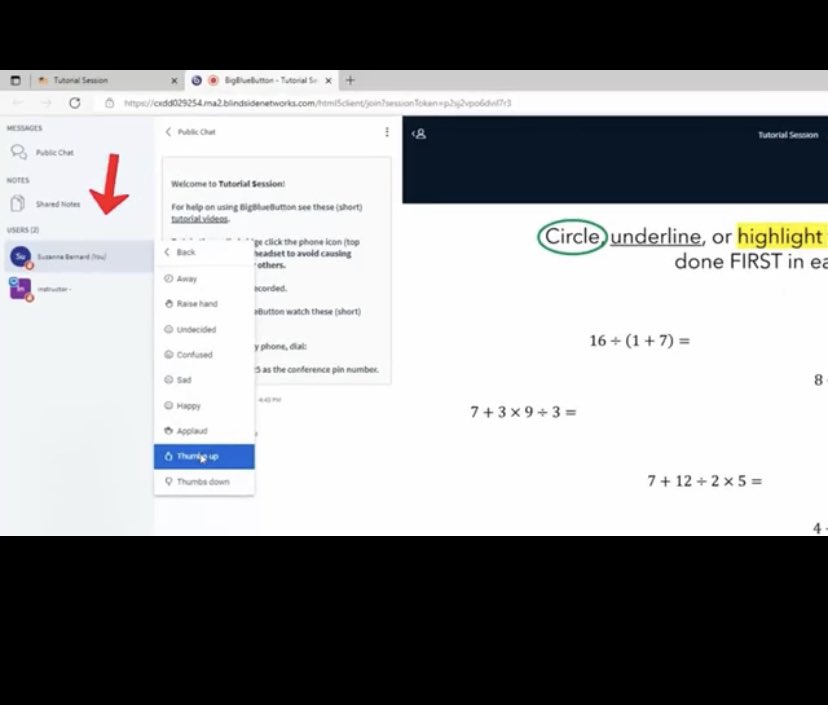
💡See how to join your BigBlueButton online class or meeting through Moodle or a link and set up your microphone and webcam. Get ready to participate and interact with chat, status icons, and annotation markups! 👉🏼 bit.ly/3Ms80Xl