Tamine @ Microsoft Loop 👩🏻‍💻 (@taminecm) 's Twitter Profile
Tamine @ Microsoft Loop 👩🏻‍💻

@taminecm

👩🏻‍💻 Senior Product Manager on Microsoft Loop 🔁 @MicrosoftLoop #WomeninTech Opinions are my own. 💻🎮

ID: 1262163254706614273

linkhttps://loop.microsoft.com calendar_today17-05-2020 23:29:23

982 Tweet

907 Takipçi

1,1K Takip Edilen

IW Mentor (@iwmentor) 's Twitter Profile Photo

#Microsoft Loop Rules and Power Automate: Create automated workflows from loop tasks, streamlining repetitive work and processes ⚙️➰⚙️➰⚙️➰ wonderlaura.com/2024/03/31/mic… #Loop #Microsoft365 #PowerAutomate #PowerPlatform

#Microsoft Loop Rules and Power Automate:
Create automated workflows from loop tasks, streamlining repetitive work and processes
⚙️➰⚙️➰⚙️➰
wonderlaura.com/2024/03/31/mic…
#Loop #Microsoft365 #PowerAutomate #PowerPlatform
Microsoft Loop (@microsoftloop) 's Twitter Profile Photo

#NewinLoop: Show everyone exactly what you mean by recording a video, an audio or a screen recording to get your point across. Just type '/record'!

Microsoft Loop (@microsoftloop) 's Twitter Profile Photo

#NewinLoop Workspace Sensitivity Labels!🛡️ Workspace Sensitivity Labels helps you: ➕ Manage access to your entire workspace 🔐 Prevent oversharing ➡️ Restrict sharing with guests or new guests Learn more about #MicrosoftInformationProtection in Loop: msft.it/6019WWy71

Microsoft 365 (@microsoft365) 's Twitter Profile Photo

The next chapter of Copilot Pages: rich artifacts. Create content like interactive charts, diagrams, and code with Microsoft 365 Copilot, then add to a Page to edit with your team in real time. Learn more: microsoft.com/en-us/microsof… #MSIgnite #AI

Microsoft Loop (@microsoftloop) 's Twitter Profile Photo

Tired of scrolling through weeks-long Microsoft Teams meeting chats to find shared files? Good news! You can now create a synced Loop workspace to automatically gather all the content ever shared in your recurring Teams meeting chat—and future content too! 👇 #HowtoLoop

Tired of scrolling through weeks-long <a href="/MicrosoftTeams/">Microsoft Teams</a> meeting chats to find shared files? Good news! You can now create a synced Loop workspace to automatically gather all the content ever shared in your recurring Teams meeting chat—and future content too! 👇 #HowtoLoop
Microsoft Loop (@microsoftloop) 's Twitter Profile Photo

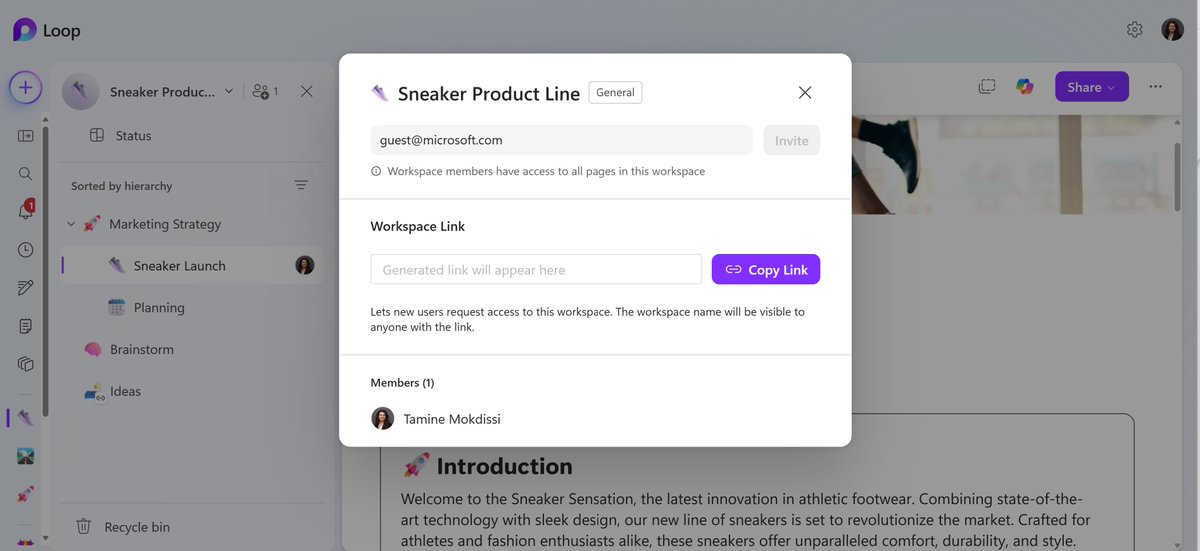
External Sharing 🤝 Information Protection Earlier this year, we shipped "Guest Sharing" feature to all except those who use MIP. Now that we support Workspace Sensitivity Labels, we have just enabled external sharing for all organizations that use MIP! 🏷️🔒 #NewInLoop

External Sharing 🤝 Information Protection

Earlier this year, we shipped "Guest Sharing" feature to all except those who use MIP. Now that we support Workspace Sensitivity Labels, we have just enabled external sharing for all organizations that use MIP! 🏷️🔒 #NewInLoop
Microsoft Loop (@microsoftloop) 's Twitter Profile Photo

Calling all Brazilian Loopers: 🇧🇷 O Mauricio Cassemiro fez uma live explicando como usar o Loop, novidades e atualizações de 2025. Assista agora: msft.it/6010ovzxO

Microsoft Loop (@microsoftloop) 's Twitter Profile Photo

Ready to loop in your external team? Loop now supports guest sharing, so you can co-create with partners, clients, and collaborators outside your org. Just share the page or workspace and work together in real time 🤝 #NewinLoop

Microsoft Loop (@microsoftloop) 's Twitter Profile Photo

We’ve poured a lot into this — and we’re thrilled to finally share it. 🥹 Meet your new AI workspace 📓✏️ Copilot Notebooks is where you bring together your files, chats, meeting notes & more. Working on a proposal? Start a Notebook and let #Copilot focus only on your content.

Microsoft Loop (@microsoftloop) 's Twitter Profile Photo

Let’s talk about the future of work 👇 Not long ago, “AI at work” meant asking a bot to summarize your meeting. But according to Microsoft’s 2025 Work Trend Index, the next era is way bigger and way weirder (in the best way). #WorkTrendIndex #AI #WTI2025

Microsoft Copilot (@copilot) 's Twitter Profile Photo

📣 New feature alert! 📣 Meet Pages, your new editing BFF! No need to start from scratch - just hit "Edit this Response," highlight text, and tap "Ask" to tweak, expand, or polish your writing. Use it now at msft.it/6010SnPwu