Mike Mikina (@mikemikina) 's Twitter Profile
Mike Mikina

@mikemikina

Hey! Mike here! 👋 Join me if you like learning new things. I create videos about Swift and iOS development 🎥 youtube.com/@mikemikina

ID: 41374133

linkhttps://mikemikina.com calendar_today20-05-2009 14:57:37

1,1K Tweet

1,1K Takipçi

618 Takip Edilen
Mike Mikina (@mikemikina) 's Twitter Profile Photo

WWDC 2024 is over. What are the must have sessions to watch? So far, I’ve been focusing mostly on SwiftUI sessions, but would like to catch up. Any recommendations?

Mike Mikina (@mikemikina) 's Twitter Profile Photo

🎥 My new YT video is out 🚀 A quick overview of the new dark mode icons in the new iOS 18. ➡️ youtube.com/watch?v=Feir9M…

Mike Mikina (@mikemikina) 's Twitter Profile Photo

A proper summer is finally here☀️ It's time to do more updates on my video editing app progress 🎥 Here is what's new: 🖼️ Improved editor's UI - The editor looks and feels much better now. I decided to change the editor colors to be only in dark mode. I added the bottom icons

Mike Mikina (@mikemikina) 's Twitter Profile Photo

In SwiftUI, when you want to hide a part of the view that has been shifted, you can simply use the .clipped modifier, or .clipShape if you want to use a different shape than the default rectangular. What I didn’t know was that it only clips the view, and the hit testing shape for

Mike Mikina (@mikemikina) 's Twitter Profile Photo

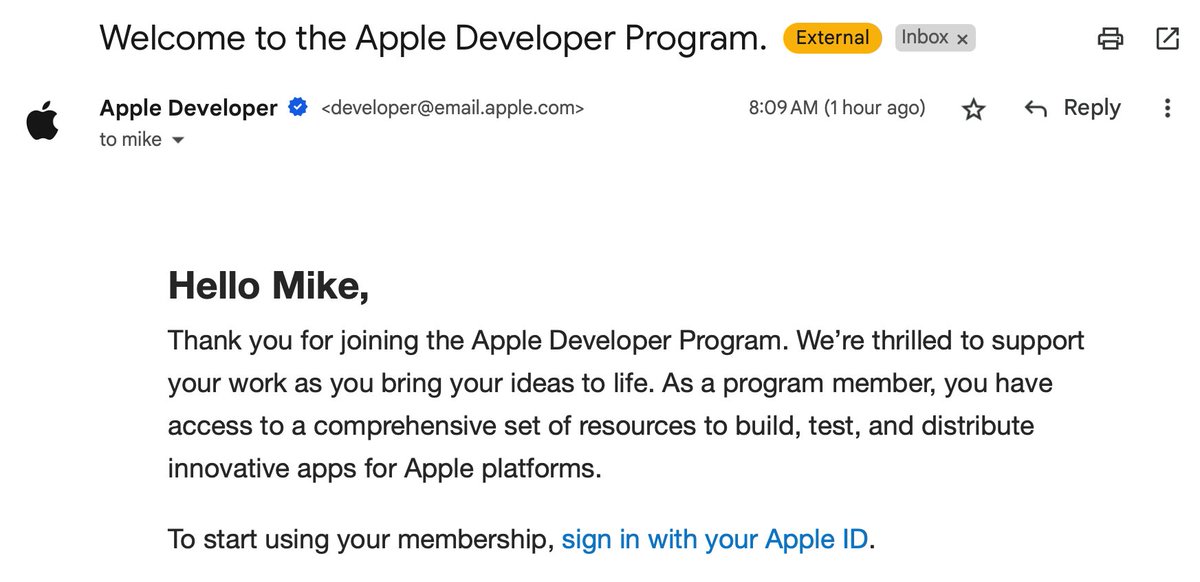
I have just joined the Apple Developer Program 🚀 There is no turning back! Now it's time to stop messing around and start thinking about my app's release 😄

I have just joined the Apple Developer Program 🚀 There is no turning back!
Now it's time to stop messing around and start thinking about my app's release 😄
Mike Mikina (@mikemikina) 's Twitter Profile Photo

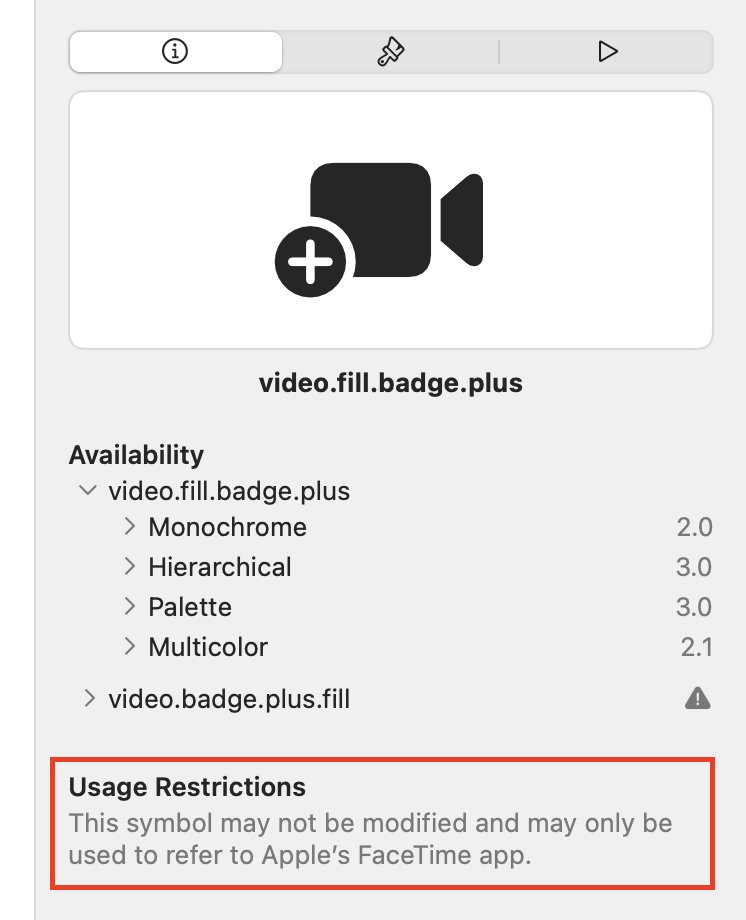
Be aware! Some SF Symbols come with usage restrictions! I'm not using FaceTime that often, so I didn't even notice at first. I was looking for a new icon to replace a video in my editor app. Then I noticed that all of the video icons are restricted to FaceTime usage 😅

Be aware! Some SF Symbols come with usage restrictions!

I'm not using FaceTime that often, so I didn't even notice at first. I was looking for a new icon to replace a video in my editor app. Then I noticed that all of the video icons are restricted to FaceTime usage 😅
Mike Mikina (@mikemikina) 's Twitter Profile Photo

In SwiftUI, when you present a sheet, there is a special modifier: "presentationBackgroundInteraction", that lets you control whether users can interact with the view behind. Unfortunately, it's only available since iOS 16.4. I have already given up older versions, so I don't

Mike Mikina (@mikemikina) 's Twitter Profile Photo

Oh well, I was prototyping the other day, and I made a rookie mistake 🤦‍♂️ I wanted to create a scrollview with a bunch of AVPlayerLooper instances, so it can display and loop a sample transition video. I was not sure if SwiftUI with LazyHStack would do the trick - there is a hard

Mike Mikina (@mikemikina) 's Twitter Profile Photo

It's Friday, everyone! ☀️ The UI for the transitions feature is ready. Now, it's time to start working on the AVFoundation implementation of the transitions 😎 I like to split my work into different parts if possible. First, I implement the bare UI and make sure it works as

Mike Mikina (@mikemikina) 's Twitter Profile Photo

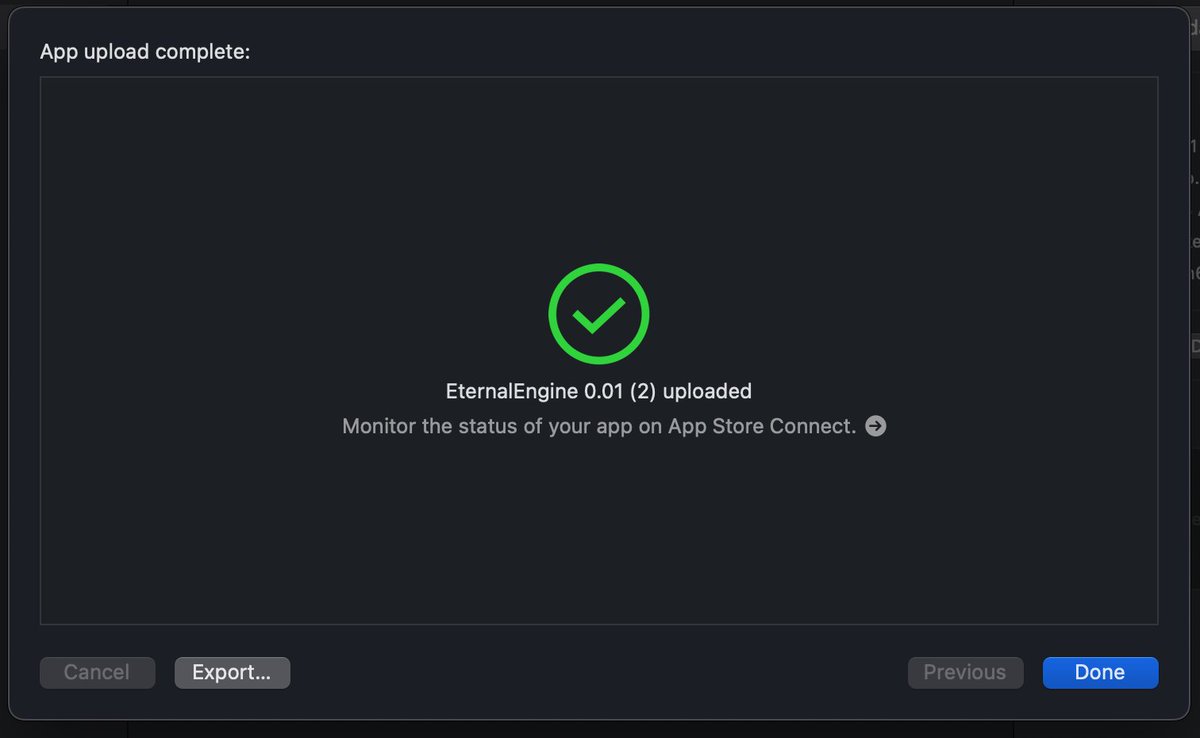
After 12 attempts, it finally happened, and my build went through to App Store connect 🤩 It is an early beta version just for TestFlight, but it's still exciting 😊

After 12 attempts, it finally happened, and my build went through to App Store connect 🤩
It is an early beta version just for TestFlight, but it's still exciting 😊
Mike Mikina (@mikemikina) 's Twitter Profile Photo

My first App Store rejection! I mean, not the first ever, but the first time with my own app. This time, it's fair and square. I did not provide enough context about the app and what the target audience is.

My first App Store rejection! I mean, not the first ever, but the first time with my own app. This time, it's fair and square. I did not provide enough context about the app and what the target audience is.
Mike Mikina (@mikemikina) 's Twitter Profile Photo

I've been playing with Metal Shaders for a while. Using the MetalPetal framework definitely simplifies development, and the performance also seems to improve.

Mike Mikina (@mikemikina) 's Twitter Profile Photo

The first version of the video transitions in my app is working 🎥 I decided to go with the simplified version instead of doing the AVFoundation composition track overlap. The main benefit is that the tracks don't have to overlap, and it's easier to compose them this way. With a

Mike Mikina (@mikemikina) 's Twitter Profile Photo

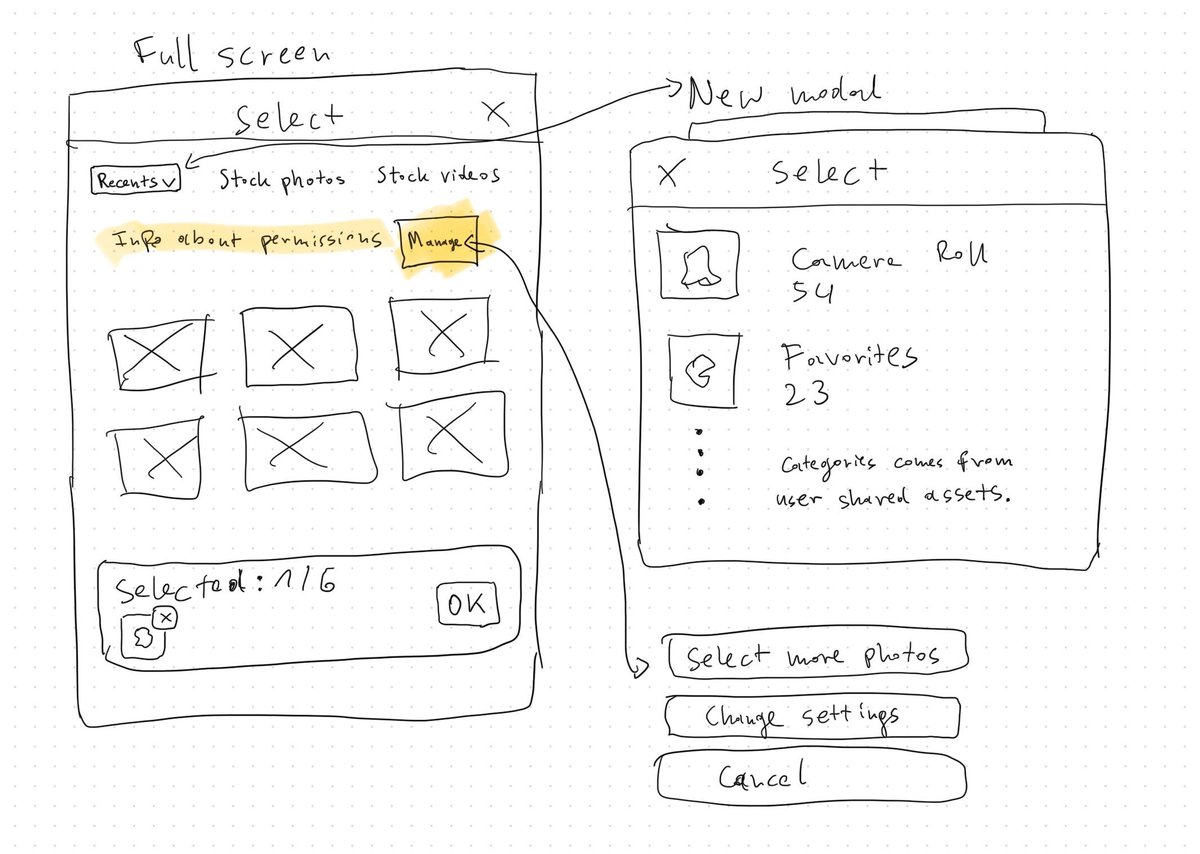
This week, it's all about improving the media picker in my video editing app 🎥 Right now, I'm using the built-in PHPickerViewController from the PhotoKit framework. It's nice because it doesn't require any permissions to access the media, as it technically runs outside of the

This week, it's all about improving the media picker in my video editing app 🎥

Right now, I'm using the built-in PHPickerViewController from the PhotoKit framework. It's nice because it doesn't require any permissions to access the media, as it technically runs outside of the
Mike Mikina (@mikemikina) 's Twitter Profile Photo

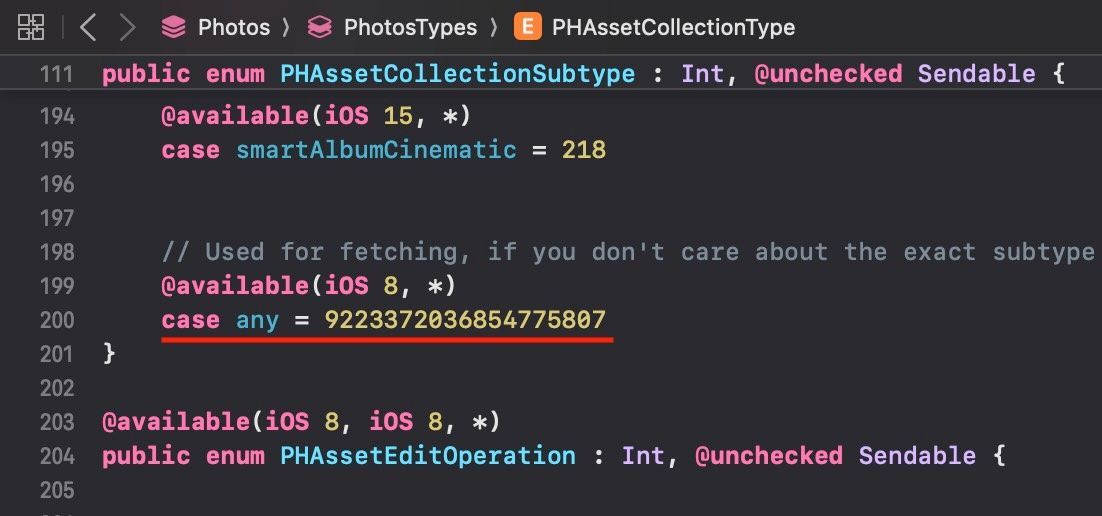
I have the best iOS interview question for you! 😄 What is the raw value of the ".any" subtype in the "PHAssetCollectionSubtype" from the Photos framework? 😂

I have the best iOS interview question for you! 😄

What is the raw value of the ".any" subtype in the "PHAssetCollectionSubtype" from the Photos framework? 😂
Mike Mikina (@mikemikina) 's Twitter Profile Photo

Pro tip: When setting the InfoPlist.strings with translations for photo access (NSPhotoLibraryUsageDescription), remember that to test it on the iOS simulator, you need to change the simulator's entire preferred language, not just the language of the app you're testing!

Mike Mikina (@mikemikina) 's Twitter Profile Photo

In Xcode 16, there are new ways to create a file: 1️⃣ New Empty File - creates an empty Swift file. 2️⃣ New File from Clipboard - if you have content in the clipboard, it will create a new file and paste the contents. 3️⃣ New File from Template… - this is the old, new file picker.