Megan Bengs (@kindermegb) 's Twitter Profile
Megan Bengs

@kindermegb

Mom to 2 boys, teacher of kinders, lover of books, tech enthusiast!

ID: 2311062743

calendar_today29-01-2014 03:16:18

959 Tweet

243 Takipçi

464 Takip Edilen

Kris Szajner (@kszajner) 's Twitter Profile Photo

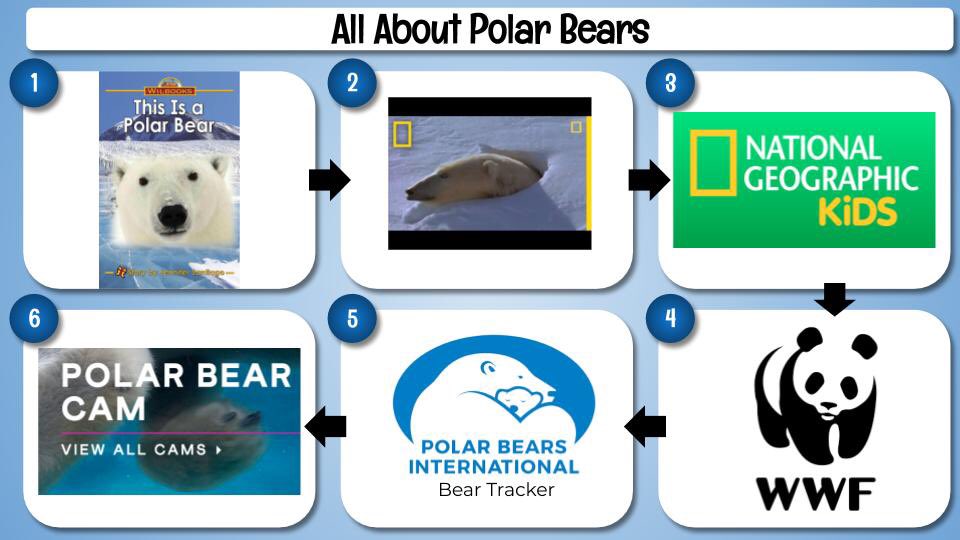
👨‍💻How to Make Clickable Choice Boards for Seesaw!! I use #googleslides AND include student templates!! Watch it here - youtu.be/hYOryeve24I #seesawchat #reading #math #remotelearning #k2cantoo #CHOICE

👨‍💻How to Make Clickable Choice Boards for <a href="/Seesaw/">Seesaw</a>!! I use #googleslides AND include student templates!! 

Watch it here - youtu.be/hYOryeve24I

#seesawchat #reading #math #remotelearning #k2cantoo #CHOICE
Nadine Gilkison👩🏻‍💻♥️ (@nadinegilkison) 's Twitter Profile Photo

Tyler you just made my day! I was thinking of creating something to go along with his checklist so this sabes me TONS of time!! 👏🏻👏🏻👏🏻♥️👩🏻‍💻 You rock #nyc19!!

Dr. Randall Sampson⚡️ (@randallsampson) 's Twitter Profile Photo

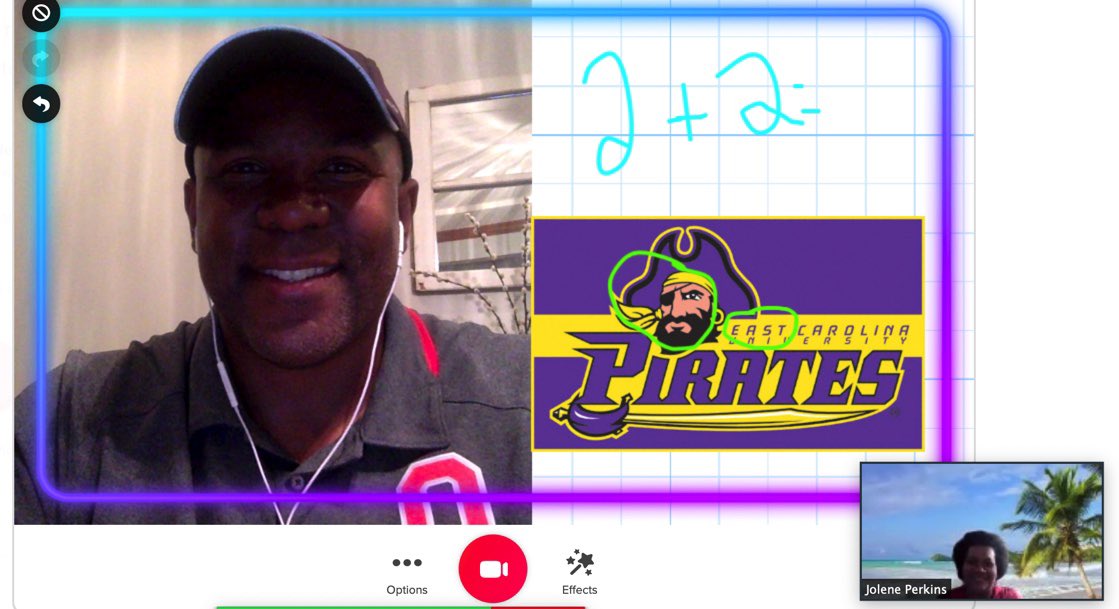
🚨BREAKING 🚨 @Flipgrid both Synchronous & Asyncronous🤯 How to Synchronous (Live): 1️⃣ launch your video (Zoom, Meet, Teams, etc) 2️⃣ open Flipgrid 💚camera, click effects 3️⃣ use the NEW split screen feature to talk plus annotate your content lesson LIVE! #FlipgridForAll

🚨BREAKING 🚨 
@Flipgrid both Synchronous &amp; Asyncronous🤯 
How to Synchronous (Live): 
1️⃣ launch your video (Zoom, Meet, Teams, etc)
2️⃣ open Flipgrid 💚camera, click effects 
3️⃣ use the NEW split screen feature  to talk plus annotate your content lesson LIVE! #FlipgridForAll
Nadine Gilkison👩🏻‍💻♥️ (@nadinegilkison) 's Twitter Profile Photo

Today Apple officially approved “the blending board”. I cannot thank Chain Reaction Games enough for helping code my Google Innovator vision for dyslexics. Please help spread the word about this FREE app to help teachers, students and families globally. apps.apple.com/us/app/blendin… #nyc19
Kris Szajner (@kszajner) 's Twitter Profile Photo

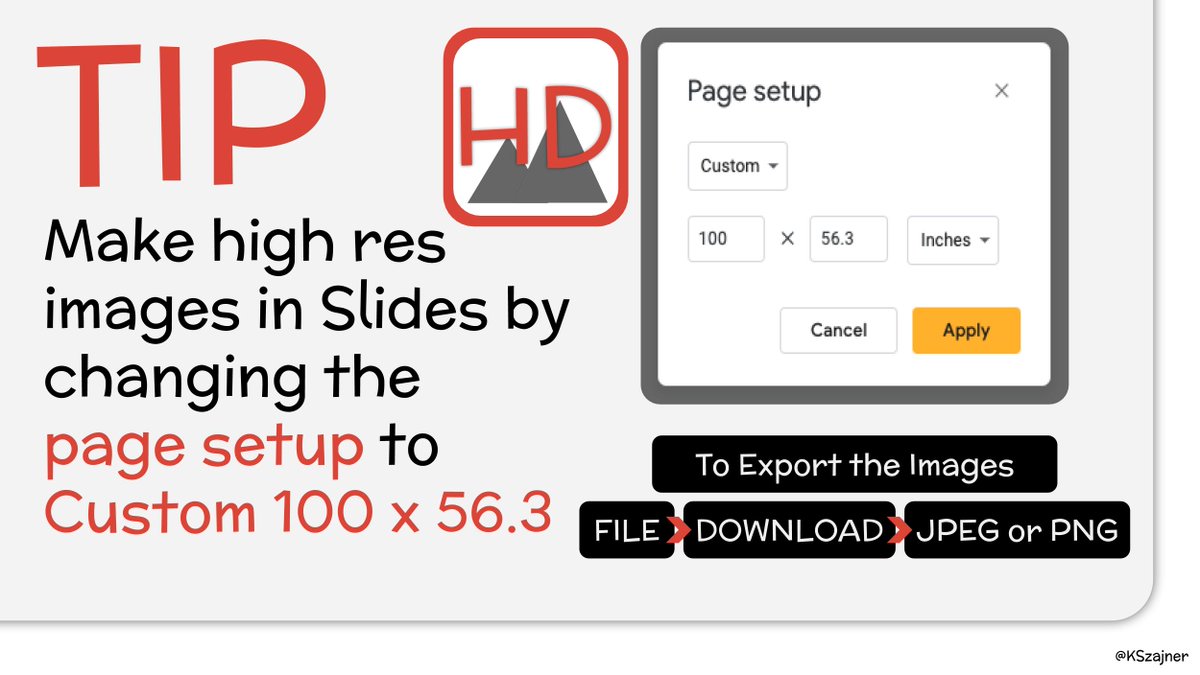
☑️TIP - Make high resolution images in #googleslides by changing the page setup to: Custom - 100 x 56.3 #GoogleEDU #remotelearning #distancelearning #ditchbook

☑️TIP - Make high resolution images in #googleslides by changing the page setup to:

Custom - 100 x 56.3

#GoogleEDU #remotelearning #distancelearning #ditchbook
Megan Bengs (@kindermegb) 's Twitter Profile Photo

I emailed the families at the beginning with their schedule, then posted the individual group schedule and links under a topic for only that group in Google Classroom. I assign them to only those group members so they can only see their group.

I emailed the families at the beginning with their schedule, then posted the individual group schedule and links under a topic for only that group in Google Classroom. I assign them to only those group members so they can only see their group.
Megan Bengs (@kindermegb) 's Twitter Profile Photo

It's time to start preparing for a new year. Check out my classroom on DonorsChoose! I'd love your help to bring my project to life: donorschoo.se/e/EHO6Obb1Vgb #iteachk #Kindergarten #DonorsChoose

Megan Bengs (@kindermegb) 's Twitter Profile Photo

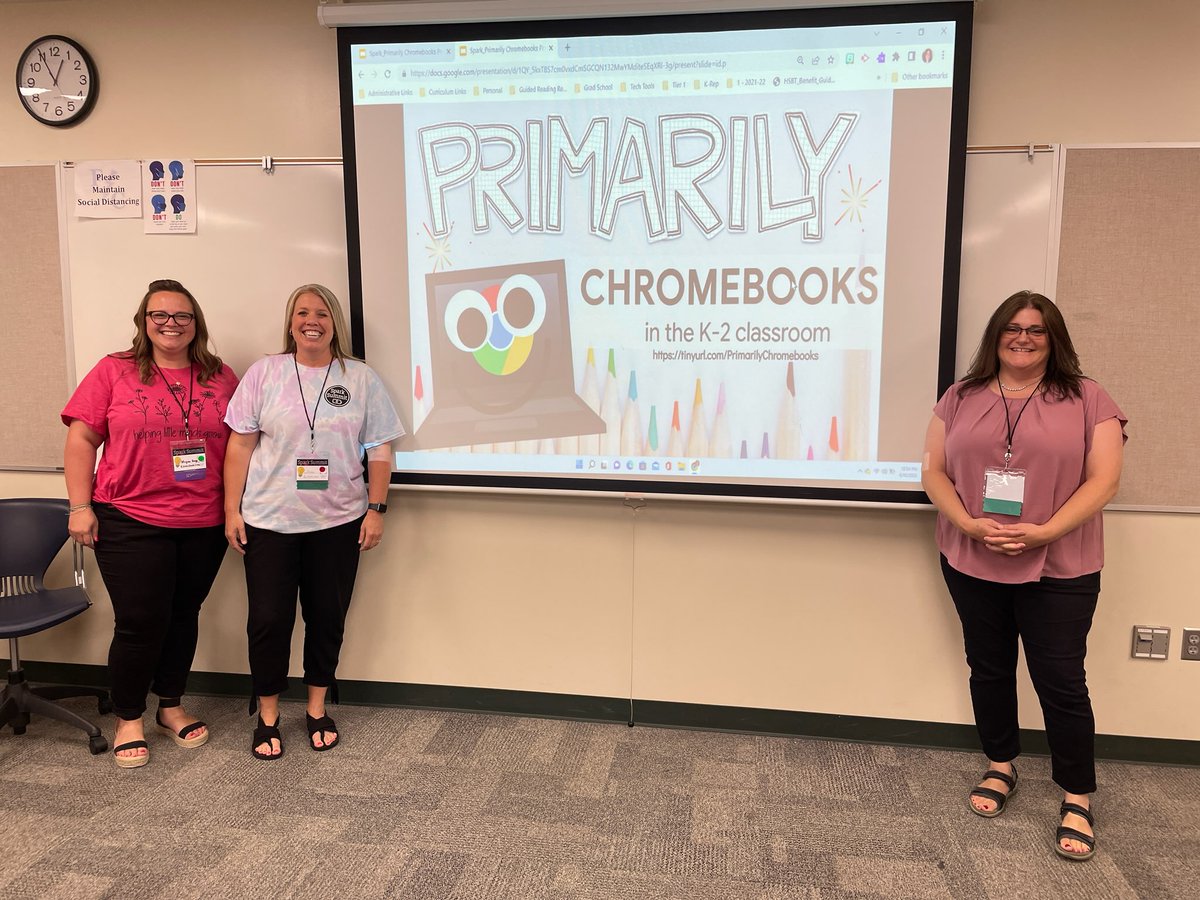
I'm excited to announce that I will be speaking at the Spark Summit! I'll be presenting on Primarily Chromebooks along with Gerry Brooks as our keynote! Cost includes lunch, swag, and access to our student LUME creations and selfie museum. Join us! eventbrite.com/e/spark-summit…

Matt Miller 🗑️ (@jmattmiller) 's Twitter Profile Photo

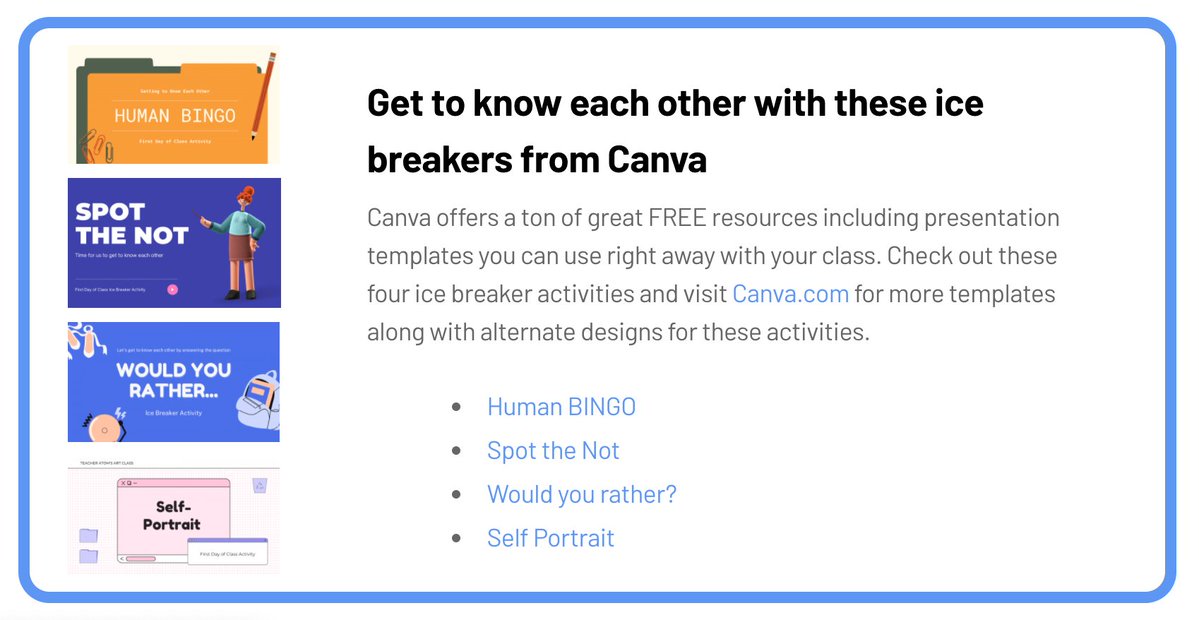
Looking for some ice 🧊 breakers for those first few days of school? Canva has some fantastic, customizable, ready-to-use activities for you! Get links to these four 🧊ice breaker activities along tons of other ideas in our Back to School post⬇️ ditchthattextbook.com/back-to-school…

Looking for some ice 🧊 breakers for those first few days of school? 
Canva has some fantastic, customizable, ready-to-use activities for you!

Get links to these four 🧊ice breaker activities along tons of other ideas in our Back to School post⬇️

ditchthattextbook.com/back-to-school…
Canva for Education (@canvaedu) 's Twitter Profile Photo

Quick Tip 💡 Make "next slide please" a thing of the past with the new Remote Control feature for presentations! Move freely around the classroom while delivering engaging presentation.