NT CADCAM (@ntcadcam) 's Twitter Profile
NT CADCAM

@ntcadcam

We are now part of the Solid Solutions Group! This account is no-longer being used so follow us at @SolidSolutions for company news and updates.

ID: 469209673

linkhttps://www.ntcadcam.co.uk calendar_today20-01-2012 10:42:26

5,5K Tweet

1,1K Takipçi

1,1K Takip Edilen

NT CADCAM (@ntcadcam) 's Twitter Profile Photo

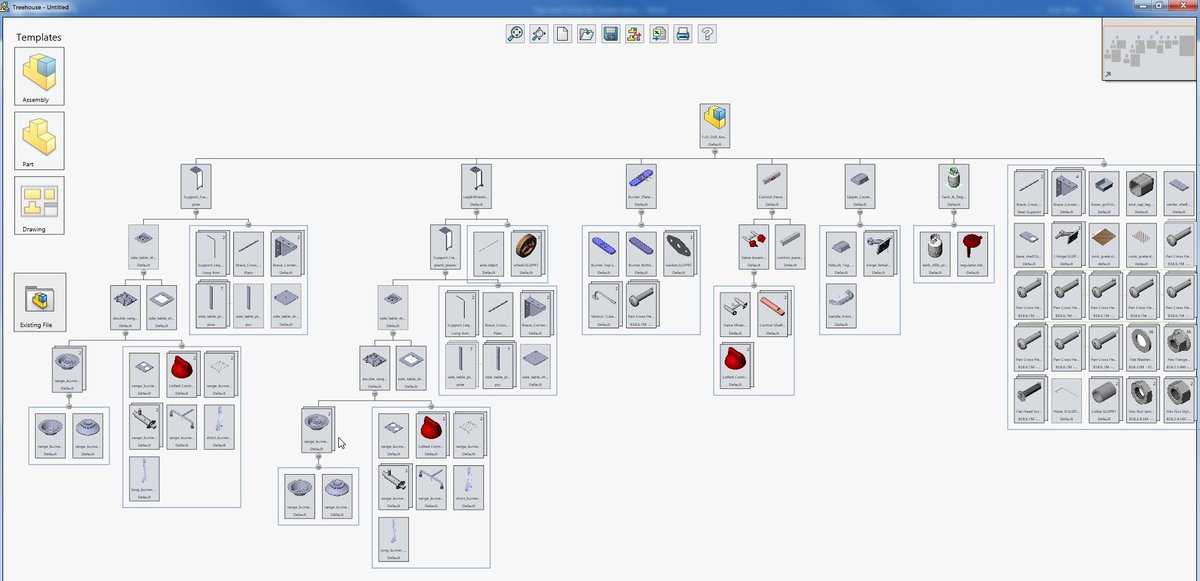
#SOLIDWORKS Tip of the Day: Import your Assemblies into the SOLIDWORKS Treehouse to get a hierarchy view of the file structure.

#SOLIDWORKS Tip of the Day: Import your Assemblies into the SOLIDWORKS Treehouse to get a hierarchy view of the file structure.
NT CADCAM (@ntcadcam) 's Twitter Profile Photo

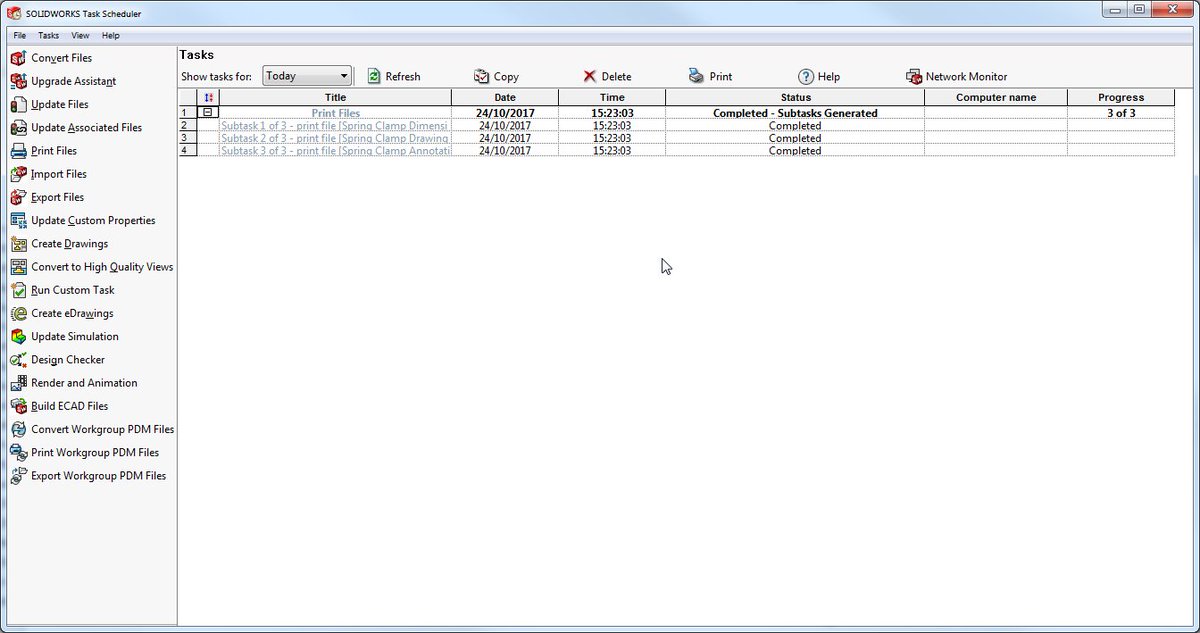
#SOLIDWORKS Tip of the Day: Take the hassle out of time-consuming jobs by automating the command through the SOLIDWORKS Task Scheduler.

#SOLIDWORKS Tip of the Day: Take the hassle out of time-consuming jobs by automating the command through the SOLIDWORKS Task Scheduler.
NT CADCAM (@ntcadcam) 's Twitter Profile Photo

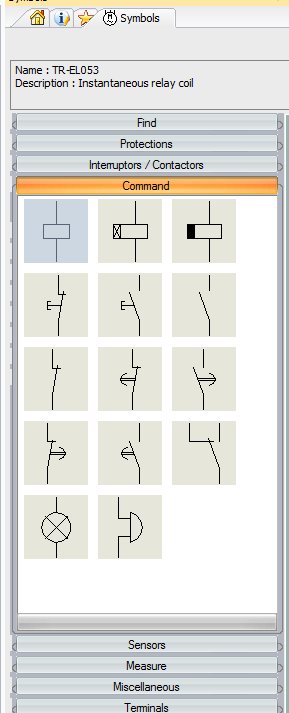
#SOLIDWORKS Tip of the Day: Using SOLIDWORKS Electrical, enable the symbols tab from the View menu to build up a library of your most used symbols.

#SOLIDWORKS Tip of the Day: Using SOLIDWORKS Electrical, enable the symbols tab from the View menu to build up a library of your most used symbols.
NT CADCAM (@ntcadcam) 's Twitter Profile Photo

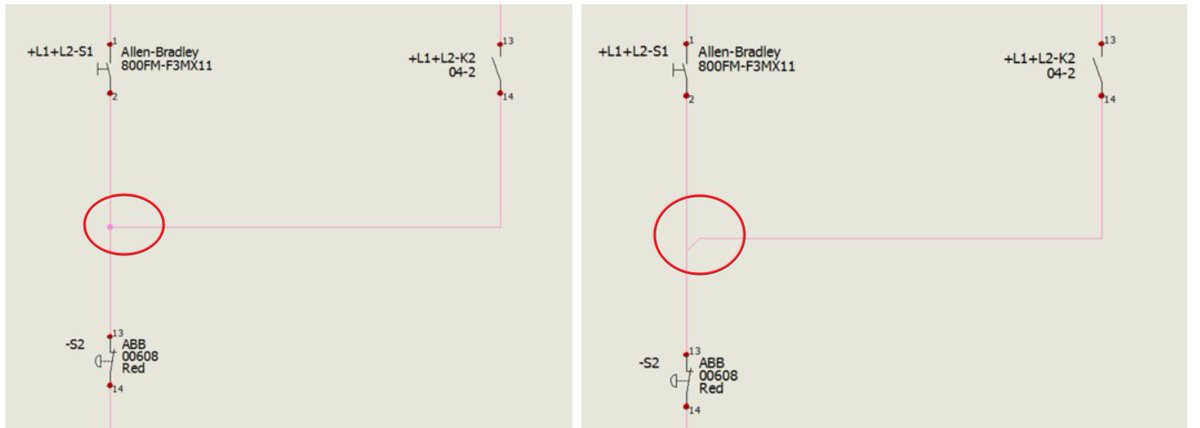
#SOLIDWORKS Tip of the Day: Show wire direction in SOLIDWORKS Electrical using Nodal Indicators. Configurations > Project > Graphic > Automatically show nodal indicator.

#SOLIDWORKS Tip of the Day: Show wire direction in SOLIDWORKS Electrical using Nodal Indicators.

Configurations > Project > Graphic > Automatically show nodal indicator.
NT CADCAM (@ntcadcam) 's Twitter Profile Photo

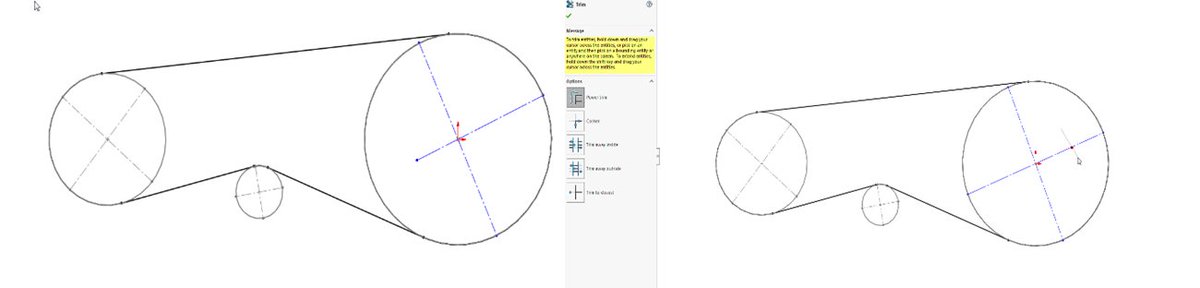
#SOLIDWORKS Tip of the Day: Hold down the SHIFT key when using the Trim Entities tool to extend sketch lines instead of trimming them.

#SOLIDWORKS Tip of the Day: Hold down the SHIFT key when using the Trim Entities tool to extend sketch lines instead of trimming them.
NT CADCAM (@ntcadcam) 's Twitter Profile Photo

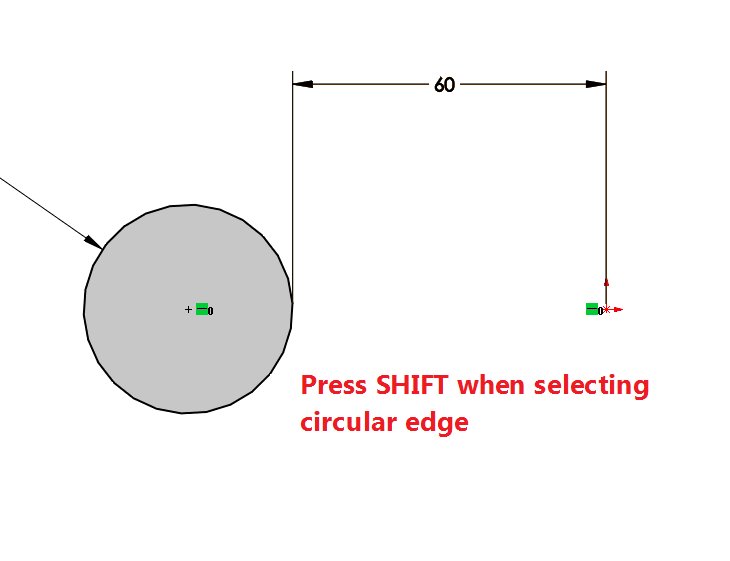
#SOLIDWORKS Tip of the Day: Press the SHIFT key when using the Smart Dimension tool to dimension to circle edge instead of centre point.

#SOLIDWORKS Tip of the Day: Press the SHIFT key when using the Smart Dimension tool to dimension to circle edge instead of centre point.
NT CADCAM (@ntcadcam) 's Twitter Profile Photo

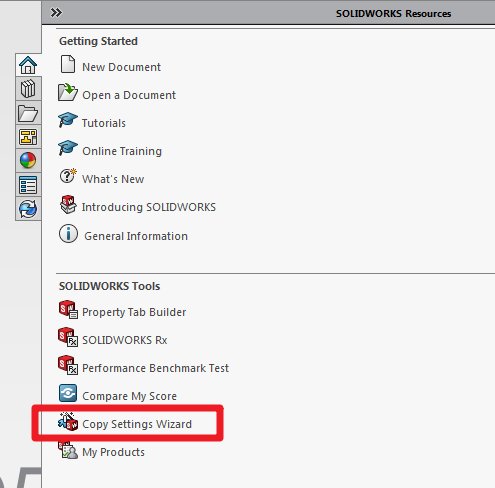
#SOLIDWORKS Tip of the Day: Use the Copy Settings Wizard to save and propagate system settings to multiple users, save keyboard shortcuts, menu customization & more!

#SOLIDWORKS Tip of the Day: Use the Copy Settings Wizard to save and propagate system settings to multiple users, save keyboard shortcuts, menu customization & more!
NT CADCAM (@ntcadcam) 's Twitter Profile Photo

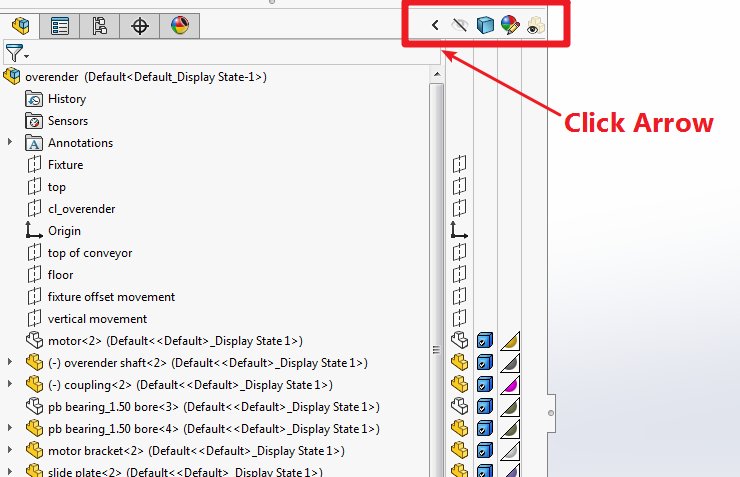
#SOLIDWORKS Tip of the Day: Expand the SOLIDWORKS Feature Tree to quickly hide/show bodies, change transparency and appearances.

#SOLIDWORKS Tip of the Day: Expand the SOLIDWORKS Feature Tree to quickly hide/show bodies, change transparency and appearances.
NT CADCAM (@ntcadcam) 's Twitter Profile Photo

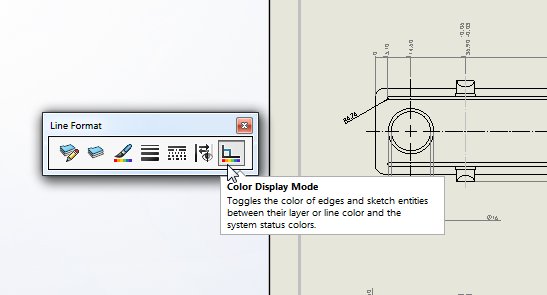
#SOLIDWORKS Tip of the Day: Change the line thickness, colour and style of a drawing using the Line Format Toolbar. View > Toolbars > Line Format

#SOLIDWORKS Tip of the Day: Change the line thickness, colour and style of a drawing using the Line Format Toolbar. 

View > Toolbars > Line Format
NT CADCAM (@ntcadcam) 's Twitter Profile Photo

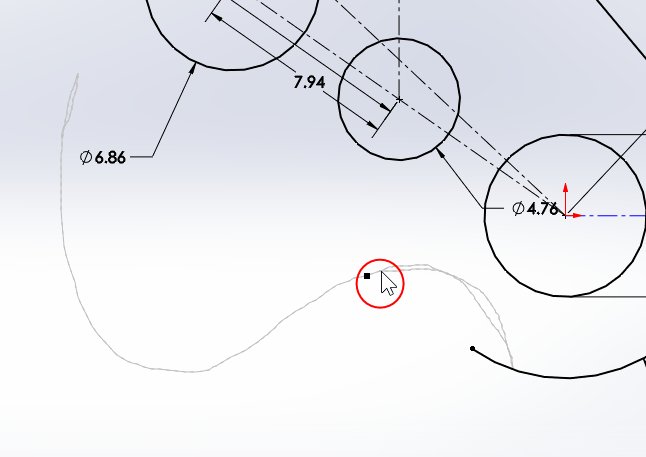
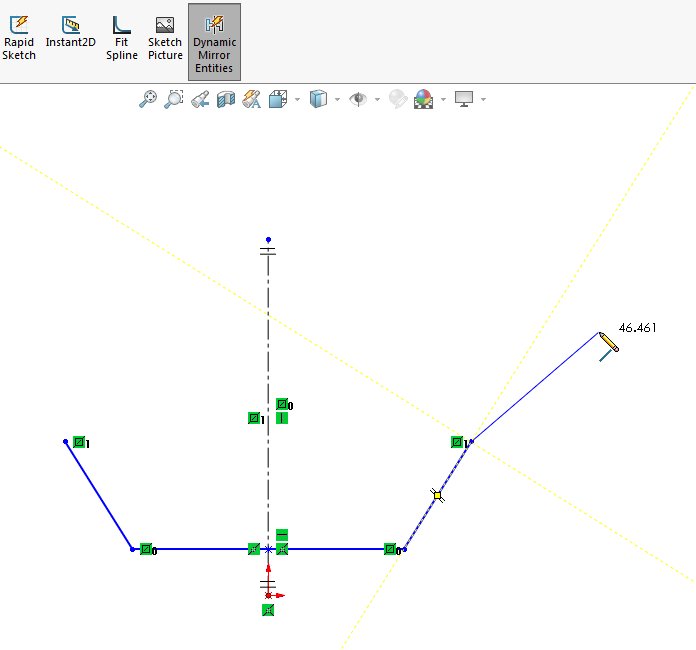
#SOLIDWORKS Tip of the Day: Use the Dynamic Mirror Entities command to sketch one half of your design and the mirrored half will update as you sketch.

#SOLIDWORKS Tip of the Day: Use the Dynamic Mirror Entities command to sketch one half of your design and the mirrored half will update as you sketch.