Homerow (@homerow_app) 's Twitter Profile
Homerow

@homerow_app

Click, navigate, and perform tasks in macOS with just your keyboard.

Never touch your mouse again.

ID: 1174370798053679105

linkhttps://homerow.com calendar_today18-09-2019 17:13:21

115 Tweet

982 Takipçi

2 Takip Edilen

Kawamata Ryo (@kawamataryo) 's Twitter Profile Photo

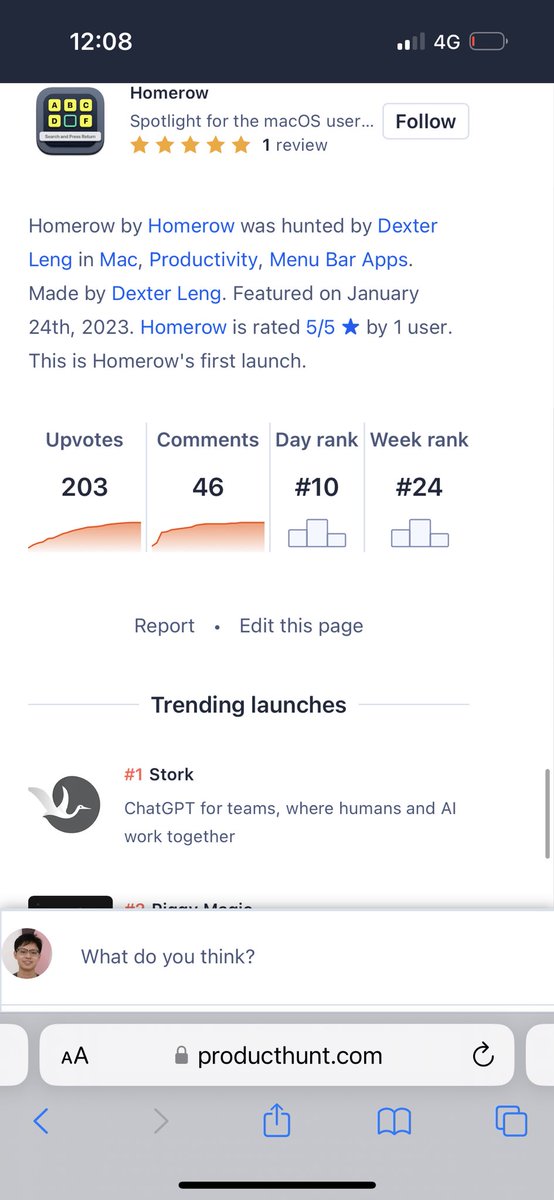
Vimiumみたいなジャンプをブラウザ以外でも使えるようにするアプリ。 慣れれば、ほぼトラックパッド不要になるので結構いいかも producthunt.com/posts/homerow

Dexter Leng (@dexterleng) 's Twitter Profile Photo

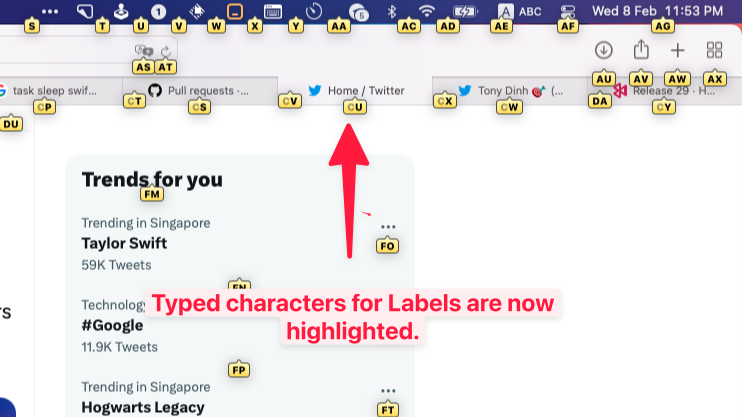
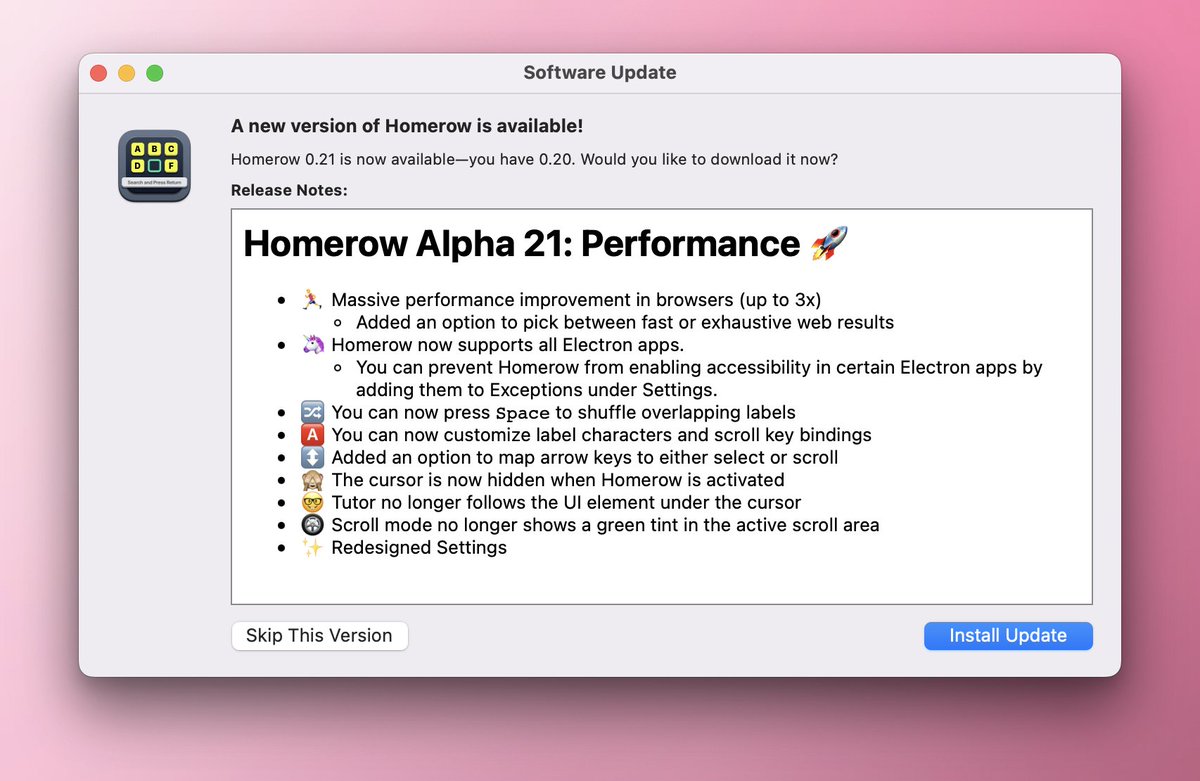
Almost forgot... Homerow Alpha 17 is out. 🚀😎 🦄 Added support for Teams, Edge, IntelliJ IDEA, and WhatsApp 🌍 Auto-switch input source, for non-native speakers 🆎 Labels show typed progress 🎯 Fixed some web elements not being labelled. e.g. GitHub Codespaces in Firefox

Almost forgot... Homerow Alpha 17 is out. 🚀😎

🦄 Added support for Teams, Edge, IntelliJ IDEA, and WhatsApp
🌍 Auto-switch input source, for non-native speakers
🆎 Labels show typed progress
🎯 Fixed some web elements not being labelled. e.g. GitHub Codespaces in Firefox
Vivek Haldar (@vivekhaldar) 's Twitter Profile Photo

homerow.app by Dexter Leng is a total gamechanger for Mac OS keyboard-centric interaction. Like Vimium, but for the entire OS. If you hate reaching for the mouse, you've gotta try it out.

Ayush Kanodia (@ayushkanodia) 's Twitter Profile Photo

I love using homerow! Thanks Dexter. PS: people seem to be wowed if they see me navigate monitors without ever going to my mouse.

Dexter Leng (@dexterleng) 's Twitter Profile Photo

Someone posted Homerow on Hacker News yesterday and it was on the frontpage 🤯 Gonna be shipping Vimium-style workflow today (auto-click without pressing Space)🚀 news.ycombinator.com/item?id=354510…

Dexter Leng (@dexterleng) 's Twitter Profile Photo

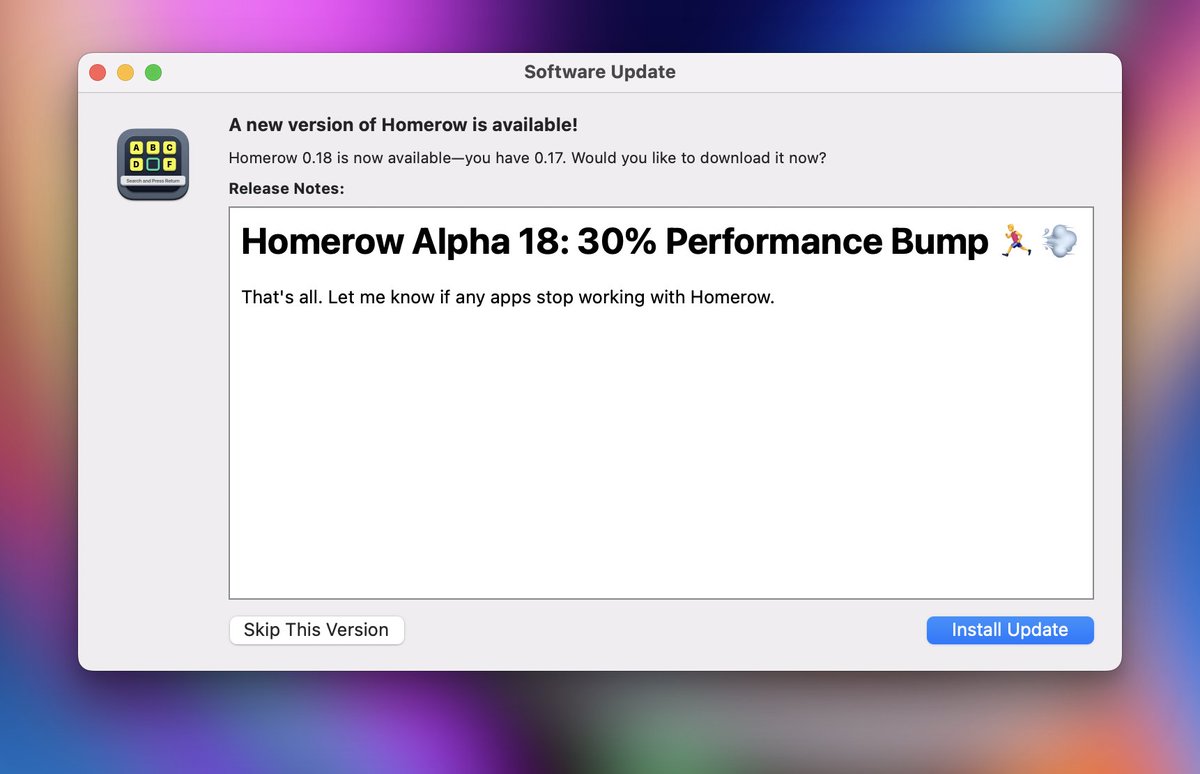
Homerow Alpha 19 is out now. 💨 Option to enable 100% Vimium-style workflow (see video) ⌨️ Separate shortcuts for Search-based and Labels-only workflow ☠️ Quit Homerow by pressing Command+Q 🦄 Added support for Tidal

Dexter Leng (@dexterleng) 's Twitter Profile Photo

You can now scroll entirely with the keyboard with Homerow Alpha 20. 🚀 Press ⇧⌘J and and start scrolling with HJKL keys 🏃‍♀️ Hold Shift while scrolling to Dash 🦘 Switch to another scroll area with the indicated Numbers or the Tab key

Neil Chudleigh (@neilsuperduper) 's Twitter Profile Photo

Excited to announce today that I have acquired Homerow from Dexter Leng It lets you navigate your entire Mac & the Web without a mouse. The best way to understand it is watch this demo/launch video I just cooked up.

Neil Chudleigh (@neilsuperduper) 's Twitter Profile Photo

🎉New Features released in Homerow 1.1.0: • 🔥Modifier only shortcuts (Hyperkey, etc) • 🚥Toggle modes by hitting shortcut again • 📜 New Scroll commands Activate scroll mode then: d for Half page down u for Half page up gg for Top G for Bottom

Neil Chudleigh (@neilsuperduper) 's Twitter Profile Photo

Simplified the Pricing for Homerow & switched from Paddle to Stripe. - Licenses are now true lifetime - You get all future updates and features - Removed device based pricing 👨‍🦳Existing customers are Grandfathered into this new structure. Thank you for your support. I

Neil Chudleigh (@neilsuperduper) 's Twitter Profile Photo

Dropped a new version of Homerow today. Brings Hyperkey remapping directly into the app, this is my preferred way of using Homerow. I hope that soon, it will be yours too.

Homerow (@homerow_app) 's Twitter Profile Photo

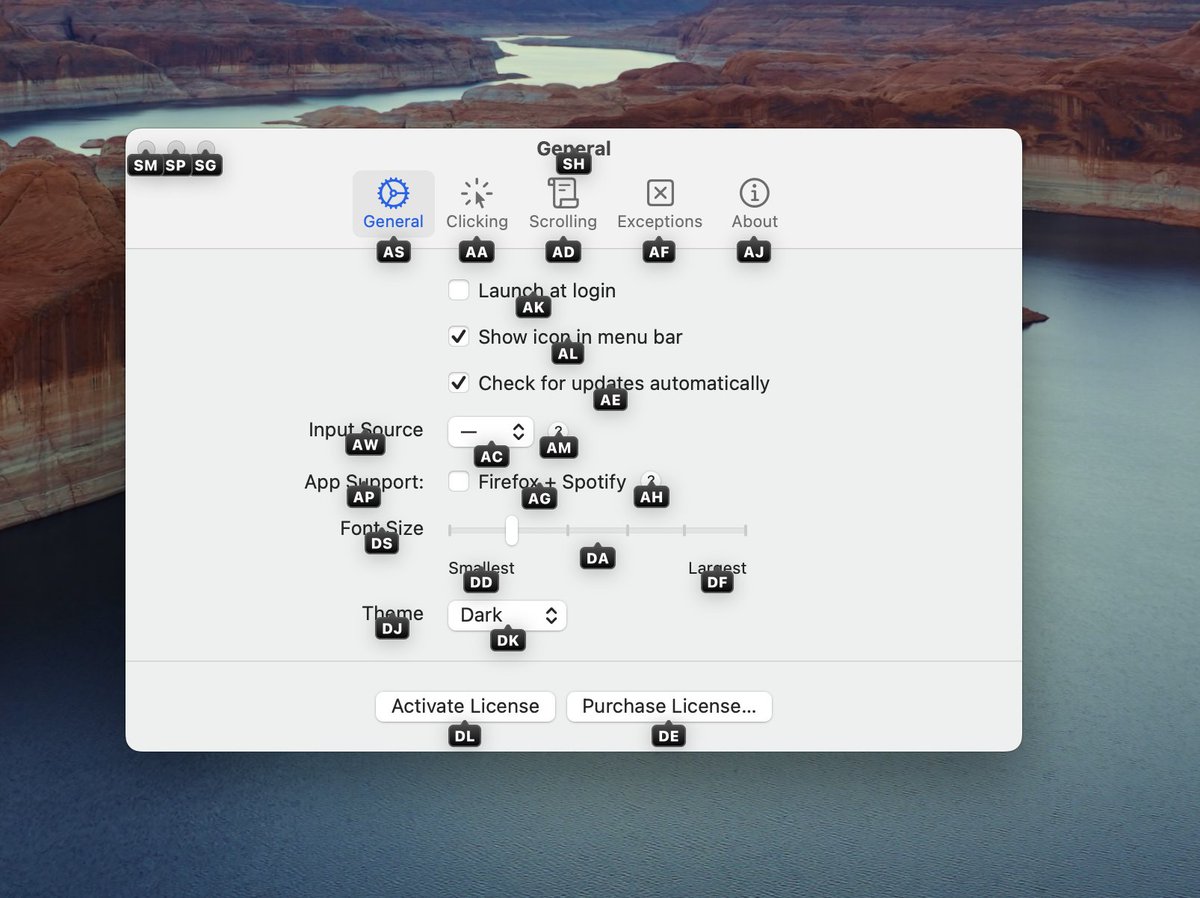
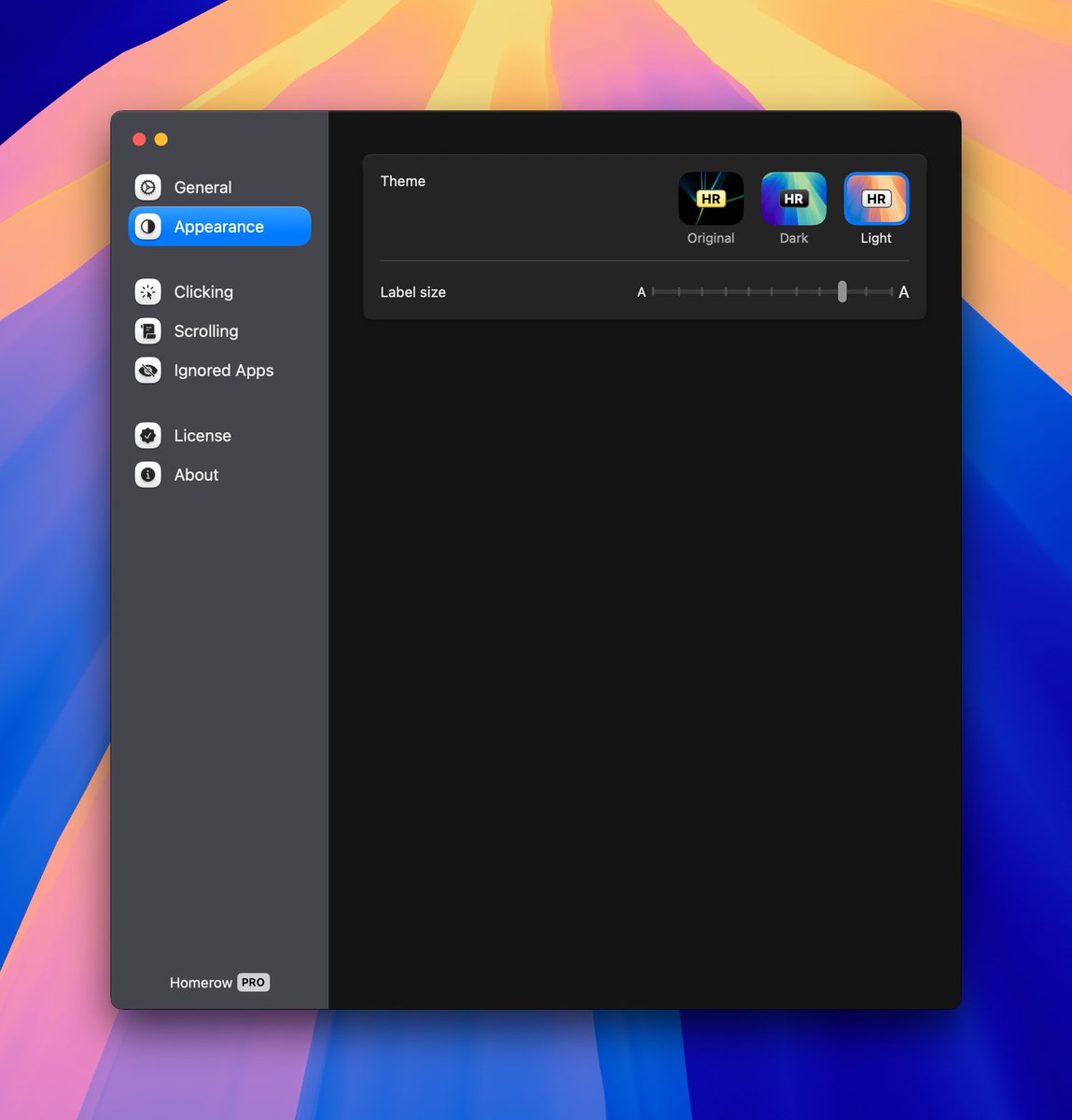
Completely new version of Homerow just dropped. Redesigned the settings panel and updated the app icon. Check it out 👇

Completely new version of Homerow just dropped. 

Redesigned the settings panel and updated the app icon. 

Check it out 👇