Plan (@getplanapp) 's Twitter Profile
Plan

@getplanapp

Plan is collaboration software that intelligently organizes projects, tasks and meetings from all the tools you and your team use. 🌴 [email protected] 🌴

ID: 3239219367

linkhttp://getplan.co calendar_today06-05-2015 18:43:45

555 Tweet

889 Takipçi

116 Takip Edilen
Plan (@getplanapp) 's Twitter Profile Photo

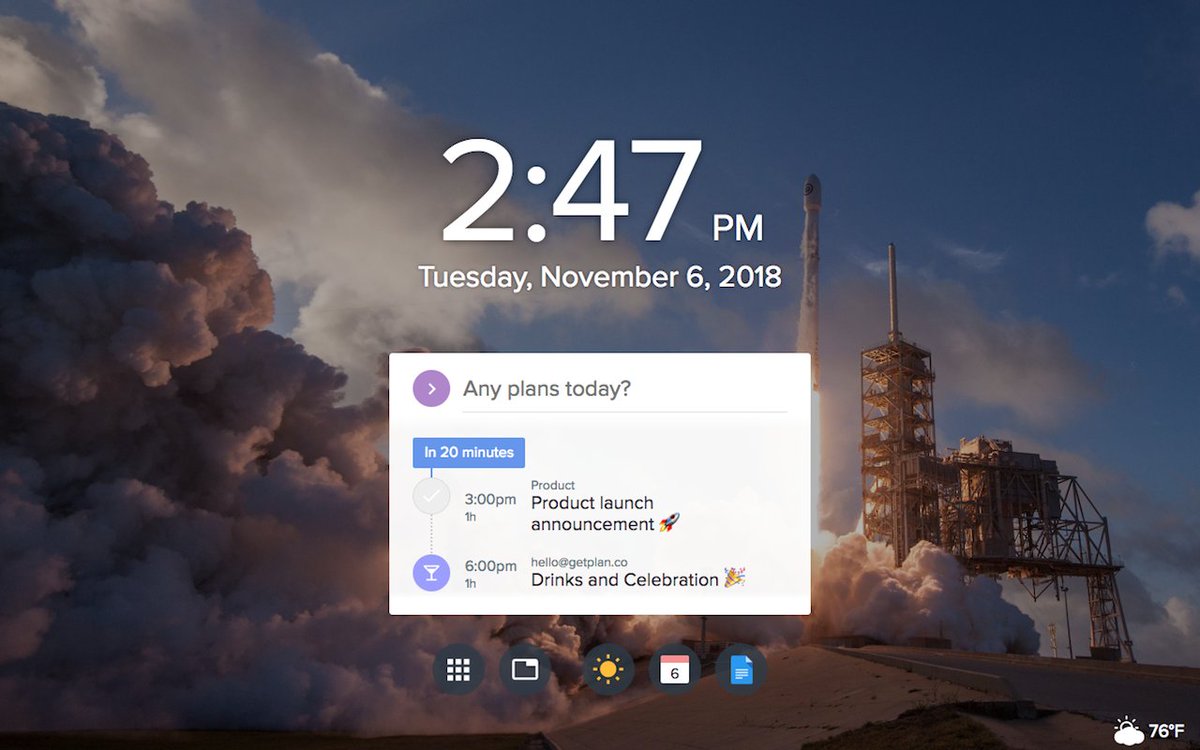
The official Plan Chrome extension is here! 🙌 In a beautiful new tab page, create and view tasks and meetings that automatically sync with your Google Calendar and Outlook Calendar. Check it out! 👇 chrome.google.com/webstore/detai…

The official Plan Chrome extension is here! 🙌

In a beautiful new tab page, create and view tasks and meetings that automatically sync with your Google Calendar and Outlook Calendar. 

Check it out! 👇
chrome.google.com/webstore/detai…
Plan (@getplanapp) 's Twitter Profile Photo

Gain instant visibility into your teammates schedules with Plan’s shared team calendars. Go to the Plan calendar and toggle a teammate’s name in the sidebar to overlay their schedule on top of yours Scheduling meetings with your team is now as easy as pie 🥧

Plan (@getplanapp) 's Twitter Profile Photo

Plan isn't old enough to join in on the 10 year challenge But, we think we've come pretty far in only a year #1YearChallenge #progresspics

Plan isn't old enough to join in on the 10 year challenge 

But, we think we've come pretty far in only a year 

#1YearChallenge #progresspics
Plan (@getplanapp) 's Twitter Profile Photo

🤯 Ready to have your mind blown? You can now drag and drop images + gifs and embed videos directly into Plan tasks.

Plan (@getplanapp) 's Twitter Profile Photo

Google is experiencing some issues handling authentication. Please do not log out of Plan for the time being, or you may experience issues logging back in via your Google account.

Plan (@getplanapp) 's Twitter Profile Photo

The new Plan Mac app is here! Fast, stable, and if we do say so ourselves, very stylish😚 Click on this link to download the new Mac app: static.getplan.co/plan-latest.dmg

Plan (@getplanapp) 's Twitter Profile Photo

Really need to get stuff done next week? Take 5 minutes today to schedule your next week in advance, so you can be your most productive self. Open the task sidebar in your Plan calendar to quickly schedule time to focus on your high priority work.

Plan (@getplanapp) 's Twitter Profile Photo

The all-new documents page! ✅ Access all of your Google Drive, Box and Plan files in a navigable sidebar. ✅ Click on a file to open and edit it right in the same page. ✅ Create a new Google Doc, Google Sheet, or Plan note with one click.

Plan (@getplanapp) 's Twitter Profile Photo

🗣️ Attention all Android users! The Plan mobile web beta is now available 🤩 Open an internet browser on your phone and enter this URL: getplan.co/mobile. Let us know what you think!

Plan (@getplanapp) 's Twitter Profile Photo

Don't worry, Plan won't let your important work slip through the cracks The new "Tasks Overdue" tab alerts you to any missed deadlines Relax, Plan's got your back 🏖️

Plan (@getplanapp) 's Twitter Profile Photo

Here's a tip for all you busy bees 🐝 Managing tons of calendars doesn't have to be hard Sync all your Google/Outlook Calendar accounts to Plan so you can view and edit every event in one place 🥳 Open the integrations page to add another Google/Outlook account to Plan.

Plan (@getplanapp) 's Twitter Profile Photo

Ever wonder when exactly you created a task, or how many times you've postponed a task's due date? Just open the task details pane to find out! Under "Activity", you'll find all kinds of interesting details about a task 🤓

Plan (@getplanapp) 's Twitter Profile Photo

Getting Things Done (GTD) systems work great with Plan! 1⃣ Capture all your to-do's in the Inbox 2⃣ Assign them due dates and priorities 3⃣ Organize them into their appropriate lists 4⃣ Check the Plan calendar for upcoming deadlines and due dates!

Plan (@getplanapp) 's Twitter Profile Photo

Time tracking is super easy with Plan! Anytime you schedule a task onto the Plan calendar, a working session will be recorded in the task's details pane. Click on a task to view the total time you've spent working on it, and each of its individual working sessions 📊

Plan (@getplanapp) 's Twitter Profile Photo

Did you know you can sync your scheduled Plan tasks back to Google Calendar? Enable "Sync Tasks to Calendar" in the notifications menu Now, anytime you schedule a task onto the Plan calendar, it will appear on your Google Calendar too!

Plan (@getplanapp) 's Twitter Profile Photo

Reference your completed tasks to know how long you should spend on similar tasks in the future Click on a completed task to see a history of its working sessions, activity, and estimated completion time 🧐 After all, experience is the best teacher! 👩‍🏫

Plan (@getplanapp) 's Twitter Profile Photo

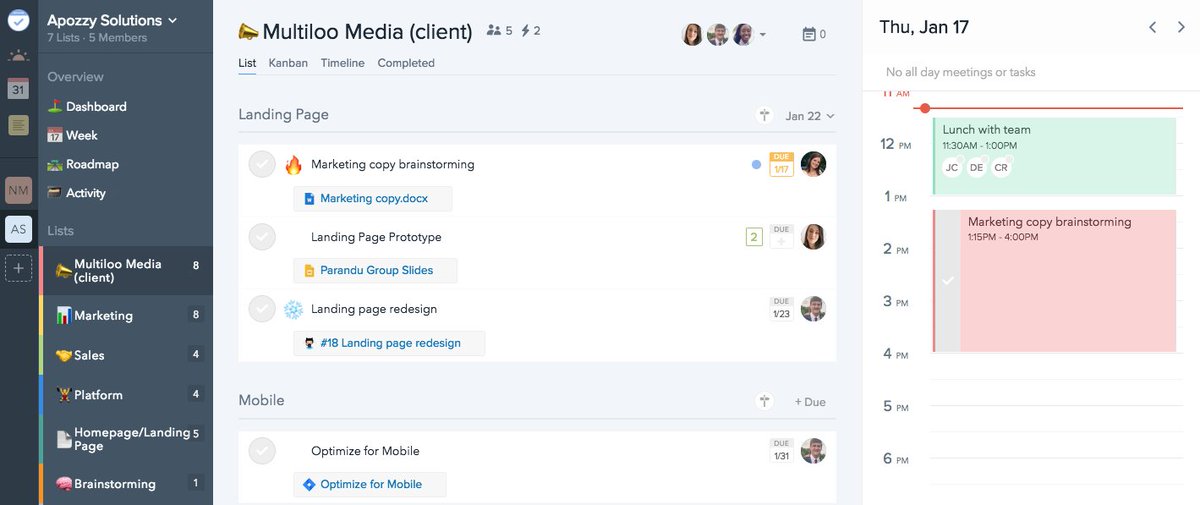
Simplify your long-term project planning in the timeline view! Click on "Timeline" at the top of the list view, and begin scheduling your teams' tasks via simple drag and drop Plan on!🤘