Aninix (@aninixapp) 's Twitter Profile
Aninix

@aninixapp

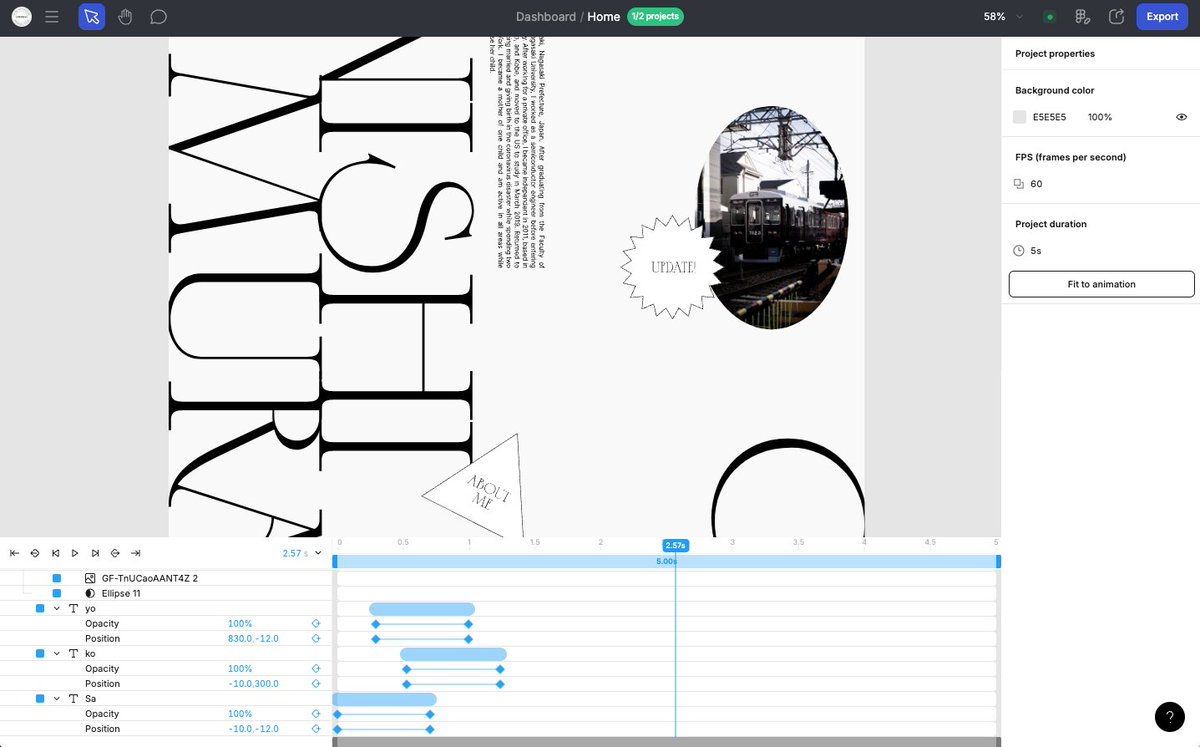
Powerful UI animations within Figma.

ID: 1402332569237131268

linkhttps://aninix.com calendar_today08-06-2021 18:31:57

451 Tweet

4,4K Takipçi

38 Takip Edilen

Jun Han (@jayhan) 's Twitter Profile Photo

First try with Aninix, an animation plugin for Figma. Super impressed with its intuitiveness and performance! Video inspired by Cubesato’s Le Petit Prince music video

MIO (@mio_u_m) 's Twitter Profile Photo

今日は会社の勉強会で軽率にFigmaのモーションプラグイン紹介したんだけど、本当にUIがFigmaとAEのいいところどりでわかりやすすぎるから、Figmaで作ったデザインデータからWebモーションモック作るならとりあえずAninixだよとついったでも軽率におすすめします。 aninix.com

SIFCA (@sifca_jp) 's Twitter Profile Photo

Figmaで作った画面にUIアニメーションを作成し、開発者向けにも簡単に共有することができるプラグイン「Aninix」を使ってみました。 SIFCA #note #Aninix #figma note.com/sifca/n/n5e7ee…

Sayoko Nishimura | Designer (@oniguili) 's Twitter Profile Photo

こちらのAninix、今日少し触ってみた。AEはあまり触ったことないので分からないのだけど、UIはFigmaで、タイムラインはRiveを触っている感覚だった。 ちょっとした動きの確認はノーコードツールでレスポンシブ整えながらやる方法もあるけど、これも良さそう。何よりFigmaからのインポートが楽すぎた。

こちらのAninix、今日少し触ってみた。AEはあまり触ったことないので分からないのだけど、UIはFigmaで、タイムラインはRiveを触っている感覚だった。
ちょっとした動きの確認はノーコードツールでレスポンシブ整えながらやる方法もあるけど、これも良さそう。何よりFigmaからのインポートが楽すぎた。
Sandi Dez (@sandddez) 's Twitter Profile Photo

Weekend hero exploration using Figma and having fun with Aninix ✨ #uidesign #webdesign #figma #dribbble #microinteraction #uiux #saas #animation #herodesign #website #WebsiteDesign

Aninix (@aninixapp) 's Twitter Profile Photo

ANINIX WEEK UPDATE 🔹Anchor Point upgraded: now with absolute positioning freedom! Previously, the anchor point could only be set in 9 preset positions: along edges, corners, and at the center of an object. Now you have complete control: • Place the anchor point anywhere on

Moyi. (@moyiabioye) 's Twitter Profile Photo

The animation, as promised. It took very little time. I feel like once you've learned one animation tool, you've learned them all. It was the same when I tried out Jitter after learning Aninix. Rive's state machine and runtime are what set it apart; the experience is mostly the

Aninix (@aninixapp) 's Twitter Profile Photo

ANINIX WEEK UPDATE 🔹New ways to work with SVG in Aninix! Now you have three ways to start working with SVG files: 1. Export frames via Figma plugin (classic method) 2. ✨ NEW: Direct SVG file import • In project: File → Import SVG • In dashboard: Project → +Create

Aninix (@aninixapp) 's Twitter Profile Photo

ANINIX WEEK UPDATE 🔹New animation presets in Aninix! We've added two powerful blur-effect presets: 1. ✨ Layer Blur Classic fade-in effect with blur 2. ✨ Glitchy Layer Blur Create a glitch-blur effect with one click. Perfect for adding a lag-like effect to elements.