
Emma Gray (@em_gray2) 's Twitter Profile
Emma Gray

@em_gray2

πŸ¦‹em-gray. Product Manager @MicrosoftEDU ✨ Opinions my own.

ID: 887015050988400640

linkhttps://www.linkedin.com/in/grayemma/ calendar_today17-07-2017 18:24:02

581 Tweet

629 Followers

658 Following

Ricardo Recinos @TechTosas (@techtosas) 's Twitter Profile Photo

We had an incredible Zoom session with students at Lassallete elementary, introducing Reading Coach to boost fluency development! πŸ“š Excited to support our teachers with Reading Coach & Reading Progress. Let's make reading fun & effective! #Fluency #fidelity #process #aiforgood

themerrillsedu πŸ‘“πŸ‘—πŸ’š #interACTIVEclass (@themerrillsedu) 's Twitter Profile Photo

Looking for classroom safe AI tools that are both COPPA and FERPA compliant? πŸ‘€ Here are some of our πŸ’₯FAVORITES!πŸ’₯ πŸ€– SchoolAI ✏️ Class Companion 🦸 πŸ“ πŸ™ŒπŸ» @Padlet πŸ“š Microsoft Education 🎨 Adobe Express 🀿 Snorkl πŸͺžMirrorTalk Learn more ‡️ amzn.to/4jxPEVe #AIinEDU

Looking for classroom safe AI tools that are both COPPA and FERPA compliant? πŸ‘€

Here are some of our πŸ’₯FAVORITES!πŸ’₯

πŸ€–  <a href="/GetSchoolAI/">SchoolAI</a>
✏️ <a href="/ClassCompanion_/">Class Companion 🦸 πŸ“</a>
πŸ™ŒπŸ» @Padlet
πŸ“š <a href="/MicrosoftEDU/">Microsoft Education</a>
🎨 <a href="/AdobeExpress/">Adobe Express</a>
🀿 <a href="/SnorklApp/">Snorkl</a>
πŸͺž<a href="/MirrorTalkAI/">MirrorTalk</a>

Learn more ‡️
amzn.to/4jxPEVe

#AIinEDU
Mike Tholfsen (@mtholfsen) 's Twitter Profile Photo

Join us for a webinar about AI Agents in Microsoft Copilot, tailored for educators. We'll delve into what Agents are, using them and even creating them. Register: techcommunity.microsoft.com/blog/education… #MIEExpert #edtech

Join us for a webinar about AI Agents in Microsoft Copilot, tailored for educators.  We'll delve into what Agents are, using them and even creating them.

Register: techcommunity.microsoft.com/blog/education… 

#MIEExpert #edtech
Emma Gray (@em_gray2) 's Twitter Profile Photo

There’s something new hidden in Reading Coach… Try right‑clicking Sunny from your teacher account!πŸ‘€ Try it yourself or learn more here➑️ aka.ms/IFoundPreview-… Let me know if you'd like to join the preview community to help us shape it! #MIEE #ReadingCoach #MIEExpert

Ricardo Recinos @TechTosas (@techtosas) 's Twitter Profile Photo

πŸš€ Exciting news! Guided Practice is now available in Reading Coach by Microsoft Education ! πŸŽ‰ Unlock this powerful feature to boost your students' reading skills. Check out our latest video to learn how! youtu.be/kzN9xGkuO3c πŸ“šβœ¨ #EdTech #ReadingCoach #MicrosoftEducation

Mike Tholfsen (@mtholfsen) 's Twitter Profile Photo

NEW! Guided Practice for educators in the AI-powered Reading Coach πŸ“– Teachers, try right‑clicking Sunny 🌞 (see video below) to unlock a preview of long‑awaited features like setting practice goals for learners and seeing insights over time. Details: aka.ms/IFoundPreview-…

Ricardo Recinos @TechTosas (@techtosas) 's Twitter Profile Photo

πŸš€ Teachers, have your students tried Reading Coach for fluency? With guided practice, we can support them every step of the way! Gamify reading, empower students and help them discover their love for reading. πŸ“– #EdTech #ReadingFluency

Emma Gray (@em_gray2) 's Twitter Profile Photo

An Easter Egg after Easter weekend πŸͺΊ You can now unlock preview features that let you customize passages, set time goals, and track progress for your learners in AI powered Reading Coach! #MIEExpert #ReadingCoach #EdTech

Ricardo Recinos @TechTosas (@techtosas) 's Twitter Profile Photo

✨ Have you explored the AI-powered #ReadingCoach by Microsoft? 🌟 It's now equipped with "Guided Practice"for educators! πŸ“– Set practice goals, gain insights, & let students join via shareable codes! 🌞 Check out this long-awaited preview: aka.ms/IFoundPreview-… πŸ–±οΈ

Mike Tholfsen (@mtholfsen) 's Twitter Profile Photo

We are thrilled to announce the preview release of new educator features in the AI-powered Reading Coach, including: πŸ“– Sharing custom passages with learners ⏰ Setting time goals for learner-led practice πŸ“ˆ Monitoring practice data over time

We are thrilled to announce the preview release of new educator features in the AI-powered Reading Coach, including:

πŸ“– Sharing custom passages with learners
⏰ Setting time goals for learner-led practice
πŸ“ˆ Monitoring practice data over time
Ricardo Recinos @TechTosas (@techtosas) 's Twitter Profile Photo

Summer = stories! Join us Microsoft Education ’s #ReadingCoach webinar to spark a love of reading all summer long. Educators, students & families welcome! πŸ“… May 13, 8–9 AM PT: lnkd.in/gjM3yTGe πŸ“… May 15, 8–9 AM PT: lnkd.in/gR9-jA7P #SummerReading #EdTech

Mike Tholfsen (@mtholfsen) 's Twitter Profile Photo

BIG NEWS! We’re excited to announce Copilot Chat and Microsoft 365 Copilot availability for students aged 13 and older is coming this summer with enterprise data protection and IT controls πŸ”

BIG NEWS! We’re excited to announce Copilot Chat and Microsoft 365 Copilot availability for students aged 13 and older is coming this summer with enterprise data protection and IT controls πŸ”
Ricardo Recinos @TechTosas (@techtosas) 's Twitter Profile Photo

Summer = stories! Join us Microsoft Education ’s #ReadingCoach webinar to spark a love of reading all summer long. Educators, students & families welcome! πŸ“… May 13, 8–9 AM PT: lnkd.in/gjM3yTGe πŸ“… May 15, 8–9 AM PT: lnkd.in/gR9-jA7P #SummerReading #EdTech

Mike Tholfsen (@mtholfsen) 's Twitter Profile Photo

The Microsoft Innovative Educator Expert (#MIEExpert) and Showcase School nominations are open now for 2025-2026! This is your opportunity to join an inspiring global community of changemakers and innovators in education! ⏰ Deadline is July 31st

The Microsoft Innovative Educator Expert (#MIEExpert) and Showcase School nominations are open now for 2025-2026! This is your opportunity to join an inspiring global community of changemakers and innovators in education!

⏰ Deadline is July 31st
Mike Tholfsen (@mtholfsen) 's Twitter Profile Photo

Preview the new Microsoft 365 LTI for your Learning Management System πŸŽ“ This unified app includes: ☁️ OneDrive πŸ’œ OneNote Class Notebook (LTI 1.3) πŸ˜„ Reflect 🀝 Teams Meetings πŸš€ Learning Accelerators πŸ“– Reading Coach (coming soon) Details in the blog link below πŸ‘‡

Preview the new Microsoft 365 LTI for your Learning Management System πŸŽ“ This unified app includes:

☁️ OneDrive
πŸ’œ OneNote Class Notebook (LTI 1.3)
πŸ˜„ Reflect
🀝 Teams Meetings
πŸš€ Learning Accelerators
πŸ“– Reading Coach (coming soon)

Details in the blog link below πŸ‘‡
CBS Mornings (@cbsmornings) 's Twitter Profile Photo

Artificial intelligence is already in classrooms across the U.S. β€” but while advocates say it’s a helpful tool for students and teachers, others claim it discourages kids from critical thinking. Teachers and the president of Microsoft told Nancy Chen about what’s next for AI

Mike Tholfsen (@mtholfsen) 's Twitter Profile Photo

🧠 New information literacy features (with help from experts at the Digital Inquiry Group are coming to Search Progressin Microsoft Teams! Help learners build more robust source verification and online reasoning skills to help them thrive in an AI era.

🧠 New information literacy features (with help from experts at the Digital Inquiry Group are coming to Search Progressin Microsoft Teams!

Help learners build more robust source verification and online reasoning skills to help them thrive in an AI era.
Ricardo Recinos @TechTosas (@techtosas) 's Twitter Profile Photo

πŸŽ‰ Big news, HLPUSD! Microsoft Learning Accelerators now work in Canvas by Instructure πŸš€ From Reading Coach to Search Progress, get personalized practice, real-time insights & joyful learningβ€”all in one click! πŸ’»βœ¨ Dive into our All Things Learning Accelerators site for support!
Mike Tholfsen (@mtholfsen) 's Twitter Profile Photo

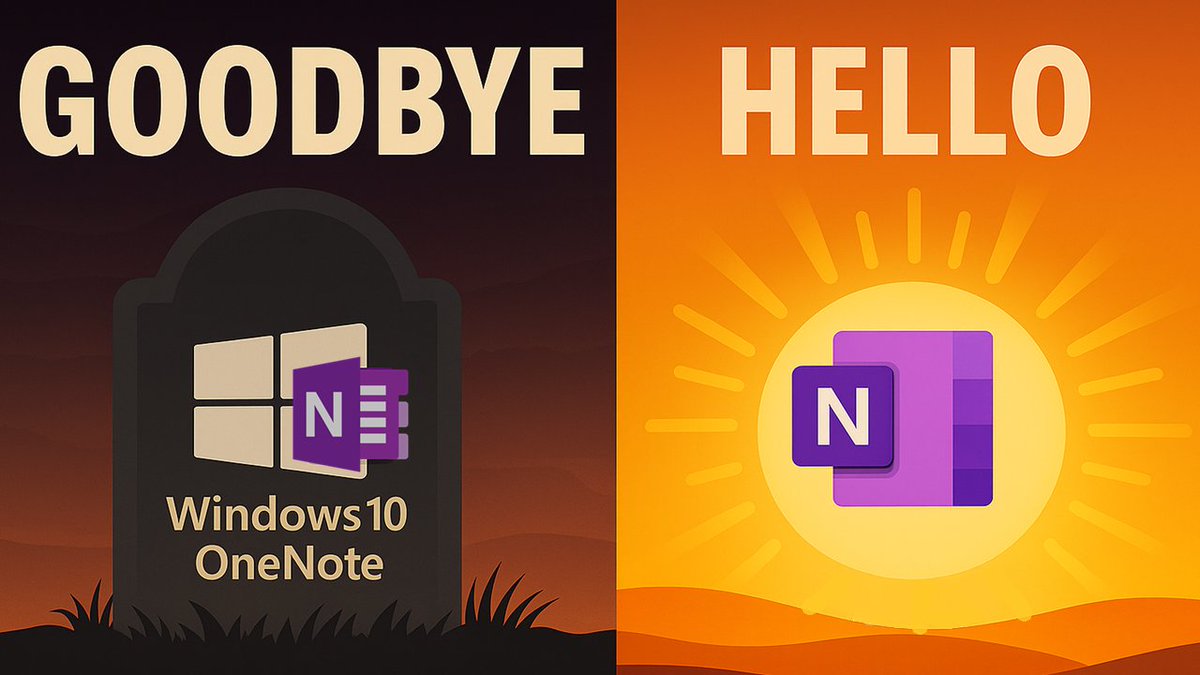
Goodbye OneNote for Windows 10 ☠️ Hello Modern OneNote! This video helps explain what's changing on October 15th, & all of the NEW capabilities in the modern OneNote for Windows. There's a total of 22 Tips & Tricks plus new OneNote Desktop 365 features - lots to check out πŸ‘€

Goodbye OneNote for Windows 10 ☠️ Hello Modern OneNote! This video helps explain what's changing on October 15th, &amp; all of the NEW capabilities in the modern OneNote for Windows.  

There's a total of 22 Tips &amp; Tricks plus new OneNote Desktop 365 features - lots to check out πŸ‘€