Miss Lynch (@detechtive25) 's Twitter Profile
Miss Lynch

@detechtive25

Technology Integration Specialist
Solving tech mysteries 🔍🕵️‍♂️ at @ccsd21

#21Learns

ID: 1346113849750028288

calendar_today04-01-2021 15:19:01

176 Tweet

89 Takipçi

177 Takip Edilen

CCSD21 Info Services (@ccsd21infoserv) 's Twitter Profile Photo

Did you know CCSD21 has its own print shop? 🖨️ We can print posters, books, notepads, and more! You can find the Print Shop Portal in your CCSD21 Links bookmark folder. #21Learns

CCSD21 Info Services (@ccsd21infoserv) 's Twitter Profile Photo

Did you know you can create a podcast with AI? Upload facts that students researched into NotebookLM to create one. It sounds like a real conversation between two people! NotebookLM is only for teachers. Please follow our AI guidance here: drive.google.com/file/d/1kq9y9j… #21Learns

CCSD21 Info Services (@ccsd21infoserv) 's Twitter Profile Photo

Learn how to make your own drag and drop game with Lumio 💛. This is a great activity for special education and K-2 classrooms to use on our ViewSonic monitors! #21Learns #EdTech #GoLumio youtu.be/WfxY6n4JEKY

CCSD21 Info Services (@ccsd21infoserv) 's Twitter Profile Photo

Book Creator is an awesome tool for language arts projects! Students can create chapter books, virtual magazines, and even graphic novels! 📚 Take a look at these examples from Mrs. McCall's advanced language arts class at London Middle School! Community Consolidated School District 21 Book Creator from Kami #21Learns
CCSD21 Info Services (@ccsd21infoserv) 's Twitter Profile Photo

CCSD21 staff can enter to win a bag of EdTech merch for their school! Click this link to find out how to enter on our Instagram! instagram.com/p/DByylFYxDs2/… #21Learns

CCSD21 staff can enter to win a bag of EdTech merch for their school!

Click this link to find out how to enter on our Instagram! instagram.com/p/DByylFYxDs2/…

#21Learns
CCSD21 Info Services (@ccsd21infoserv) 's Twitter Profile Photo

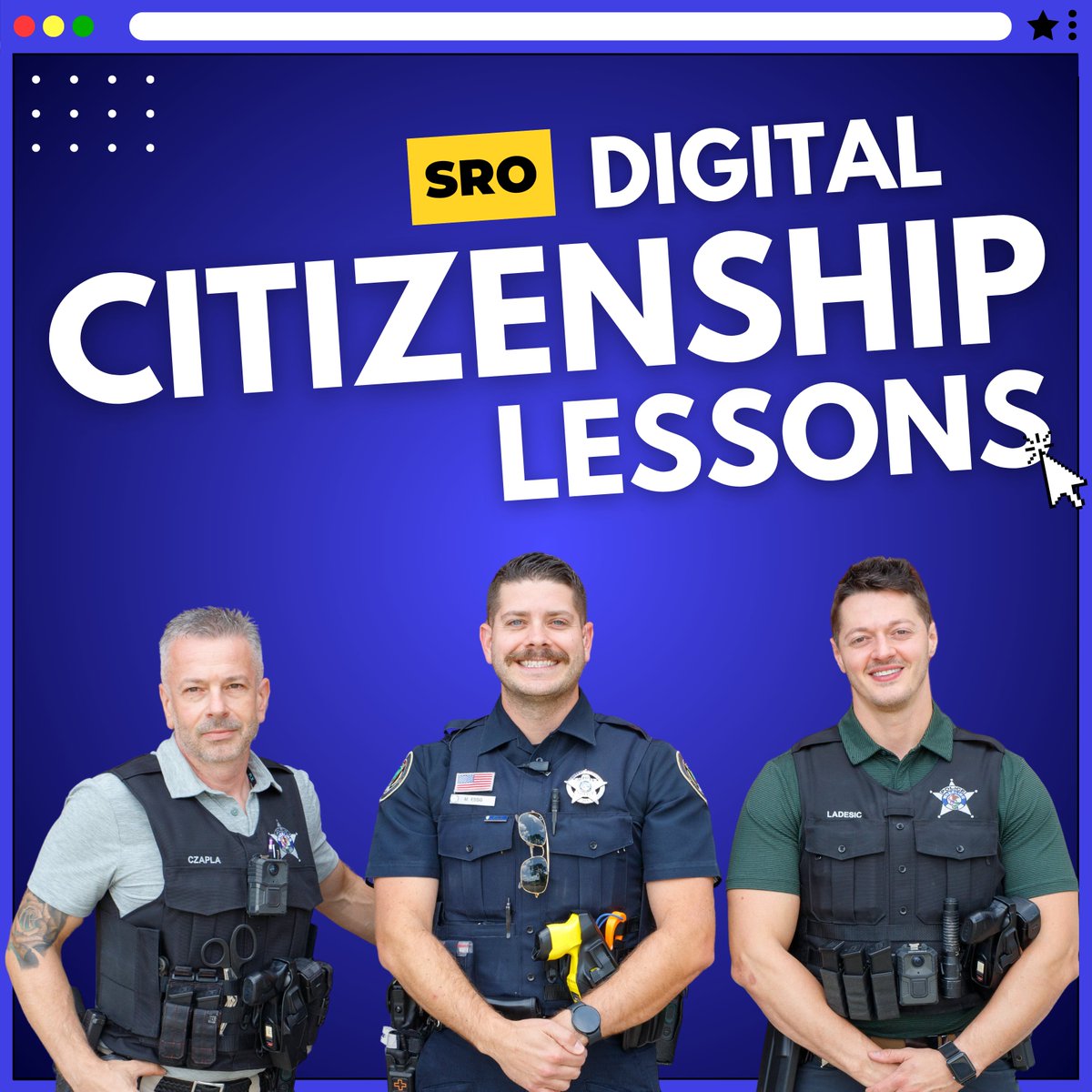
Our SROs are kicking off digital citizenship lessons for the 24-25 school year! They're bringing back 6th grade lessons and introducing new topics for 7th and 8th graders such as "finstas", toxic gaming culture, positive role models, and more: ccsd21.org/support-servic… #21Learns

Our SROs are kicking off digital citizenship lessons for the 24-25 school year! 

They're bringing back 6th grade lessons and introducing new topics for 7th and 8th graders such as "finstas", toxic gaming culture, positive role models, and more: ccsd21.org/support-servic…

#21Learns
CCSD21 Info Services (@ccsd21infoserv) 's Twitter Profile Photo

Today, we celebrated the retirement of our Production Printing Technician, Jesse Vasquez! Thank you for all your hard work in the print shop, and congratulations on your well-deserved retirement. We'll miss you, Jesse! Community Consolidated School District 21 #21Learns

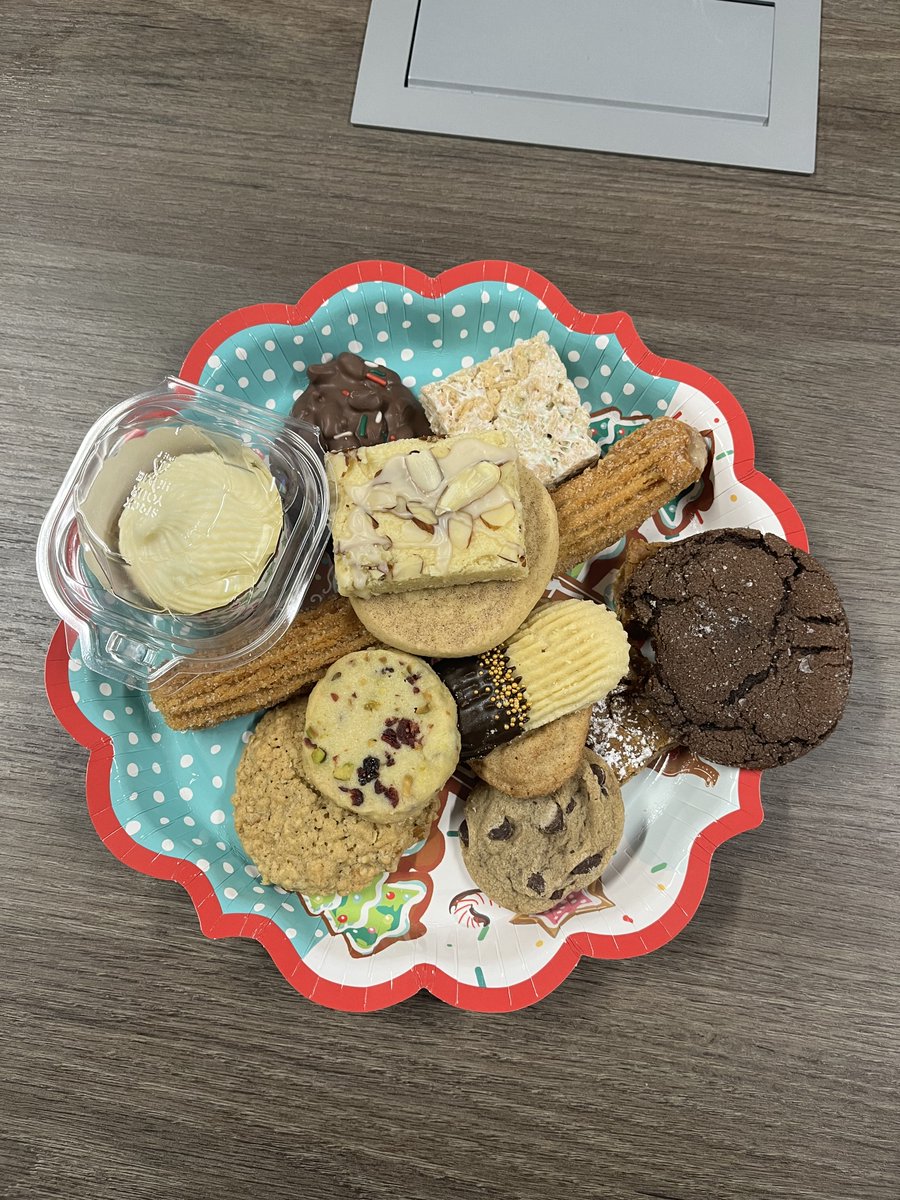
Today, we celebrated the retirement of our Production Printing Technician, Jesse Vasquez!

Thank you for all your hard work in the print shop, and congratulations on your well-deserved retirement. We'll miss you, Jesse!

<a href="/ccsd21/">Community Consolidated School District 21</a> 

#21Learns
CCSD21 Info Services (@ccsd21infoserv) 's Twitter Profile Photo

Learn three ways to use Canva GIFs in Parent Square emails and presentations! This is a great way to grab attention and add design to all your communications! #21Learns

CCSD21 Info Services (@ccsd21infoserv) 's Twitter Profile Photo

Introducing: Teacher Override. A new feature that allows teachers to temporarily unblock websites during an active GoGuardian class session. See how it works below! #21Learns #EdTech #GoGuardian

CCSD21 Info Services (@ccsd21infoserv) 's Twitter Profile Photo

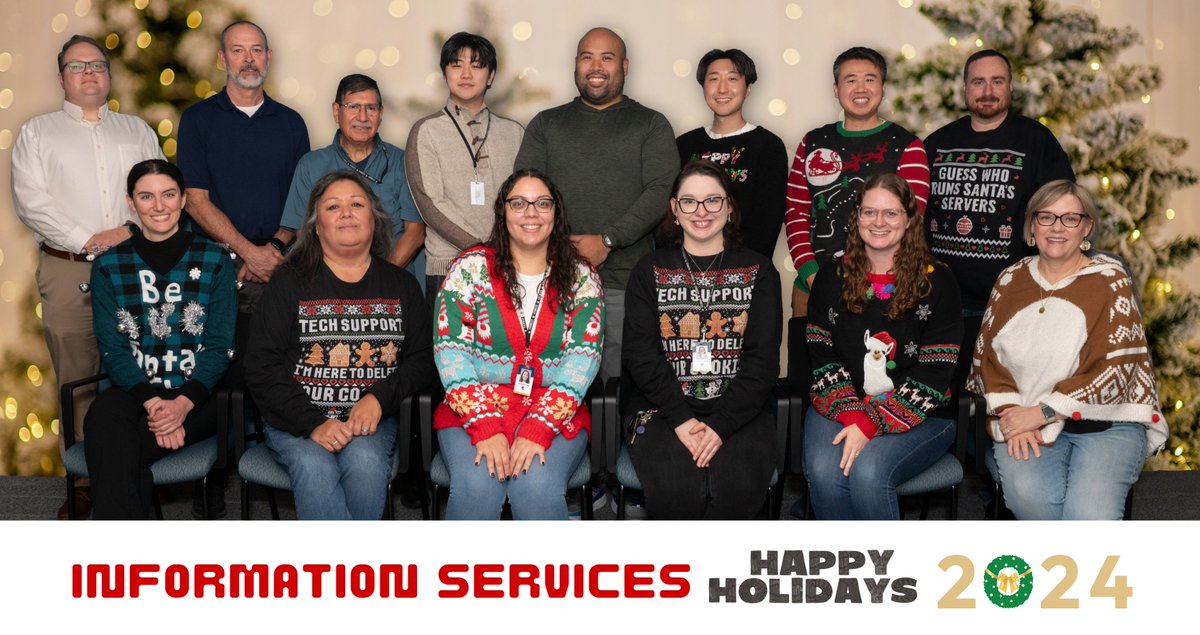
Information Services had a Friendsgiving potluck today! We had lots of delicious food and treats. 🥧 We hope everyone has a great Thanksgiving break this week! 🍂🦃 #21Learns

CCSD21 Info Services (@ccsd21infoserv) 's Twitter Profile Photo

Wakelet 💙 is a site for teachers to easily share links with students, staff, and parents for specific projects and topics. Watch the video below to see how it works! #21Learns

CCSD21 Info Services (@ccsd21infoserv) 's Twitter Profile Photo

Watch our latest tutorial about using Read & Write for students! Learn how to use screen masking, highlighters, dictionaries, and more! youtube.com/watch?v=BHOCzN… @texthelp #21Learns #EdTech

CCSD21 Info Services (@ccsd21infoserv) 's Twitter Profile Photo

For our e-learning day tomorrow, we've linked a Google Meet Best Practices Guide in our CCSD21 Links folder with information about virtual meetings. #21Learns

For our e-learning day tomorrow, we've linked a Google Meet Best Practices Guide in our CCSD21 Links folder with information about virtual meetings.

#21Learns