

Contrast
@contrast
Apps that stand out.
ID: 18968829
http://contrast.co 14-01-2009 06:08:39
2,2K Tweet
2,2K Takipçi
5 Takip Edilen

Now that I live in a place that has weather, I have become a Weather Up subscriber, and I would like you all to know that I am firmly in Camp Yellow Icon.
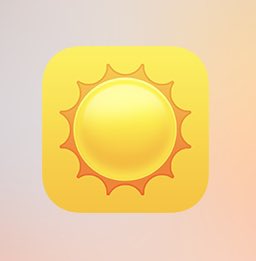

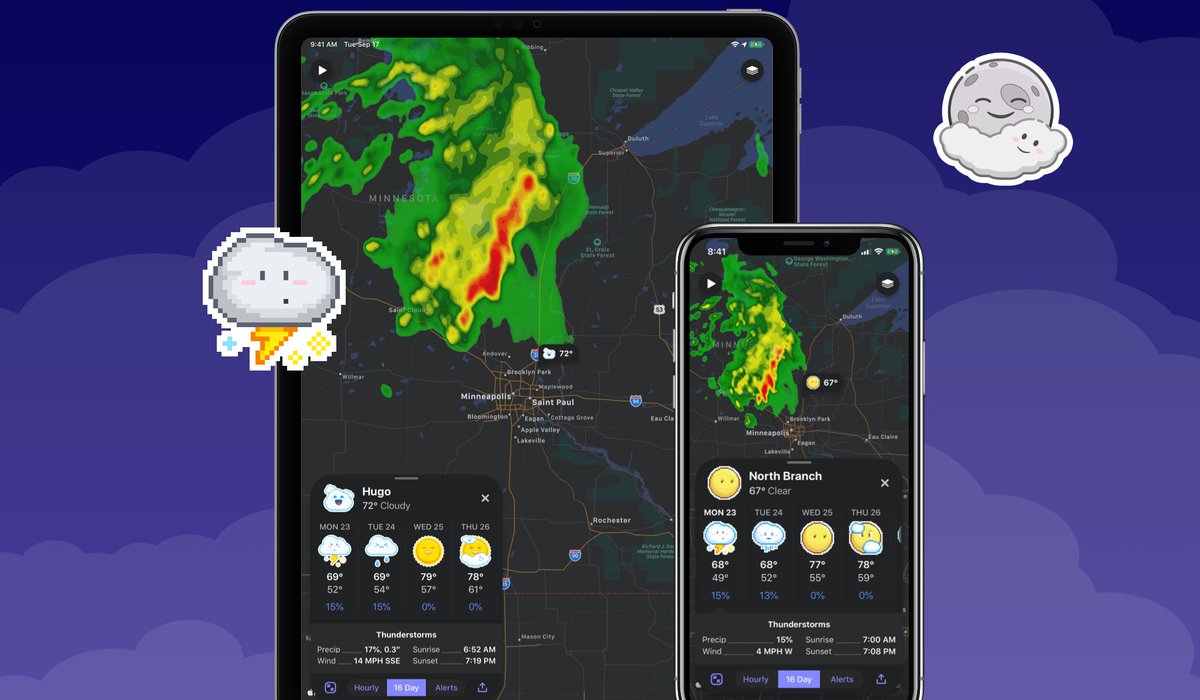
The Weather Up Dark Mode update is live! As you explore iOS 13 and start using dark mode system-wide, give Weather Up a try: itunes.apple.com/app/id11960157…

If you’d like to expand on the fantastic glyphs created by the @MacStories team for Shortcuts, you can also use emojis (and >2k Font Awesome glyphs) via Launch Center Pro. Set the background style to none and export with transparency. Here’s a quick demo: x.com/viticci/status…

Launch Center Pro utility adds new Icon Composer customization for Shortcuts and more 9to5mac.com/2020/02/18/lau… by Chance Miller
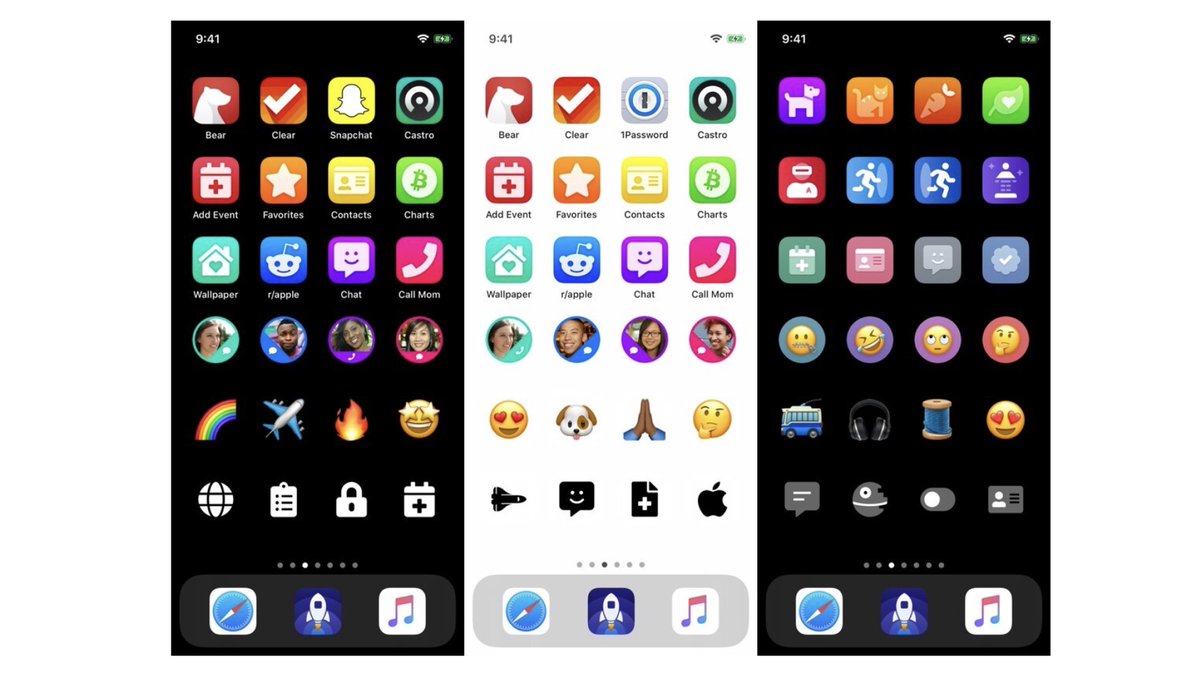
1/ With the release of Launch Center Pro 3.1.4 today, we added 1800+ duotone glyphs from Font Awesome to the 2,200+ solid glyphs and 3k+ emojis available in the Icon Composer. We also added Shortcuts style backgrounds (iOS 12 & 13). The icons you can create are just stunning. 😍🚀

2/ And you can export any icon you create for use as a Shortcuts home screen icon! Using a black wallpaper and a little trickery baked into Launch Center Pro, you can use emoji, glyphs, circles, etc for home screen icons. Here’s a guide: blog.launchcenterpro.com/blog/customizi…
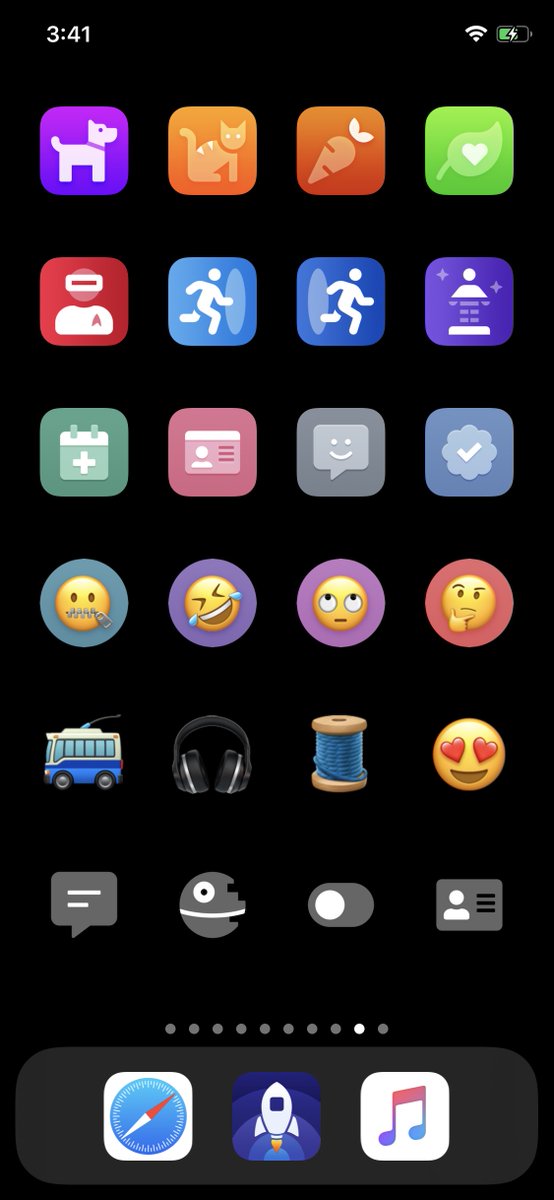
3/ Michael Flarup helped design the Icon Composer way back in 2018, it’s so fun to see how far it’s already come since we first released it last summer. We have yet to hear of an App Store app shipping with an icon created in Launch Center Pro, but we won’t be surprised when it happens.
4/ I’ll do a design nerd post about it at some point, but if you look closely, Dave Wood 🇨🇦 went to great lengths to replicate the glyph styles designed by Michael Flarup to be App Store quality. The shadows are precise & use an overlay blend mode instead of just being grey drop shadows.

Launch Center Pro lets you build custom icons to customize your iOS 14 home screen tcrn.ch/2EBpSRi by Sarah Perez

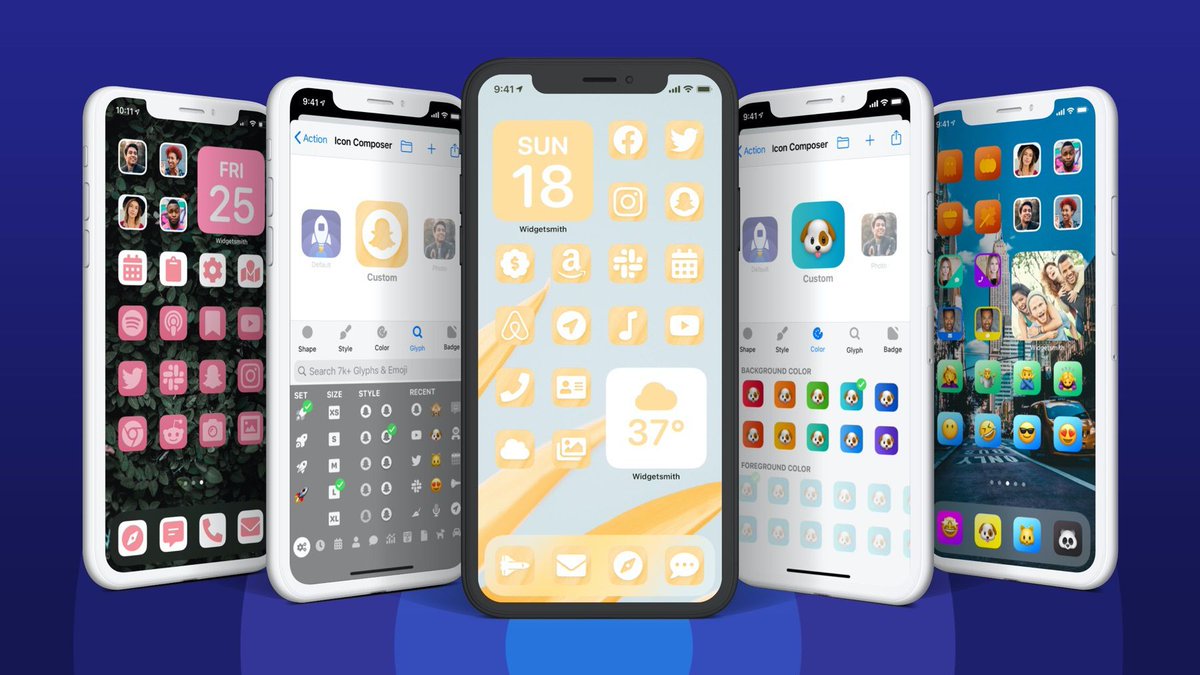
1/ The great Home Screen customization craze of September 2020 sent us right to work on Launch Center Pro. With today’s update you can now create Profiles that save many custom icons to your Home Screen at once. And they don’t launch through Shortcuts! (except Apple’s apps 🙄)
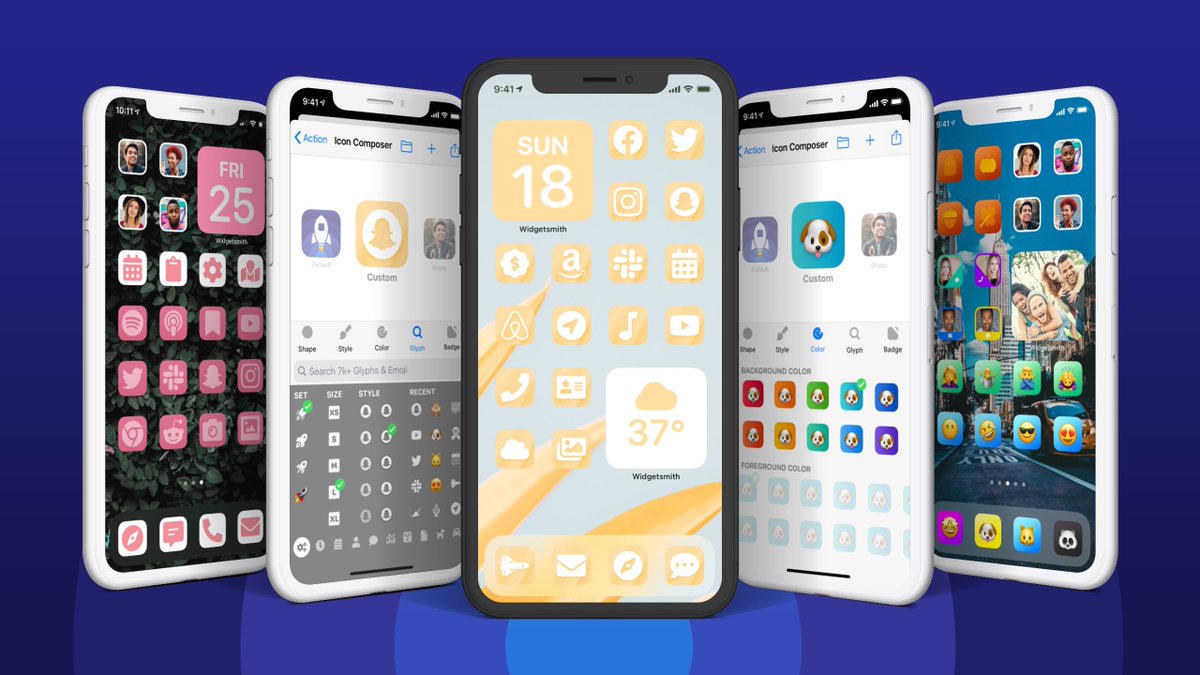
4/ We’ve been tinkering with (but never shipped) saving actions to the Home Screen since Launch Center Pro was first released in 2012, and started work (with Michael Flarup) on the all new Icon Composer in early 2018. It’s so fun to see all of this coming together in 2020!
Launch Center Pro now lets you change iOS app icons without using Shortcuts 9to5mac.com/2020/10/19/lau… by Filipe Espósito

Launch Center Pro Lets Users Customize App Icons in iOS 14 Without Shortcuts macrumors.com/2020/10/20/lau… by Tim Hardwick
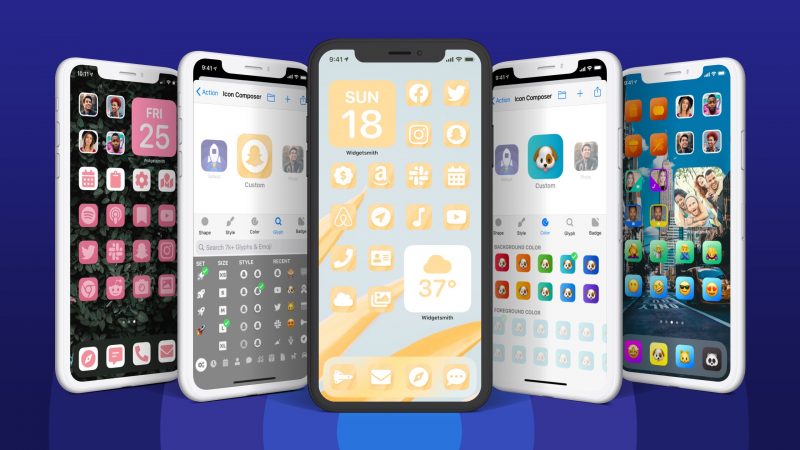

More awesome work from David Barnard and team imore.com/launch-center-…
All one-time purchases in Launch Center Pro are 33% off for Cyber Monday! You could also consider it an extended Small Business Saturday sale 😉. We’re closing in on Dave Wood 🇨🇦 being able to quit his job to work on the app full time, help us get there. itunes.apple.com/app/launch-cen…