Homerow (@homerow_app) 's Twitter Profile
Homerow

@homerow_app

Click, navigate, and perform tasks in macOS with just your keyboard.

Never touch your mouse again.

ID: 1174370798053679105

linkhttps://homerow.com calendar_today18-09-2019 17:13:21

115 Tweet

982 Takipรงi

2 Takip Edilen

Kawamata Ryo (@kawamataryo) 's Twitter Profile Photo

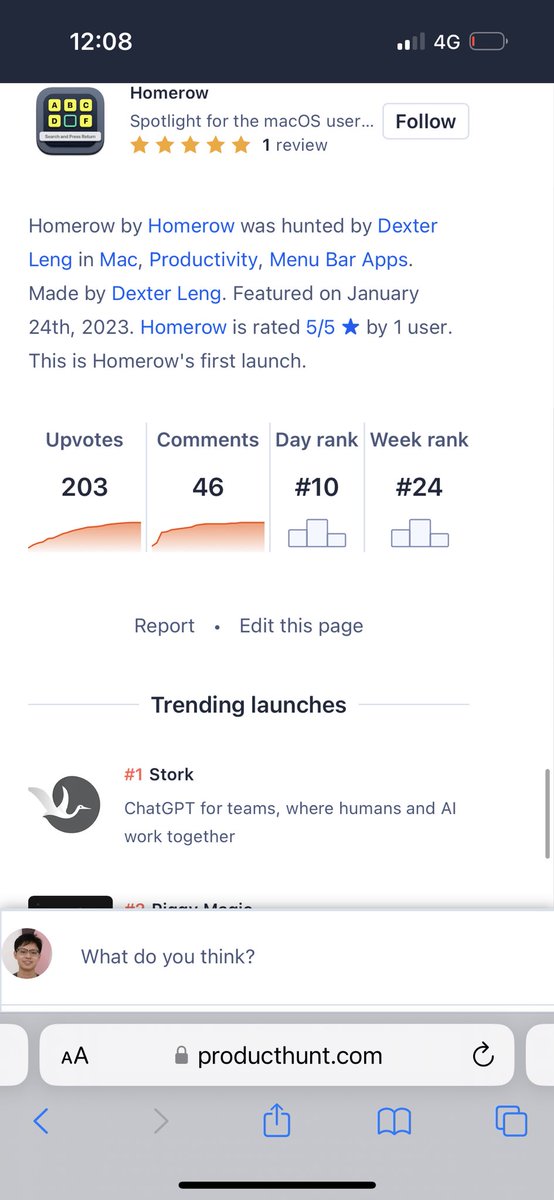
VimiumใฟใŸใ„ใชใ‚ธใƒฃใƒณใƒ—ใ‚’ใƒ–ใƒฉใ‚ฆใ‚ถไปฅๅค–ใงใ‚‚ไฝฟใˆใ‚‹ใ‚ˆใ†ใซใ™ใ‚‹ใ‚ขใƒ—ใƒชใ€‚ ๆ…ฃใ‚Œใ‚Œใฐใ€ใปใผใƒˆใƒฉใƒƒใ‚ฏใƒ‘ใƒƒใƒ‰ไธ่ฆใซใชใ‚‹ใฎใง็ตๆง‹ใ„ใ„ใ‹ใ‚‚ producthunt.com/posts/homerow

Dexter Leng (@dexterleng) 's Twitter Profile Photo

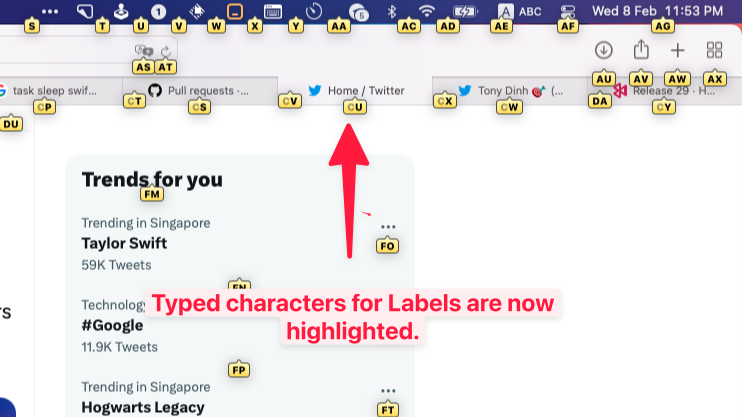
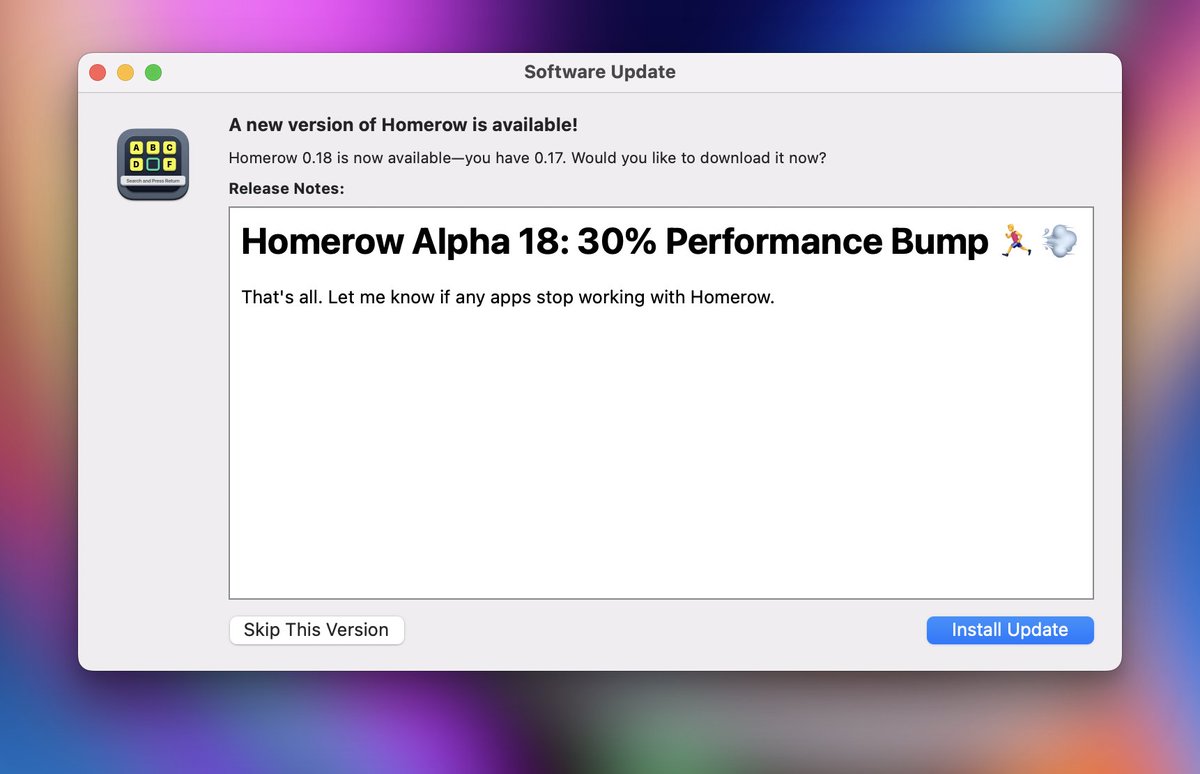
Almost forgot... Homerow Alpha 17 is out. ๐Ÿš€๐Ÿ˜Ž ๐Ÿฆ„ Added support for Teams, Edge, IntelliJ IDEA, and WhatsApp ๐ŸŒ Auto-switch input source, for non-native speakers ๐Ÿ†Ž Labels show typed progress ๐ŸŽฏ Fixed some web elements not being labelled. e.g. GitHub Codespaces in Firefox

Almost forgot... Homerow Alpha 17 is out. ๐Ÿš€๐Ÿ˜Ž

๐Ÿฆ„ Added support for Teams, Edge, IntelliJ IDEA, and WhatsApp
๐ŸŒ Auto-switch input source, for non-native speakers
๐Ÿ†Ž Labels show typed progress
๐ŸŽฏ Fixed some web elements not being labelled. e.g. GitHub Codespaces in Firefox
Vivek Haldar (@vivekhaldar) 's Twitter Profile Photo

homerow.app by Dexter Leng is a total gamechanger for Mac OS keyboard-centric interaction. Like Vimium, but for the entire OS. If you hate reaching for the mouse, you've gotta try it out.

Ayush Kanodia (@ayushkanodia) 's Twitter Profile Photo

I love using homerow! Thanks Dexter. PS: people seem to be wowed if they see me navigate monitors without ever going to my mouse.

Dexter Leng (@dexterleng) 's Twitter Profile Photo

Someone posted Homerow on Hacker News yesterday and it was on the frontpage ๐Ÿคฏ Gonna be shipping Vimium-style workflow today (auto-click without pressing Space)๐Ÿš€ news.ycombinator.com/item?id=354510โ€ฆ

Dexter Leng (@dexterleng) 's Twitter Profile Photo

Homerow Alpha 19 is out now. ๐Ÿ’จ Option to enable 100% Vimium-style workflow (see video) โŒจ๏ธ Separate shortcuts for Search-based and Labels-only workflow โ˜ ๏ธ Quit Homerow by pressing Command+Q ๐Ÿฆ„ Added support for Tidal

Dexter Leng (@dexterleng) 's Twitter Profile Photo

You can now scroll entirely with the keyboard with Homerow Alpha 20. ๐Ÿš€ Press โ‡งโŒ˜J and and start scrolling with HJKL keys ๐Ÿƒโ€โ™€๏ธ Hold Shift while scrolling to Dash ๐Ÿฆ˜ Switch to another scroll area with the indicated Numbers or the Tab key

Neil Chudleigh (@neilsuperduper) 's Twitter Profile Photo

Excited to announce today that I have acquired Homerow from Dexter Leng It lets you navigate your entire Mac & the Web without a mouse. The best way to understand it is watch this demo/launch video I just cooked up.

Neil Chudleigh (@neilsuperduper) 's Twitter Profile Photo

๐ŸŽ‰New Features released in Homerow 1.1.0: โ€ข ๐Ÿ”ฅModifier only shortcuts (Hyperkey, etc) โ€ข ๐ŸšฅToggle modes by hitting shortcut again โ€ข ๐Ÿ“œ New Scroll commands Activate scroll mode then: d for Half page down u for Half page up gg for Top G for Bottom

Neil Chudleigh (@neilsuperduper) 's Twitter Profile Photo

Simplified the Pricing for Homerow & switched from Paddle to Stripe. - Licenses are now true lifetime - You get all future updates and features - Removed device based pricing ๐Ÿ‘จโ€๐ŸฆณExisting customers are Grandfathered into this new structure. Thank you for your support. I

Neil Chudleigh (@neilsuperduper) 's Twitter Profile Photo

Dropped a new version of Homerow today. Brings Hyperkey remapping directly into the app, this is my preferred way of using Homerow. I hope that soon, it will be yours too.

Homerow (@homerow_app) 's Twitter Profile Photo

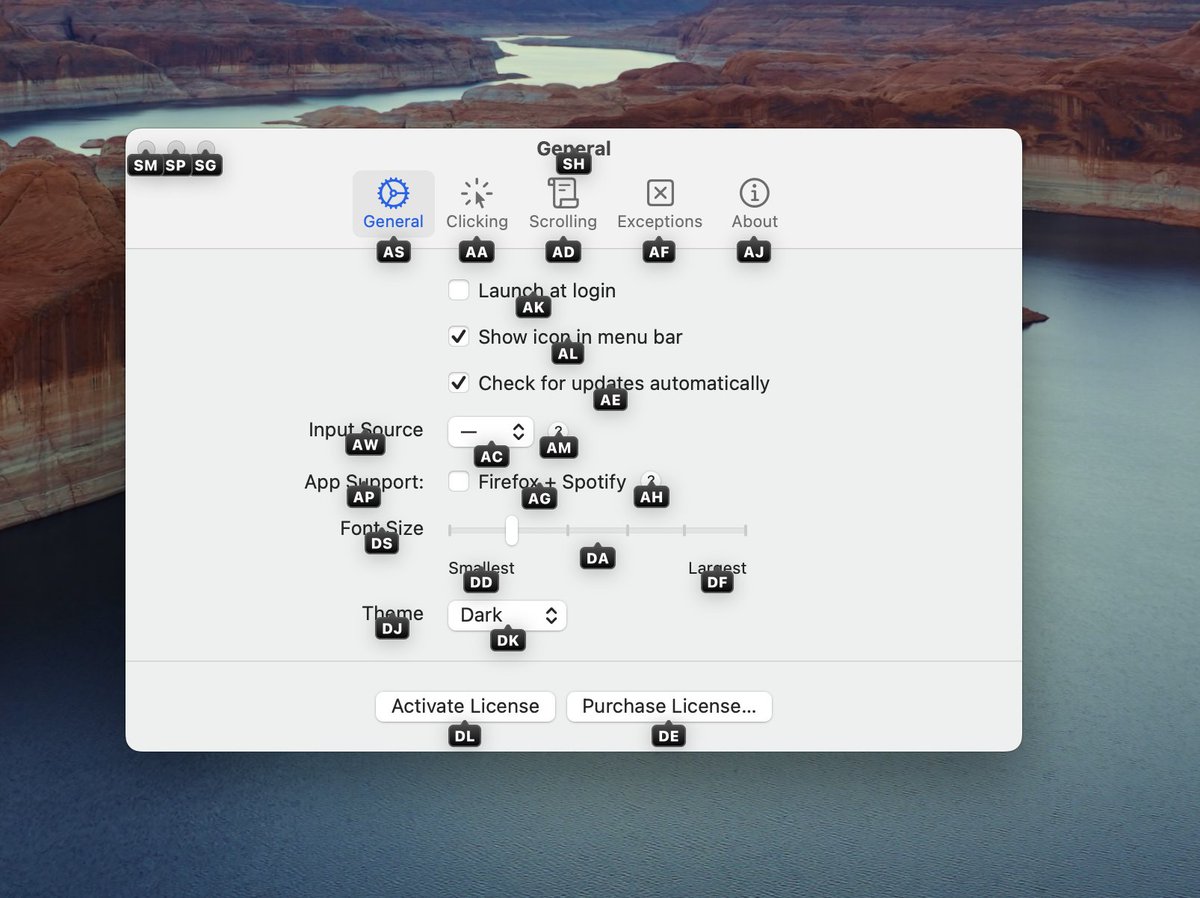
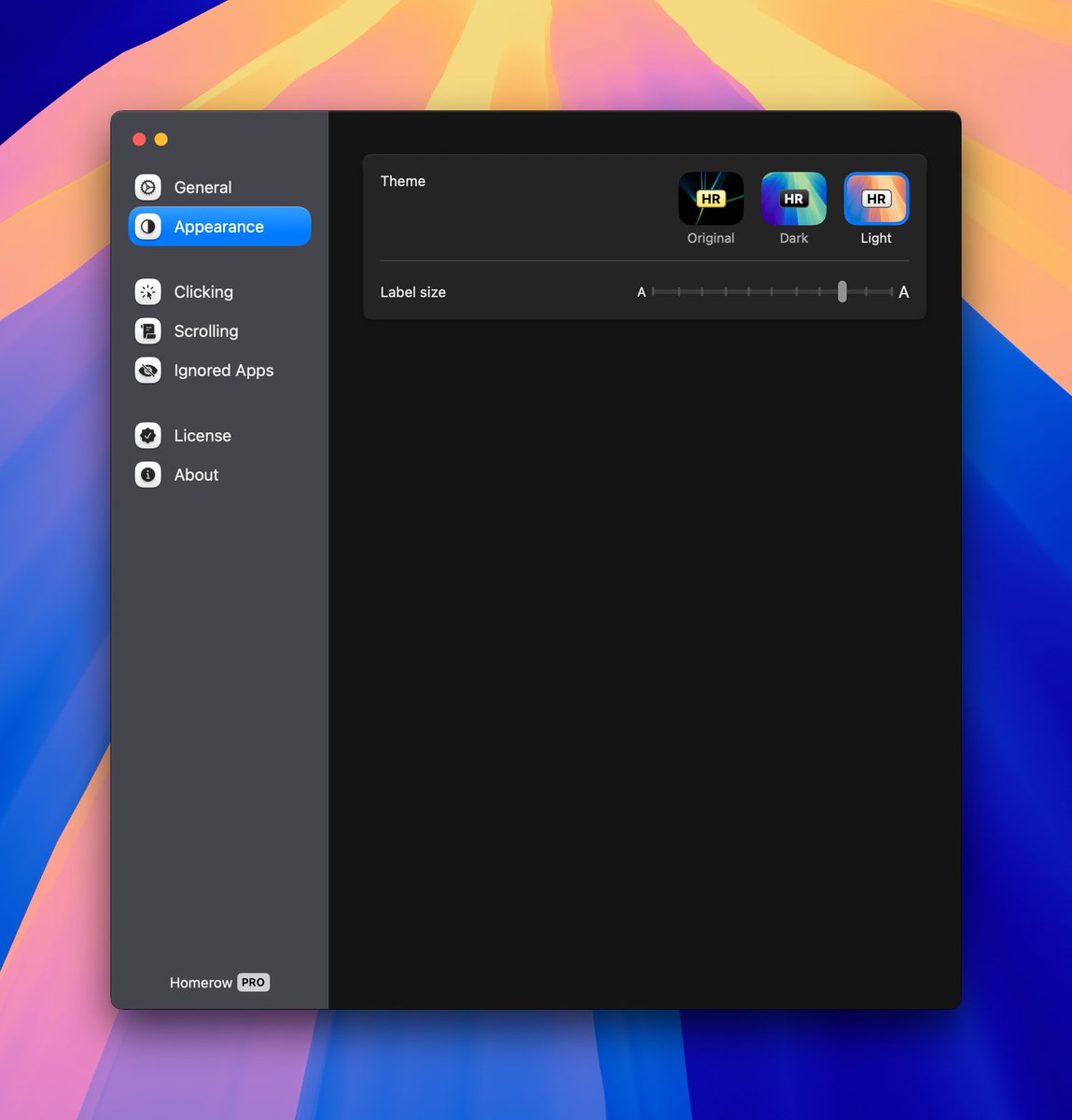
Completely new version of Homerow just dropped. Redesigned the settings panel and updated the app icon. Check it out ๐Ÿ‘‡

Completely new version of Homerow just dropped. 

Redesigned the settings panel and updated the app icon. 

Check it out ๐Ÿ‘‡