

Bill Siever
@billsiever
ID: 3315249841
14-08-2015 16:04:00
47 Tweet
67 Takipçi
10 Takip Edilen

Learn how to build an assistive switch w/o soldering or 3D printing with Bill Siever and chapter leader @loretod101. 📍 Virtual 📅 Wed, April 13 at 5pm EST 🛠️ Beginner friendly Register: ow.ly/5uKU50IaxUS

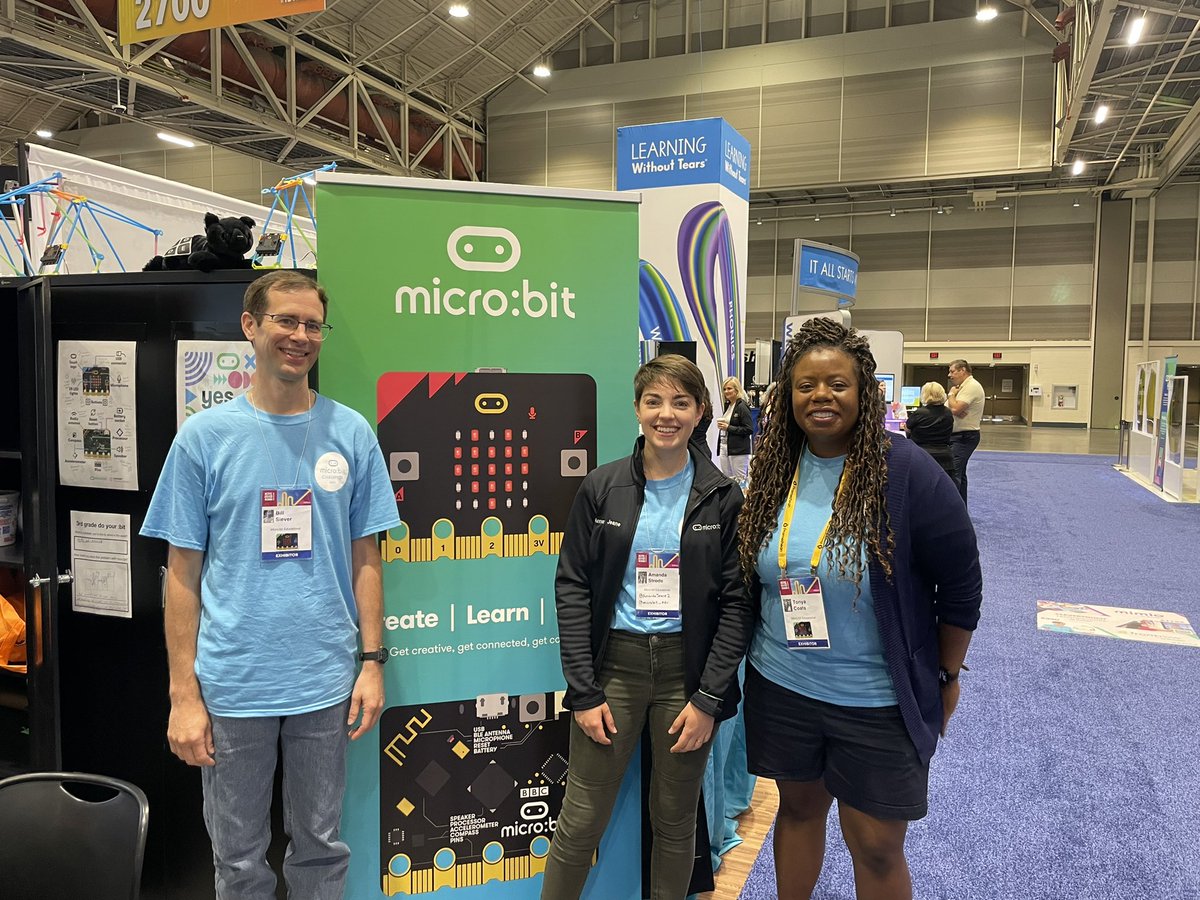
I loved meeting all of these people in person who I have only ever met on zoom for the past three years! It was especially great to spend so much of my time with Bill Siever and Tonya Coats 🌱 ❤️ #microbit #microbitChampions #ISTE #ISTELive #ISTELive22 #ISTE22 #ISTE2022
Yay!!! A simulator in the micro:bit Python editor!!! python.microbit.org/v/beta Nice work Micro:bit Educational Foundation! #microbit

Make your own MaKey MaKey by a Micro:bit Educational Foundation as bluetooth keyboard gitlab.com/jurjendevries/… #DIY

Want to change the direction of your #microbit's screen? Try the Rotate display #MakeCode extension! makecode.microbit.org/pkg/bsiever/mi… . Example: makecode.microbit.org/S61108-03281-0…. Micro:bit Educational Foundation Microsoft MakeCode .
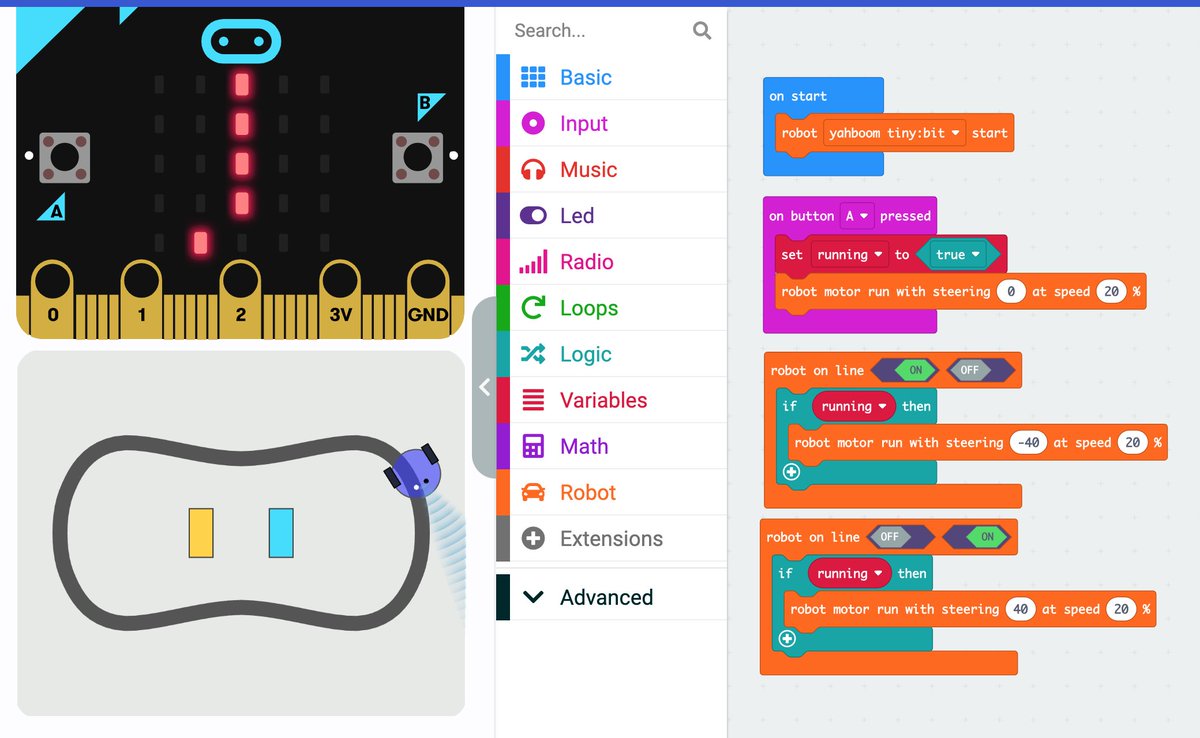
The Microsoft MakeCode for #microbit "Micro:bit Robot" extension (in beta) looks like a great addition! I love the simulated robot! Example Project: makecode.microbit.org/S63166-56543-3… Micro:bit Educational Foundation

Work started on a new project that turns the Micro:bit Educational Foundation into an assistive dual switch access button, using Bill Siever's awesome BLE HID Microsoft MakeCode extension. It can also be customised with different button shapes and sizes, as well as mounting solutions!
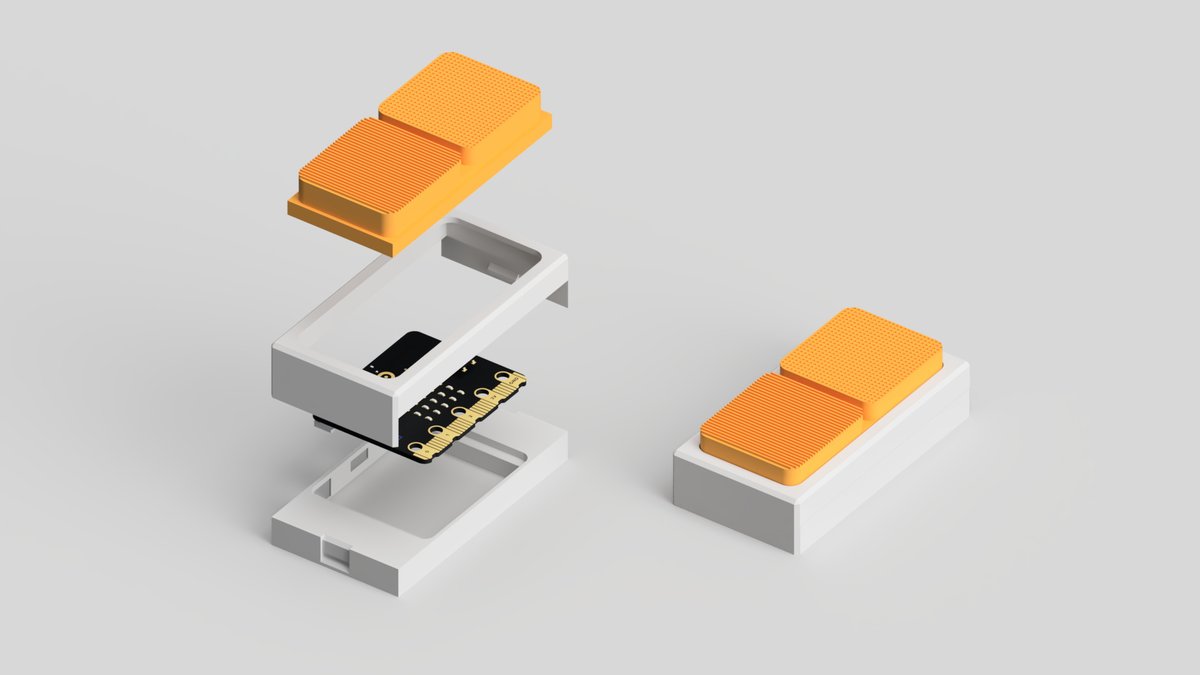
Working on a project that uses Tinkercad, Micro:bit Educational Foundation and #3Dprinting to create low-cost bluetooth switch access devices. Excited to explore various forms, materials, tactile graphics, mounting options, as well as different input and outputs in Microsoft MakeCode #AssistiveTechnology
Assistive technology doesn't need to be plain and 'medical-looking'. Here are some playful designs of our Micro:bit Educational Foundation assistive dual switch device - designed in Autodesk Fusion and printed on the Bambu Lab P1S!
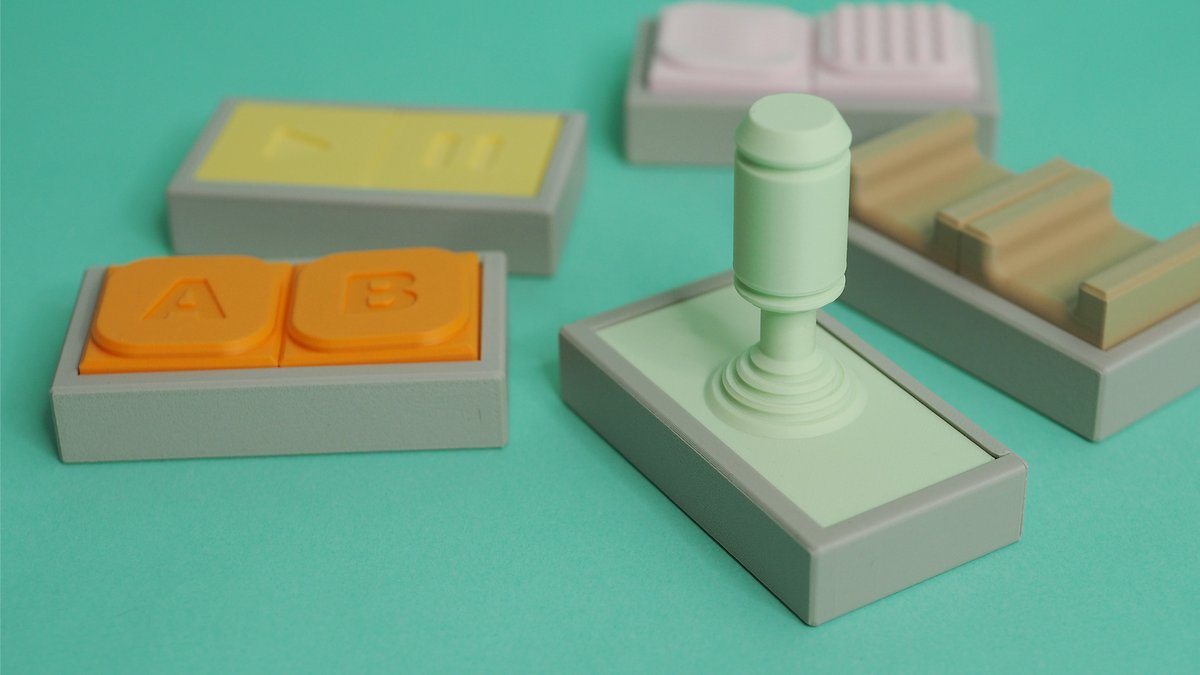
Introducing Tap - a Micro:bit Educational Foundation powered dual switch access device that enables people with disabilities to control mobile phones, tablets and computers. Learn how to use Tinkercad or Autodesk Fusion to design your own custom version in our latest project - bit.ly/3Xr1pDL
Last week, we launched Tap - a Micro:bit Educational Foundation bluetooth dual switch access device that enables people with disabilities to control mobile phones, tablets and computers. In addition to the project, we also released the files open-source! Grab them here - tinyurl.com/232cy7fj
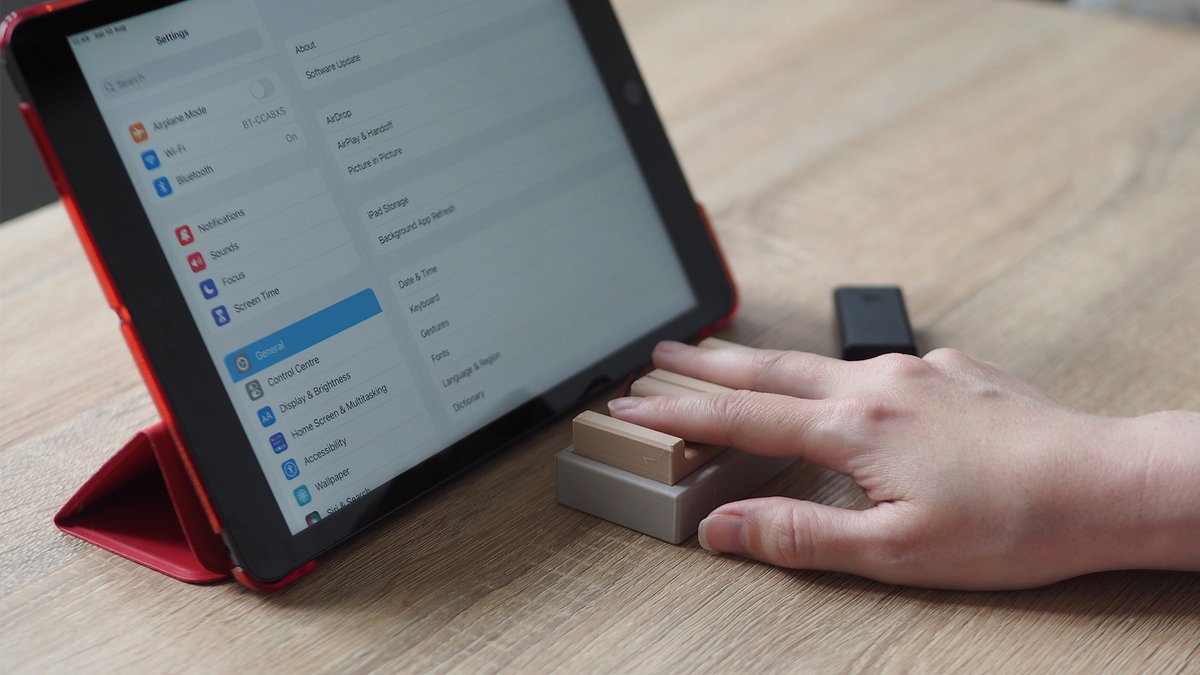
Join us for a virtual #3DPrinting and Micro:bit Educational Foundation assistive technology event on November 11 - hosted with occupational therapist @loretod101 and teaching professor Bill Siever - bit.ly/3BA6wsR
