Rachel Steenblik (@steenblikrachel) 's Twitter Profile
Rachel Steenblik

@steenblikrachel

I am a wife and mother of 4 kids. I love spending time with family and friends. I am an elementary #SPED T, turned school tech specialist. #MIEExpert, #MCE

ID: 1117083323132592128

calendar_today13-04-2019 15:13:13

296 Tweet

154 Takipçi

125 Takip Edilen

Hollie Fisher (@mrshfishy) 's Twitter Profile Photo

Thanks Mike Tholfsen for the cool Q&A and inside scoop on Learning Accelerators. I love all the new tools for learners in #MicrosoftTeams #MicrosoftEdu #i2eEDU #MicrosoftCertifiedCoach Can’t wait to share with my friends that #TeachInDavis #MIEExpert
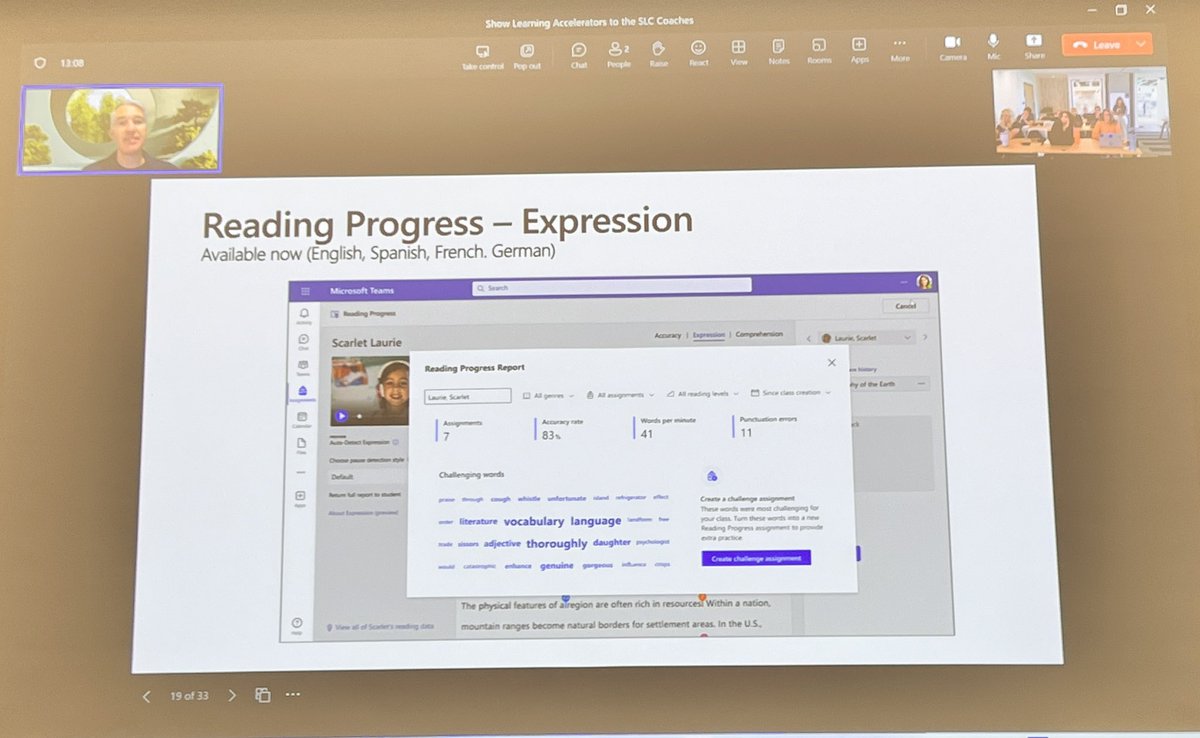
Thanks <a href="/mtholfsen/">Mike Tholfsen</a> for the cool Q&amp;A and inside scoop on Learning Accelerators. I love all the new tools for learners in #MicrosoftTeams #MicrosoftEdu #i2eEDU #MicrosoftCertifiedCoach Can’t wait to share with my friends that #TeachInDavis #MIEExpert
Rachel Steenblik (@steenblikrachel) 's Twitter Profile Photo

Ahh, insight2execution (i2e) worked their magic and organized a visit with my EDU Hero, Mike Tholfsen who gave us a peak at #whatsnewinEDU Thanks for adding it to our days line-up #MicrosoftCertifiedCoach #MicrosoftEDU

Rachel Steenblik (@steenblikrachel) 's Twitter Profile Photo

Proud to be a #MIEExpert in a great district Teaching in Davis fostering innovation at a Microsoft Showcase school Kay's Creek Coyotes Want to join a great PLC Microsoft Education Find details here: educationblog.microsoft.com/en-us/2023/09/…

Mike Tholfsen (@mtholfsen) 's Twitter Profile Photo

NEW! Educators can now click on an Insights card in Reading Progress to get more detail about reading speed or accuracy. These cards also show +/- trends. Short video demo below 👇 #MicrosoftTeams #edtech #MIEExpert

Mike Tholfsen (@mtholfsen) 's Twitter Profile Photo

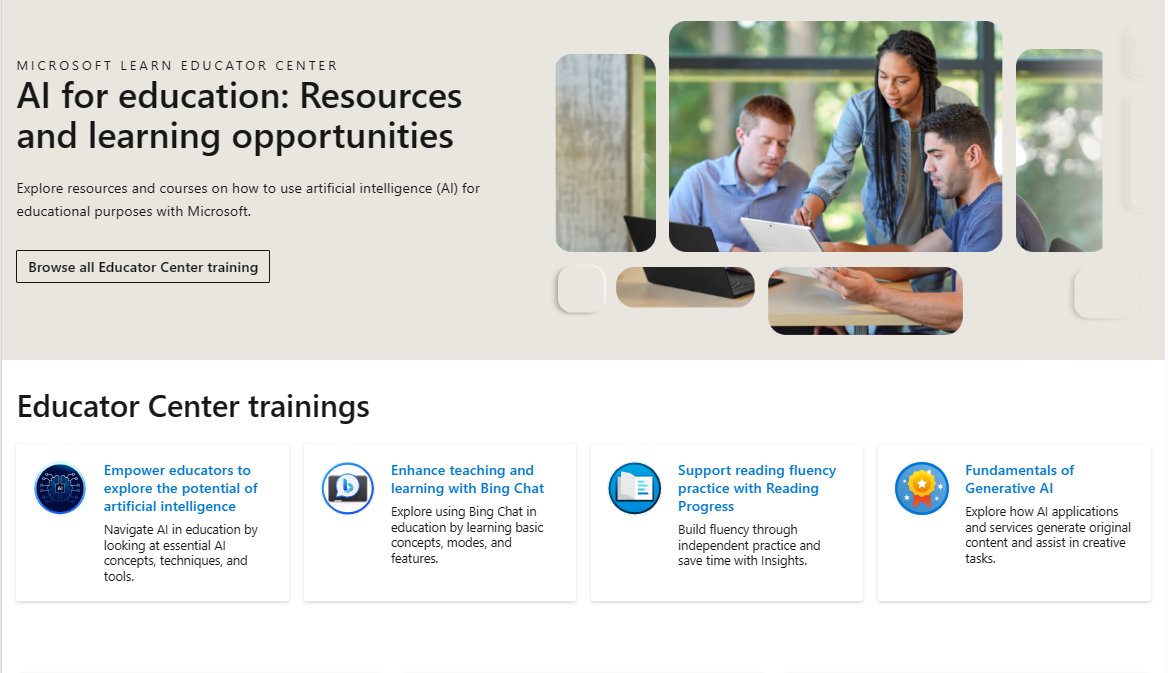
NEW! AI for education: Resources and learning opportunities 📚 This is our just-launched hub for all things AI from #MicrosoftEDU. Explore and share with other educators and staff! Link 🔗 learn.microsoft.com/en-us/training… #edchat #MIEExpert #edtech

NEW! AI for education: Resources and learning opportunities 📚 This is our just-launched hub for all things AI from #MicrosoftEDU. Explore and share with other educators and staff!

Link 🔗 learn.microsoft.com/en-us/training…

#edchat #MIEExpert #edtech
Hollie Fisher (@mrshfishy) 's Twitter Profile Photo

This amazing mom, though nervous about limited English skills, came to teach about Dia De Los Muertos. We used PowerPoint live translation to caption her Sp to Eng. The student was thrilled mom could help in class. The mom left feeling like a superstar. #TeachInDavis #MIEExpert
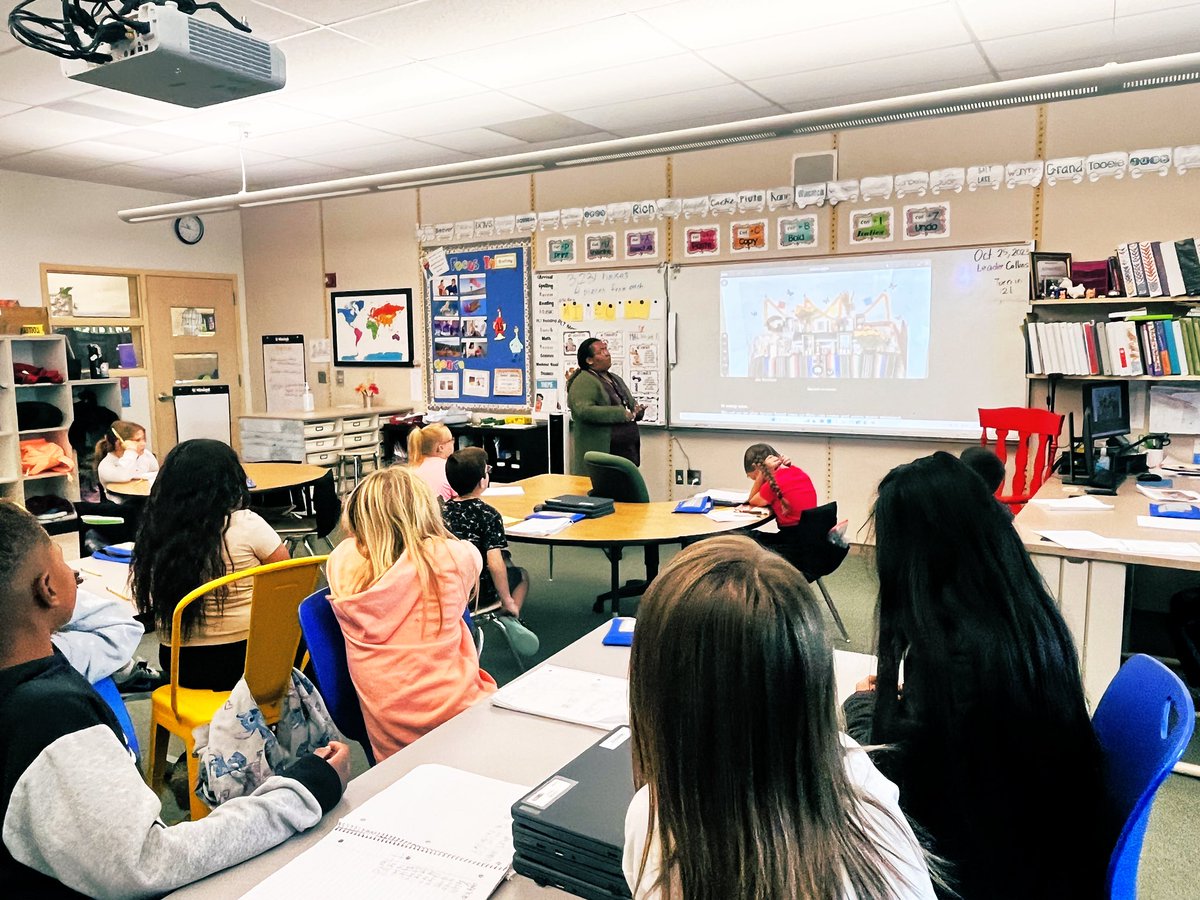

This amazing mom, though nervous about limited English skills, came to teach about Dia De Los Muertos. We used <a href="/powerpoint/">PowerPoint</a> live translation to caption her Sp to Eng. The student was thrilled mom could help in class. The mom left feeling like a superstar. #TeachInDavis #MIEExpert
Mike Tholfsen (@mtholfsen) 's Twitter Profile Photo

As part of UNESCO Global Information and Media Literacy Week we are excited to launch The InvestiGators, a #MinecraftEDU information literacy game that takes young learners through three fun and engaging situations. 👉 education.minecraft.net/en-us/blog/inv… #edtech #MIEExpert #MicrosoftEDU

As part of UNESCO Global Information and Media Literacy Week we are excited to launch The InvestiGators, a #MinecraftEDU information literacy game that takes young learners through three fun and engaging situations.

👉 education.minecraft.net/en-us/blog/inv…

#edtech #MIEExpert #MicrosoftEDU
Miss Aird (@miss_aird) 's Twitter Profile Photo

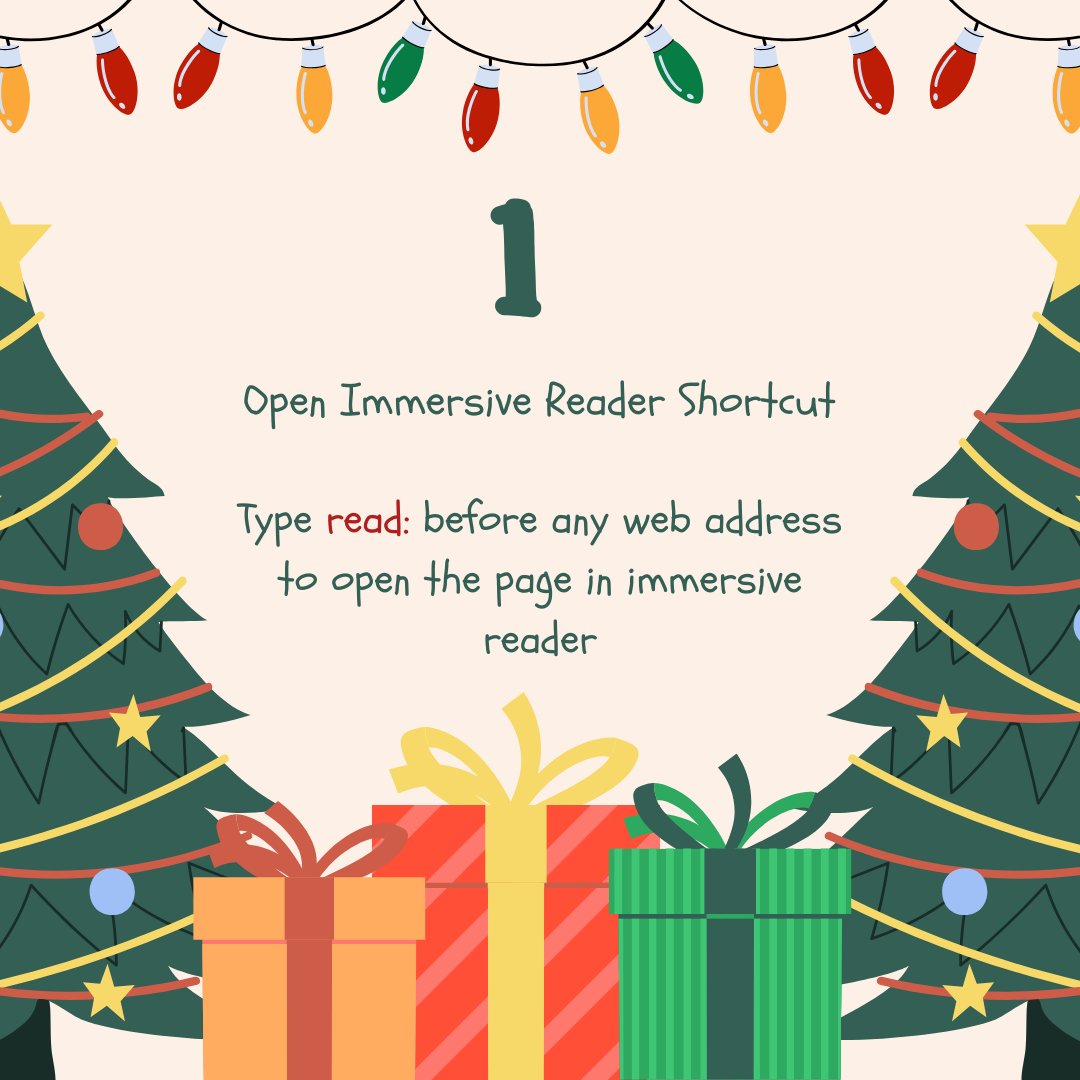
📚 Discover Knowledge at Your Fingertips! Did you know you can summon the magic of #ImmersiveReader in Edge by tying read: before any web address. Use shortcuts to focus on what matters most—content that's accessible! ✨🔍 #Office365Accessibility #TeamMIEEScotland

📚 Discover Knowledge at Your Fingertips! 

Did you know you can summon the magic of #ImmersiveReader in Edge by tying read: before any web address.

 Use shortcuts to focus on what matters most—content that's accessible! ✨🔍  #Office365Accessibility #TeamMIEEScotland
Miss Aird (@miss_aird) 's Twitter Profile Photo

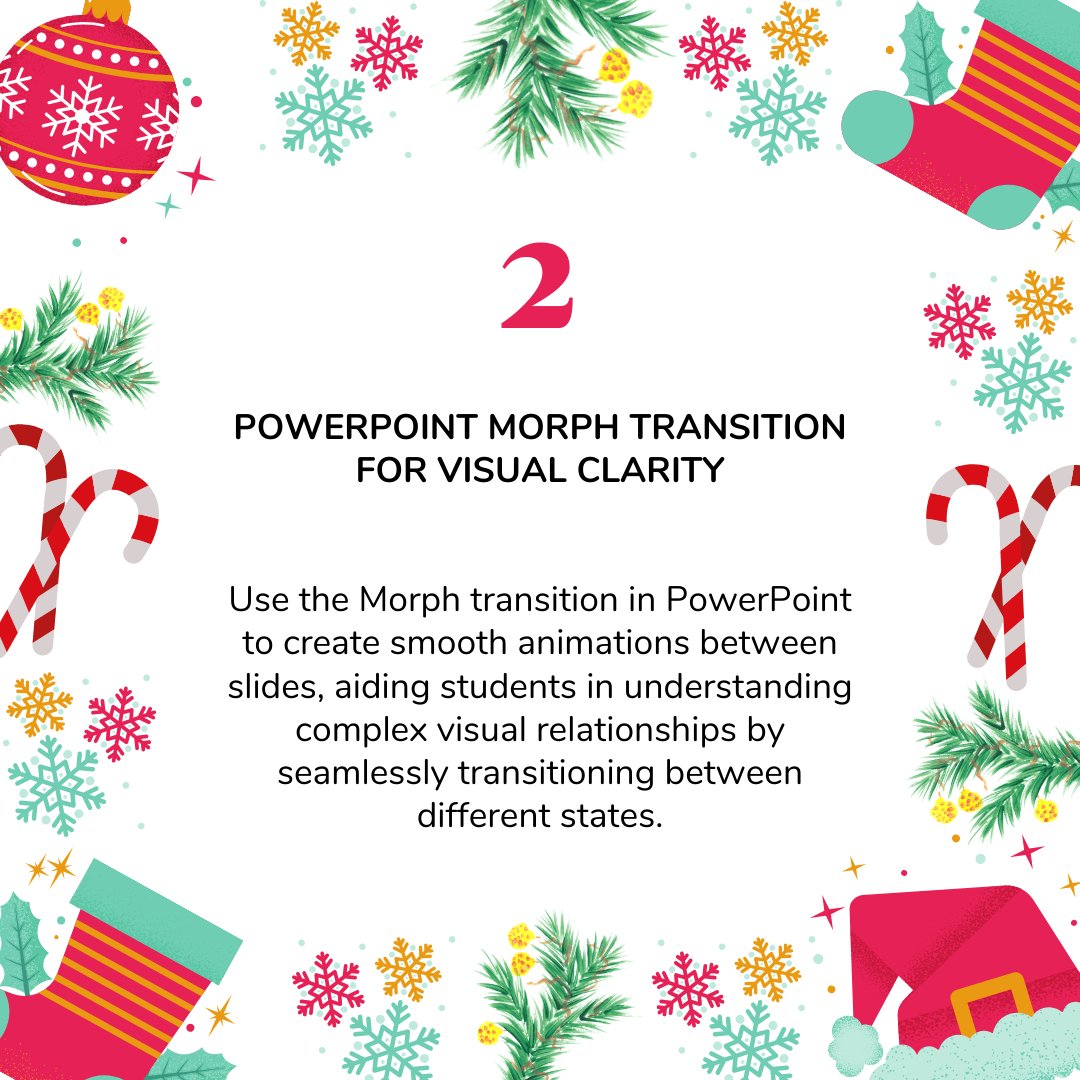
Day 2 Enhance visual clarity in your presentations with PowerPoint's Morph Transition! 🔄✨ Smoothly animate between slides to help students grasp complex visual relationships. #Office365Accessibility #TeamMIEEScotland

Day 2

Enhance visual clarity in your presentations with PowerPoint's Morph Transition! 🔄✨ Smoothly animate between slides to help students grasp complex visual relationships. 

#Office365Accessibility #TeamMIEEScotland
Miss Aird (@miss_aird) 's Twitter Profile Photo

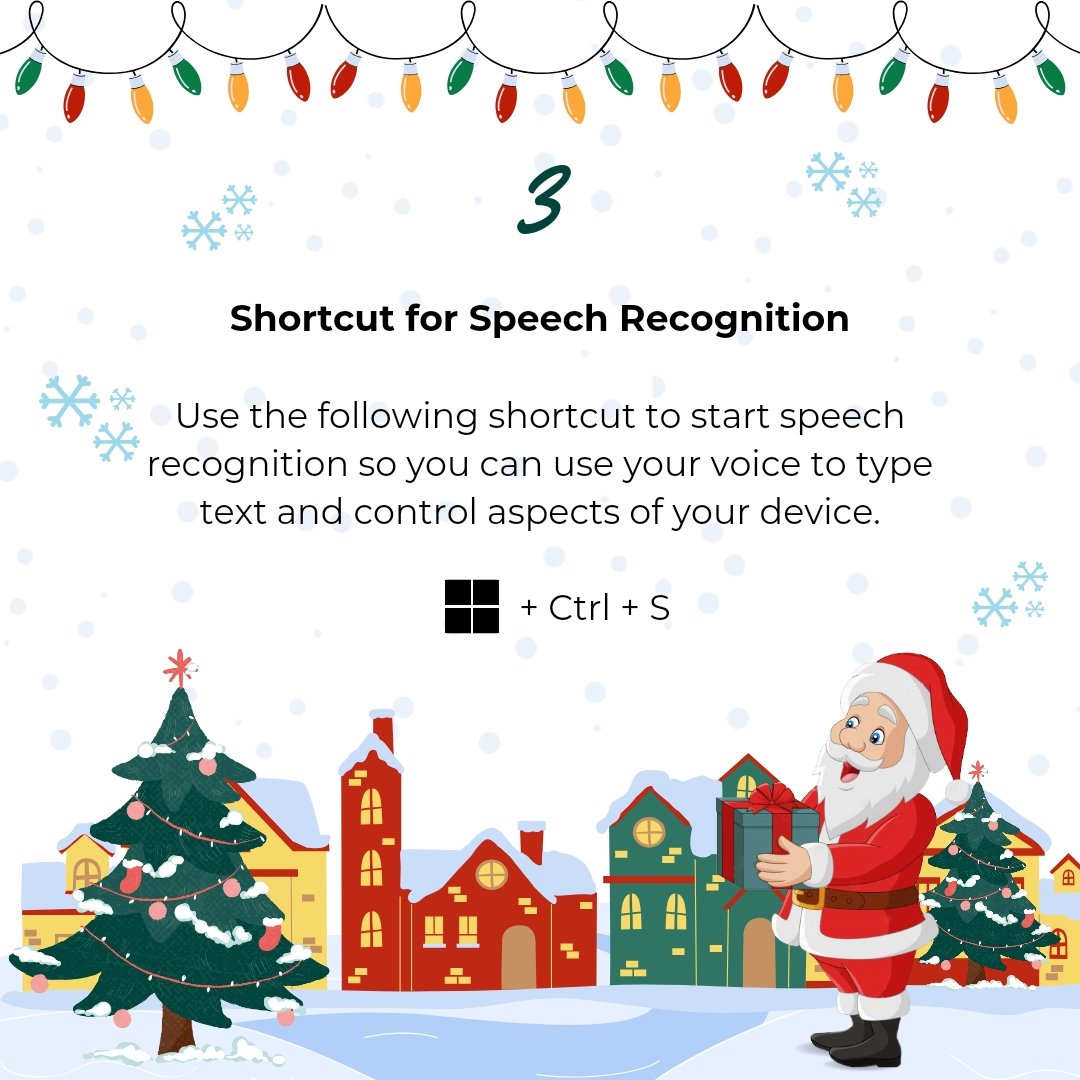
Day 3 🗣️✨ Unlock the power of accessibility with this shortcut! Start speech recognition effortlessly to type text and control your device using just your voice. Empower pupils with hands-free convenience for a seamless and inclusive tech experience. 🌐🔊

Day 3

🗣️✨ Unlock the power of accessibility with this shortcut! Start speech recognition effortlessly to type text and control your device using just your voice. 

Empower pupils with hands-free convenience for a seamless and inclusive tech experience. 🌐🔊
Miss Aird (@miss_aird) 's Twitter Profile Photo

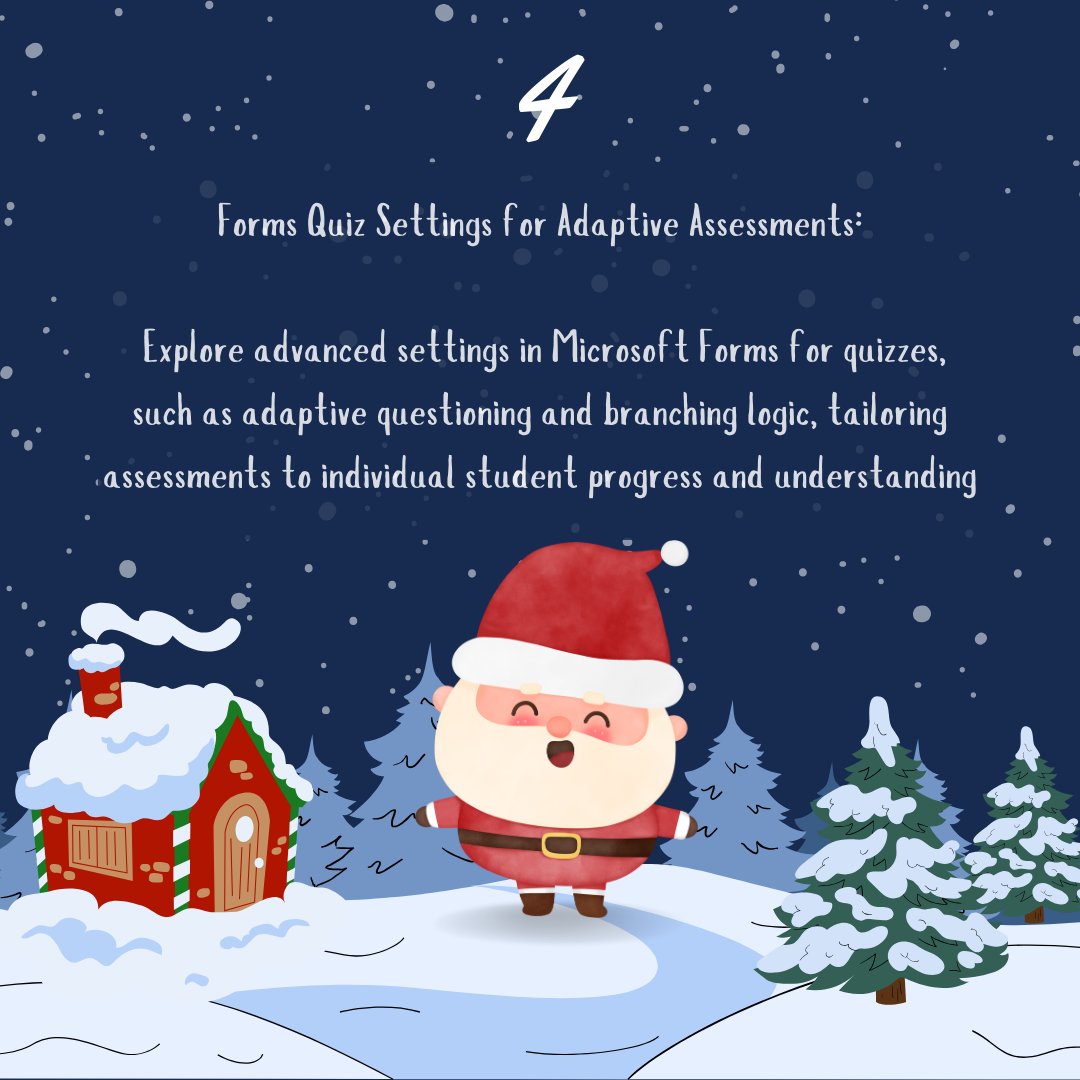
Day 4 🌐✨ Transform assessments with accessibility in mind! Discover the adaptive wonders of Microsoft Forms quiz settings. Tailor quizzes with adaptive questioning & branching logic, ensuring assessments that meet each student's progress & understanding. 🎓💡

Day 4

🌐✨ Transform assessments with accessibility in mind! Discover the adaptive wonders of Microsoft Forms quiz settings.

Tailor quizzes with adaptive questioning &amp; branching logic, ensuring assessments that meet each student's progress &amp; understanding. 🎓💡
Miss Aird (@miss_aird) 's Twitter Profile Photo

Accessibility Advent Day 5 🖼️ Picture Dictionary Learning: Boost pupils vocabulary visually! Hover over words in #ImmersiveReader to see images, making learning new words a breeze. A picture is worth a thousand words! 📸📚 #PictureDictionary

Accessibility Advent Day 5

🖼️ Picture Dictionary Learning: Boost pupils vocabulary visually! 

Hover over words in #ImmersiveReader to see images, making learning new words a breeze. A picture is worth a thousand words! 📸📚 #PictureDictionary
Miss Aird (@miss_aird) 's Twitter Profile Photo

Accessibility Advent Day 6 ⚙️ Enhance accessibility in Teams! 🌐 🕵️Use Ctrl + F to effortlessly find files and ease the cognitive load. 🔍💻 Empower everyone to navigate with efficiency. #CtrlF #TeamsTips

Accessibility Advent Day 6

⚙️ Enhance accessibility in Teams! 🌐 

🕵️Use Ctrl + F to effortlessly find files and ease the cognitive load. 🔍💻 Empower everyone to navigate with efficiency. #CtrlF #TeamsTips
Miss Aird (@miss_aird) 's Twitter Profile Photo

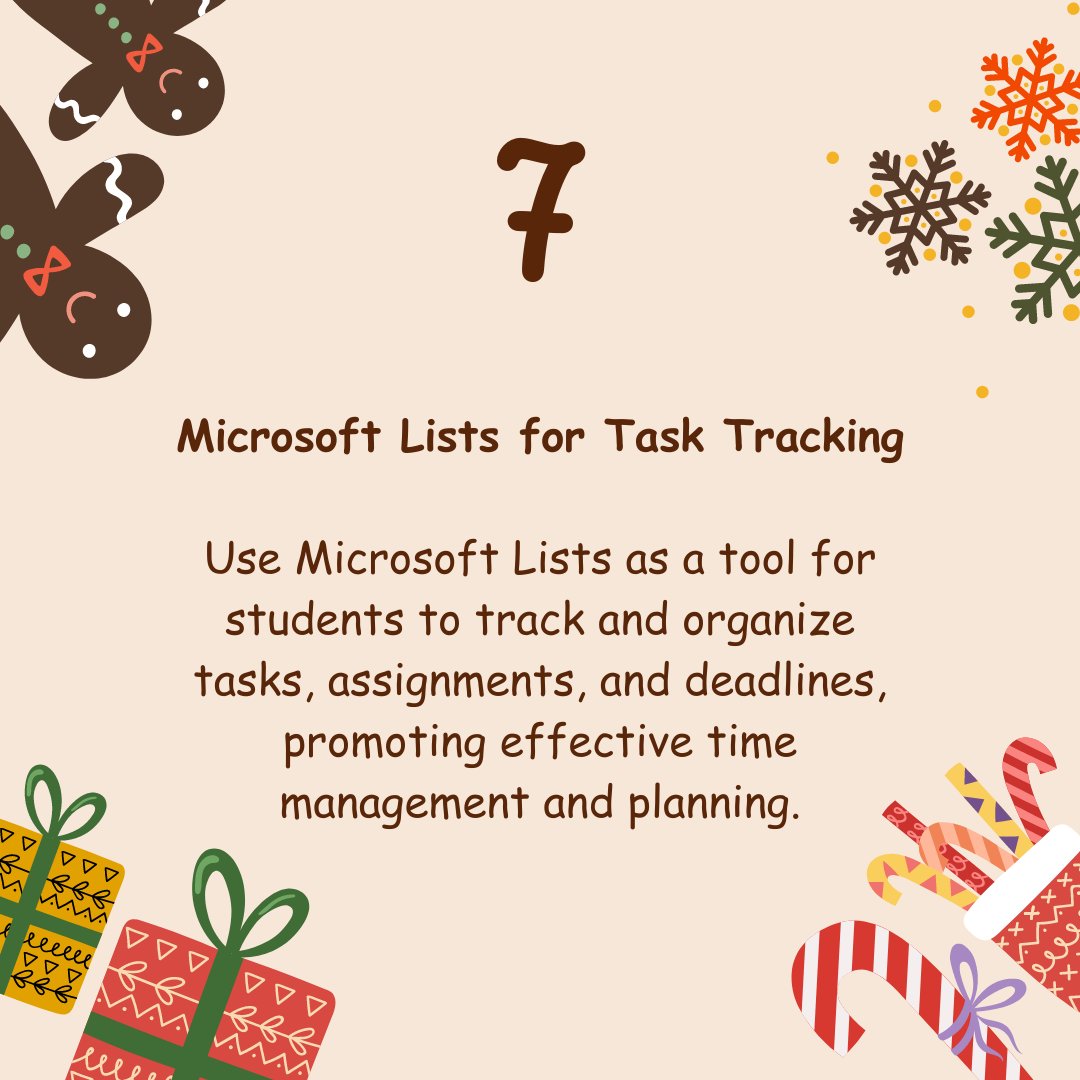
Accessibility Advent Day 7 📃Unlock inclusive learning with Microsoft Lists! ✅ Lists helps track tasks & assignments, supporting time management & planning. Especially beneficial for students with ASN, providing a structured approach to enhance organization & productivity.

Accessibility Advent Day 7 

📃Unlock inclusive learning with Microsoft Lists! ✅

Lists helps track tasks &amp; assignments, supporting time management &amp; planning. Especially beneficial for students with ASN, providing a structured approach to enhance organization &amp; productivity.
Matt Miller 🗑️ (@jmattmiller) 's Twitter Profile Photo

Fun formative assessment: 12 easy, no-tech ideas you can use tomorrow 🧱Graffiti wall ✍️Sketch artist 🧐Quiz maker 🗿Sculptor 🧩Word puzzler and more PLUS 2 ☸️ creative 🍯 ways to use them⬇️ ditchthattextbook.com/no-tech-format…

Fun formative assessment: 12 easy, no-tech ideas you can use tomorrow

🧱Graffiti wall
✍️Sketch artist
🧐Quiz maker
🗿Sculptor
🧩Word puzzler
and more PLUS 2 ☸️ creative 🍯 ways to use them⬇️ 

ditchthattextbook.com/no-tech-format…
Kyle Niemis (@kyleniemis) 's Twitter Profile Photo

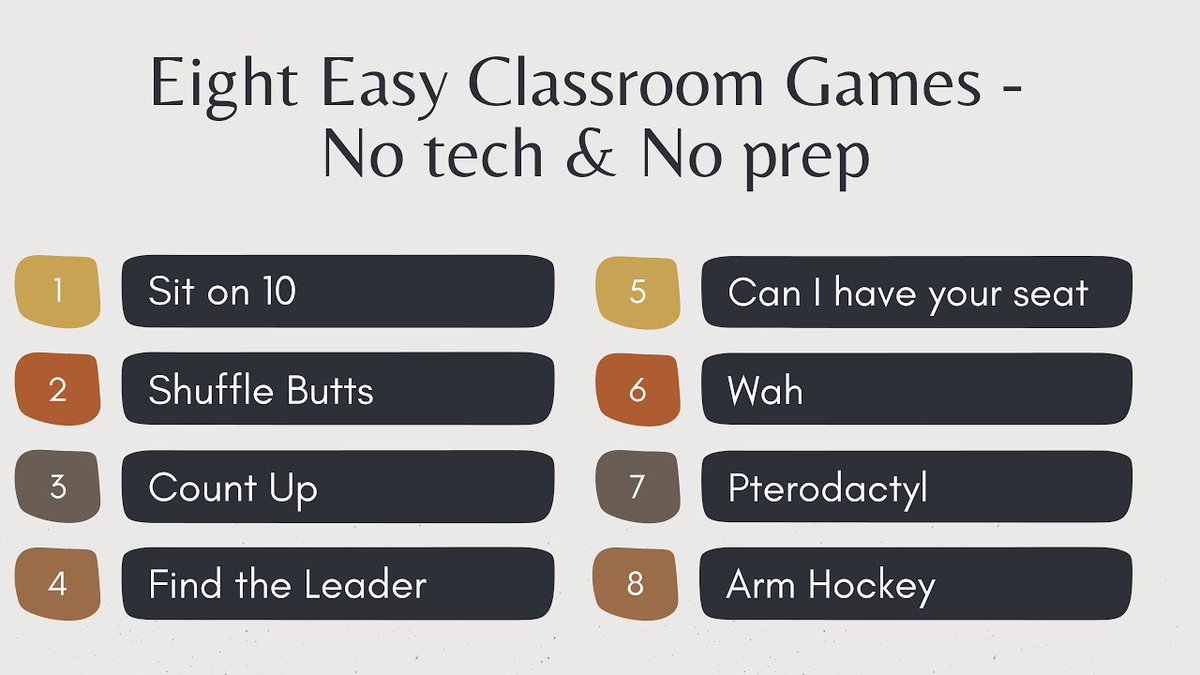
If you're looking for simple team-building classroom games with no tech and absolutely no prep, here are my top 8️⃣ activities! Perfect for this time of year ❄️ This is the video I made with my students to help teach other teachers... 🎥 youtube.com/watch?v=LrfSMG… #teachers

If you're looking for simple team-building classroom games with no tech and absolutely no prep, here are my top 8️⃣ activities! Perfect for this time of year ❄️

This is the video I made with my students to help teach other teachers... 🎥

youtube.com/watch?v=LrfSMG…

#teachers
Miss Aird (@miss_aird) 's Twitter Profile Photo

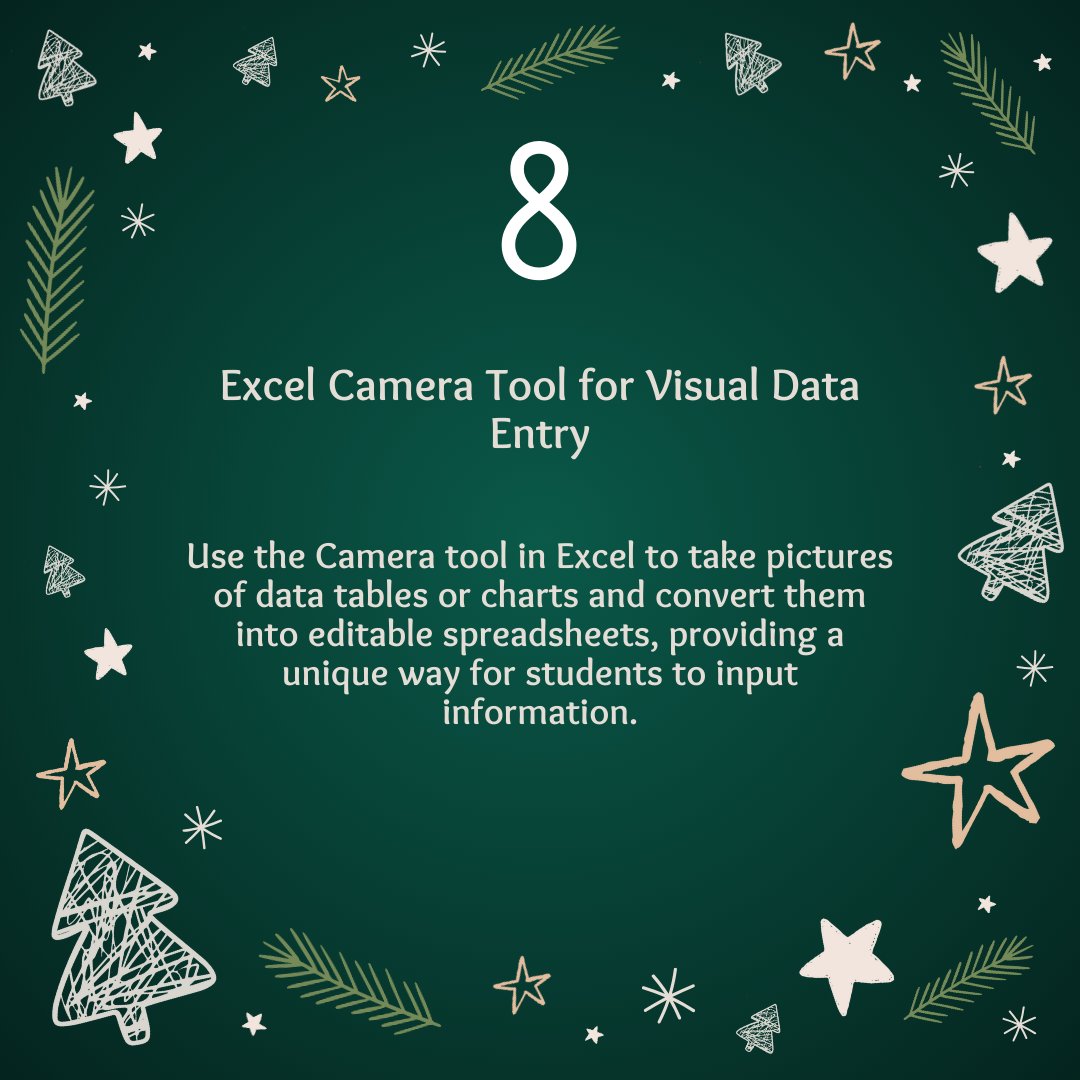
Accessibility Advent Day 8 📊📸 Enhance accessibility with Excel's Camera Tool! Capture data tables or charts through pictures and convert them into editable spreadsheets, offering students an inclusive way to input information. 📷💻

Accessibility Advent Day 8

📊📸 Enhance accessibility with Excel's Camera Tool! 

Capture data tables or charts through pictures and convert them into editable spreadsheets, offering students an inclusive way to input information.  📷💻
Rachel Steenblik (@steenblikrachel) 's Twitter Profile Photo

I am delighted to be part of a talented and innovative community. My aim is to share my expertise with others in a practical and efficient way that can be easily applied in the classroom. insight2execution (i2e) Flopsie Llama Microsoft Education Teaching in Davis
I am delighted to be part of a talented and innovative community. My aim is to share my expertise with others in a practical and efficient way that can be easily applied in the classroom. <a href="/i2eEDU/">insight2execution (i2e)</a>  <a href="/MIEE_Flopsie/">Flopsie Llama</a> <a href="/MicrosoftEDU/">Microsoft Education</a>  <a href="/teachindavis/">Teaching in Davis</a>