Imran Baloch (@ibloch78) 's Twitter Profile
Imran Baloch

@ibloch78

ID: 1229006249351667713

calendar_today16-02-2020 11:35:11

90,90K Tweet

17,17K Takipçi

12,12K Takip Edilen

Imran Baloch (@ibloch78) 's Twitter Profile Photo

“Can I get GM? Engage now— massive verified followers incoming ☕️✨👋 💹♻️” #GoodMorning #GoodMorningEveryone

“Can I get GM?

Engage now— massive verified followers incoming ☕️✨👋
💹♻️”

#GoodMorning #GoodMorningEveryone
Imran Baloch (@ibloch78) 's Twitter Profile Photo

✅ Today’s Unity tip 👉 LineRenderer LineRenderer lets you draw lines, paths, and laser-like visuals directly in 2D or 3D space. Great for effects, indicators, and dynamic visual feedback. Use for: ✔ Drawing paths & indicators ✔ Laser beams & shooting lines ✔ Trajectory &

✅ Today’s Unity tip 👉 LineRenderer

LineRenderer lets you draw lines, paths, and laser-like visuals directly in 2D or 3D space.
Great for effects, indicators, and dynamic visual feedback.

Use for:
✔ Drawing paths & indicators
✔ Laser beams & shooting lines
✔ Trajectory &
Imran Baloch (@ibloch78) 's Twitter Profile Photo

“Can I get GM? Engage now— massive verified followers incoming ☕️✨😎👋 💹♻️” #GoodMorning #GoodMorningEveryone

“Can I get GM?

Engage now— massive verified followers incoming ☕️✨😎👋
💹♻️”

#GoodMorning #GoodMorningEveryone
Imran Baloch (@ibloch78) 's Twitter Profile Photo

✅ Today’s Unity tip 👉 Physics2D.Raycast() Physics2D.Raycast() shoots a ray in 2D space to detect objects along a direction. Perfect for platformers, 2D shooters, and line-based detection systems. Use for: ✔ Ground checks in platformers ✔ 2D shooting & aiming ✔ Detecting

✅ Today’s Unity tip 👉 Physics2D.Raycast()

Physics2D.Raycast() shoots a ray in 2D space to detect objects along a direction.
Perfect for platformers, 2D shooters, and line-based detection systems.

Use for:
✔ Ground checks in platformers
✔ 2D shooting & aiming
✔ Detecting
Imran Baloch (@ibloch78) 's Twitter Profile Photo

“Can I get GM? Engage now— massive verified followers incoming ☕️✨⚽👋 💹♻️” #GoodMorning #GoodMorningEveryone

“Can I get GM?

Engage now— massive verified followers incoming ☕️✨⚽👋
💹♻️”

#GoodMorning #GoodMorningEveryone
Imran Baloch (@ibloch78) 's Twitter Profile Photo

✅ Today’s Unity tip 👉 OnTriggerEnter() OnTriggerEnter() runs when two colliders overlap and at least one of them is set as a Trigger. Perfect for interactions that don’t require physical collisions. Use for: ✔ Pickups & collectibles ✔ Entering zones & checkpoints ✔

✅ Today’s Unity tip 👉 OnTriggerEnter()

OnTriggerEnter() runs when two colliders overlap and at least one of them is set as a Trigger.
Perfect for interactions that don’t require physical collisions.

Use for:
✔ Pickups & collectibles
✔ Entering zones & checkpoints
✔
Imran Baloch (@ibloch78) 's Twitter Profile Photo

“Can I get GM? Engage now— massive verified followers incoming ☕️✨⚽🪶 💹♻️” #GoodMorning #GoodMorningEveryone

“Can I get GM?

Engage now— massive verified followers incoming ☕️✨⚽🪶
💹♻️”

#GoodMorning #GoodMorningEveryone
Imran Baloch (@ibloch78) 's Twitter Profile Photo

“Can I get GM? Engage now— massive verified followers incoming ☕️✨⚽👍👋 💹♻️” #GoodMorning #GoodMorningEveryone

“Can I get GM?

Engage now— massive verified followers incoming ☕️✨⚽👍👋
💹♻️”

#GoodMorning #GoodMorningEveryone
Imran Baloch (@ibloch78) 's Twitter Profile Photo

✅ Today’s Unity tip 👉 OnCollisionEnter() OnCollisionEnter() triggers when two non-trigger colliders collide with physics. Use for: ✔ Detecting physical hits ✔ Enemy/player collision logic ✔ Applying damage or bounce effects I develop: ✔ Hyper Casual Games ✔ Racing,

✅ Today’s Unity tip 👉 OnCollisionEnter()

OnCollisionEnter() triggers when two non-trigger colliders collide with physics.

Use for:
✔ Detecting physical hits
✔ Enemy/player collision logic
✔ Applying damage or bounce effects

I develop:
✔ Hyper Casual Games
✔ Racing,
Imran Baloch (@ibloch78) 's Twitter Profile Photo

✅ Today’s Unity tip 👉 InvokeRepeating() InvokeRepeating() lets you call a method repeatedly at fixed intervals without writing coroutines. Perfect for loops that run automatically in the background. Use for: ✔ Repeating timers ✔ Auto-updating UI ✔ Enemy or object spawning

✅ Today’s Unity tip 👉 InvokeRepeating()

InvokeRepeating() lets you call a method repeatedly at fixed intervals without writing coroutines.
Perfect for loops that run automatically in the background.

Use for:
✔ Repeating timers
✔ Auto-updating UI
✔ Enemy or object spawning
Imran Baloch (@ibloch78) 's Twitter Profile Photo

“Can I get GM? Engage now— massive verified followers incoming ☕️✨⚽🎇👋 💹♻️” #GoodMorning #GoodMorningEveryone

“Can I get GM?

Engage now— massive verified followers incoming ☕️✨⚽🎇👋
💹♻️”

#GoodMorning #GoodMorningEveryone
Imran Baloch (@ibloch78) 's Twitter Profile Photo

“Can I get GM? Engage now— massive verified followers incoming ☕️✨😎👋 💹♻️” #GoodMorning #GoodMorningEveryone

“Can I get GM?

Engage now— massive verified followers incoming ☕️✨😎👋
💹♻️”

#GoodMorning #GoodMorningEveryone
Imran Baloch (@ibloch78) 's Twitter Profile Photo

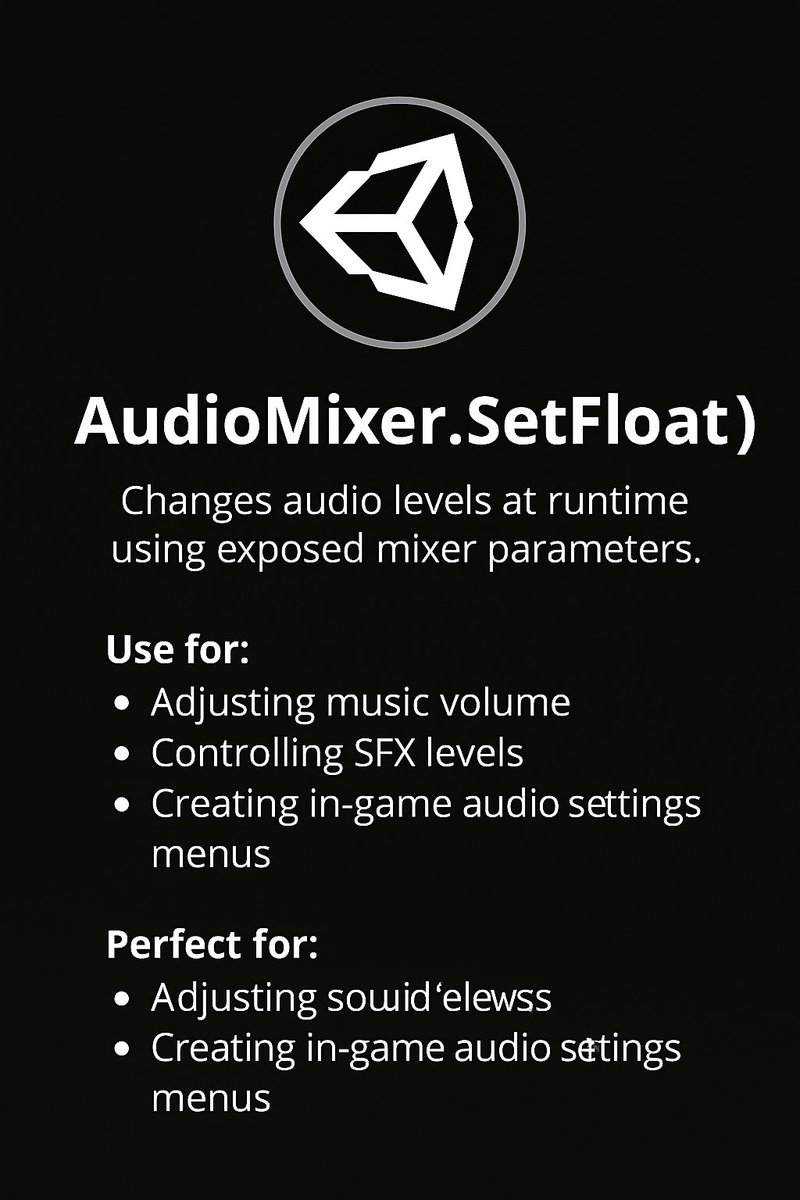
✅ Today’s Unity tip 👉 AudioMixer.SetFloat() AudioMixer.SetFloat() lets you adjust audio levels in real-time using exposed mixer parameters. Perfect for creating adjustable volume settings inside your game. Use for: ✔ Music volume sliders ✔ SFX control ✔ Dynamic audio

✅ Today’s Unity tip 👉 AudioMixer.SetFloat()

AudioMixer.SetFloat() lets you adjust audio levels in real-time using exposed mixer parameters.
Perfect for creating adjustable volume settings inside your game.

Use for:
✔ Music volume sliders
✔ SFX control
✔ Dynamic audio
Imran Baloch (@ibloch78) 's Twitter Profile Photo

“Can I get GM? Engage now— massive verified followers incoming ☕️✨👋 💹♻️” #GoodMorning #GoodMorningEveryone

“Can I get GM?

Engage now— massive verified followers incoming ☕️✨👋
💹♻️”

#GoodMorning #GoodMorningEveryone
Imran Baloch (@ibloch78) 's Twitter Profile Photo

“Can I get GM? Engage now— massive verified followers incoming ☕️✨👋😎 💹♻️” #GoodMorning #GoodMorningEveryone

“Can I get GM?

Engage now— massive verified followers incoming ☕️✨👋😎
💹♻️”

#GoodMorning #GoodMorningEveryone
Imran Baloch (@ibloch78) 's Twitter Profile Photo

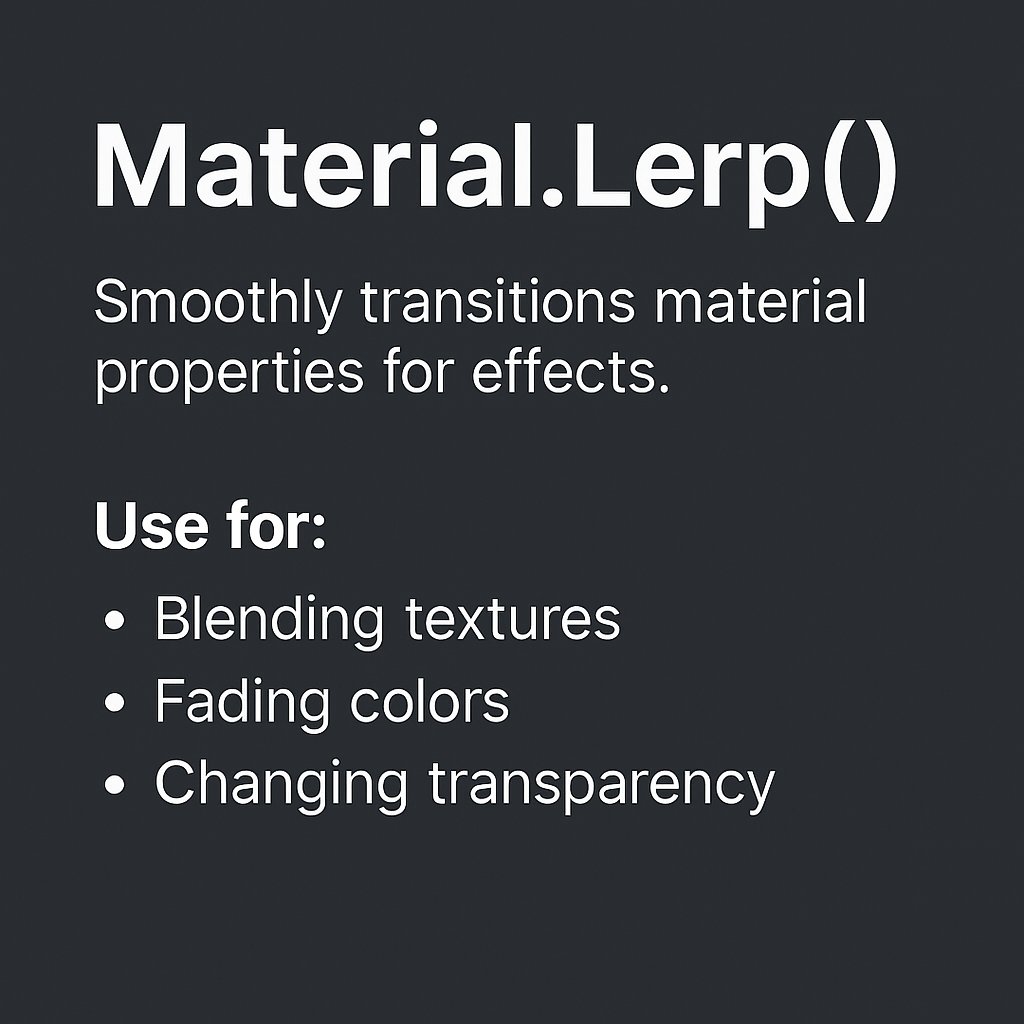
✅ Today’s Unity tip 👉 Material.Lerp() Material.Lerp() smoothly blends material properties between two materials over time. Perfect for creating smooth visual transitions and effects. Use for: ✔ Color transitions ✔ Damage / power-up effects ✔ Environmental visual changes I

✅ Today’s Unity tip 👉 Material.Lerp()

Material.Lerp() smoothly blends material properties between two materials over time.
Perfect for creating smooth visual transitions and effects.

Use for:
✔ Color transitions
✔ Damage / power-up effects
✔ Environmental visual changes

I