Carlo 👉 Product and Web Designer (@carlociccarell9) 's Twitter Profile
Carlo 👉 Product and Web Designer

@carlociccarell9

--| 👉 Your Product Designer, UX/UI mastermind 👈 |--

📨 Newsletter: bit.ly/3RKjNF8
🛒 Shop: bit.ly/3ZFM2H4
📰 Blog: bit.ly/46dVV13

ID: 1488844596088086528

linkhttps://www.carlociccarelli.com calendar_today02-02-2022 12:00:08

3,3K Tweet

5,5K Followers

1,1K Following

Carlo 👉 Product and Web Designer (@carlociccarell9) 's Twitter Profile Photo

🌍 2025 = Web Design Revolution: Dark Mode 2.0 🌑 3D grids 🔲 VR storytelling 🎮 Inclusive UX ♿ AI chatbots 💬 Future-proof or fade out.

Carlo 👉 Product and Web Designer (@carlociccarell9) 's Twitter Profile Photo

Empty screens don’t have to be sad and lonely. They’re a chance to guide, educate, or even delight your users. Instead of a blank page, try this: 1️⃣ Add a friendly message (“No items yet-let’s get started!”) 2️⃣ Offer a tip or shortcut to help users take action. 3️⃣ Use a fun

Empty screens don’t have to be sad and lonely.

They’re a chance to guide, educate, or even delight your users.

Instead of a blank page, try this:

1️⃣ Add a friendly message (“No items yet-let’s get started!”)
2️⃣ Offer a tip or shortcut to help users take action.
3️⃣ Use a fun
Carlo 👉 Product and Web Designer (@carlociccarell9) 's Twitter Profile Photo

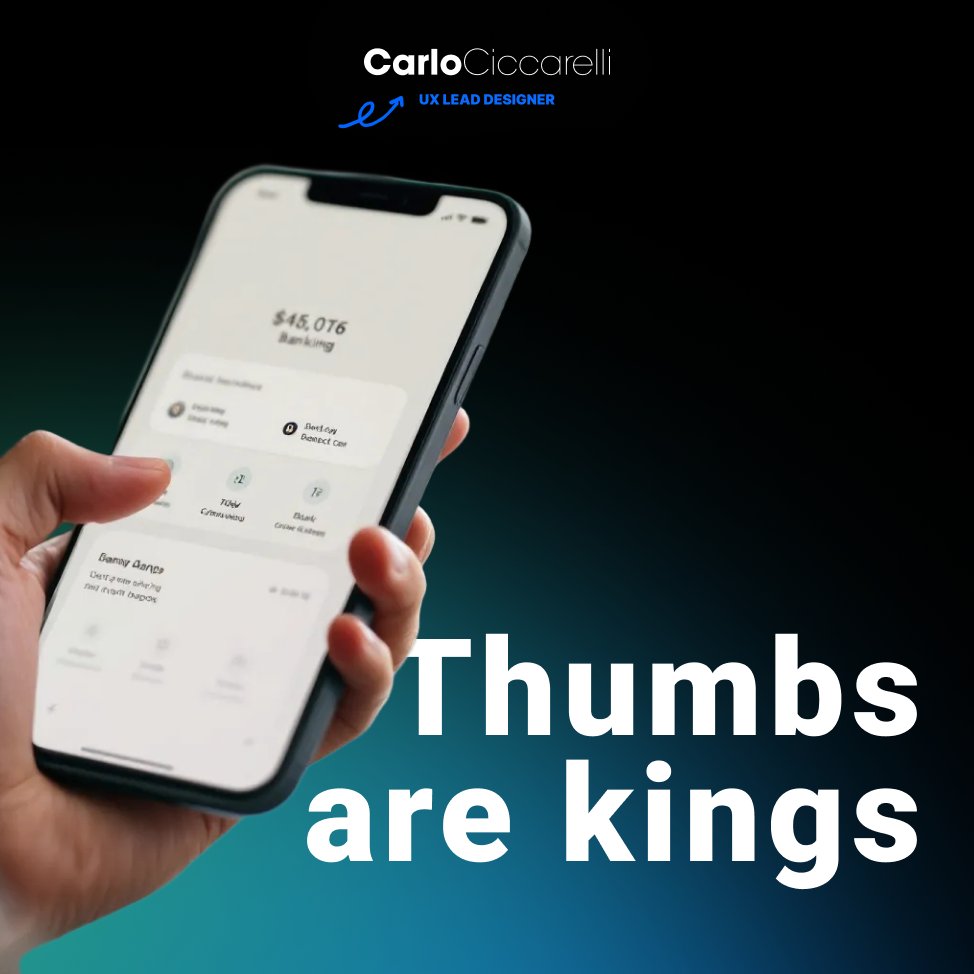
Designing for mobile? Remember, thumbs are in charge. Your main actions should live in the “thumb zone”-the area your thumb can comfortably reach when holding a phone one-handed. Here’s how I check: Hold your phone in one hand. Try to tap your main button without doing finger

Designing for mobile?
Remember, thumbs are in charge.

Your main actions should live in the “thumb zone”-the area your thumb can comfortably reach when holding a phone one-handed.

Here’s how I check:

Hold your phone in one hand.

Try to tap your main button without doing finger
Carlo 👉 Product and Web Designer (@carlociccarell9) 's Twitter Profile Photo

Microcopy is the unsung hero of digital experiences. It’s not just the big headlines that matter. It’s the tiny words on buttons, error messages, and tooltips that make or break a user’s journey. Think about it. “Error 404” is cold and confusing. “Oops! We can’t find that page

Carlo 👉 Product and Web Designer (@carlociccarell9) 's Twitter Profile Photo

Is Dark Mode just for hackers and night owls.? Definitely NOT! It reduces eye strain, saves battery, and (let’s be honest) just looks cool. But don’t just invert colors and call it a day. Here’s my dark mode checklist: 1️⃣ Check contrast-make sure text is readable. 2️⃣Tweak

Is Dark Mode just for hackers and night owls.?

Definitely NOT!

It reduces eye strain, saves battery, and (let’s be honest) just looks cool.

But don’t just invert colors and call it a day.

Here’s my dark mode checklist:

1️⃣ Check contrast-make sure text is readable.
2️⃣Tweak
Carlo 👉 Product and Web Designer (@carlociccarell9) 's Twitter Profile Photo

Ever walk into a diner with a 10-page menu? It’s overwhelming. The same goes for digital products. Too many choices? Users freeze. Here’s how I keep things simple: 1️⃣ Limit options on each screen. 2️⃣ Group related actions together. 3️⃣ Use clear, familiar labels. 4️⃣ Hide

Carlo 👉 Product and Web Designer (@carlociccarell9) 's Twitter Profile Photo

Blank screens are the digital equivalent of the silent treatment. If your app or site takes more than a second to load, show a loading indicator. Even better: use a playful animation or a progress bar. A little feedback goes a long way. It reassures users that something is

Blank screens are the digital equivalent of the silent treatment.

If your app or site takes more than a second to load, show a loading indicator.

Even better: use a playful animation or a progress bar. 

A little feedback goes a long way.
It reassures users that something is
Carlo 👉 Product and Web Designer (@carlociccarell9) 's Twitter Profile Photo

✨ “When I first started managing design tokens in Figma, it felt like trying to organize a messy closet.” I’d spend hours figuring out how to structure tokens, keep them consistent, and make them useful for my team. Nowadays, hundreds of community Figma files can help you do

✨ “When I first started managing design tokens in Figma, it felt like trying to organize a messy closet.”

I’d spend hours figuring out how to structure tokens, keep them consistent, and make them useful for my team. 

Nowadays, hundreds of community Figma files can help you do
Carlo 👉 Product and Web Designer (@carlociccarell9) 's Twitter Profile Photo

Check out my latest article: 🚨 “UX is dead!” they screamed into the LinkedIn void… But are they right? linkedin.com/pulse/ux-dead-… via LinkedIn