CameraProio (@cameraproio) 's Twitter Profile
CameraProio

@cameraproio

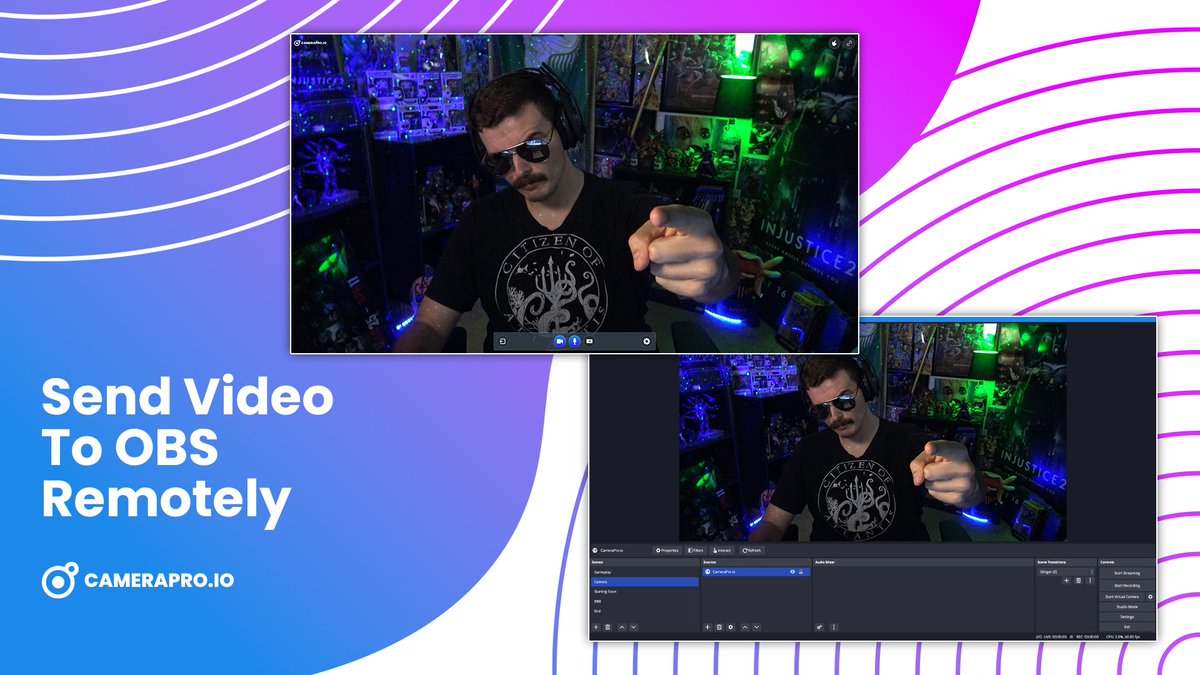
Send video into OBS Studio remotely with CameraPro.io.

Discord: discord.gg/T63rnedjjx

ID: 1479559924971552769

linkhttp://CameraPro.io calendar_today07-01-2022 21:05:59

41 Tweet

31 Followers

40 Following

CameraProio (@cameraproio) 's Twitter Profile Photo

You can now drag and drop video feeds from CameraPro.io rooms right into OBS Studio!!! Learn more about this update in our Discord: discord.gg/T63rnedjjx

CameraProio (@cameraproio) 's Twitter Profile Photo

In CameraPro.io rooms you can now drag and drop video feeds into OBS Studio using the new hand icon. Create a room here: camerapro.io/createroom

In CameraPro.io rooms you can now drag and drop video feeds into OBS Studio using the new hand icon. 

Create a room here: camerapro.io/createroom
CameraProio (@cameraproio) 's Twitter Profile Photo

We have been working on improving CameraPro.io behind the scenes. From bug fixes, video improvements, and even some UX updates. Here is a look at a new control bar we are working on.

We have been working on improving CameraPro.io behind the scenes. From bug fixes, video improvements, and even some UX updates. Here is a look at a new control bar we are working on.
CameraProio (@cameraproio) 's Twitter Profile Photo

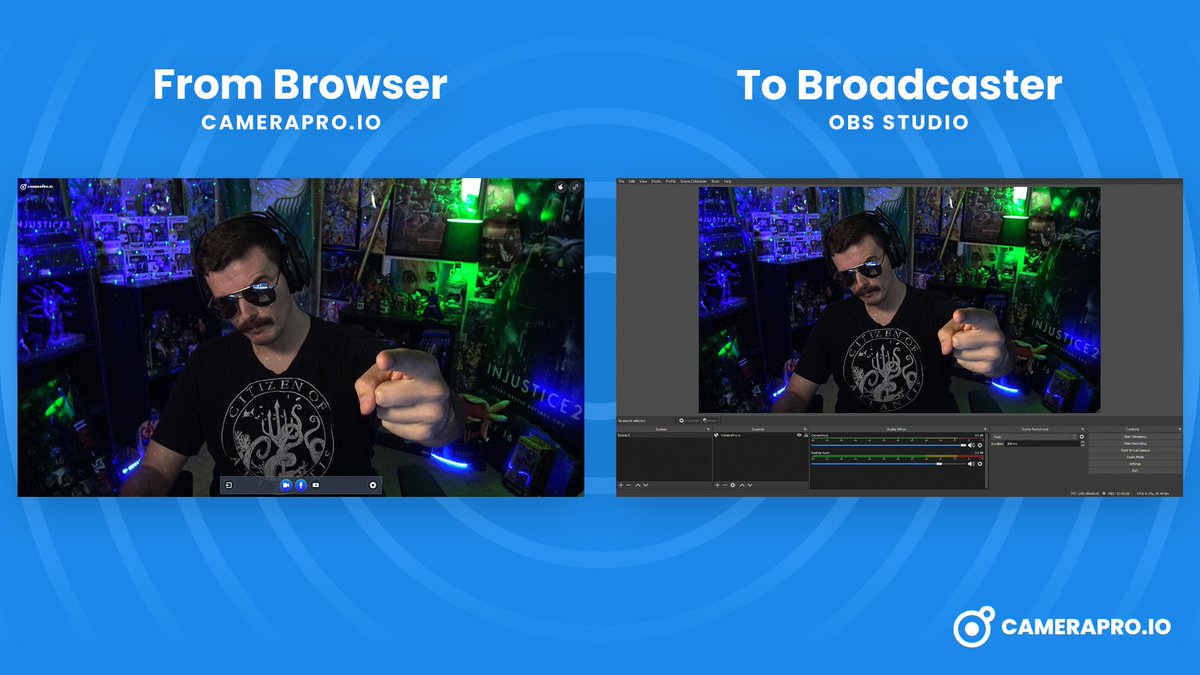
Send remote video feeds right into OBS Studio with CameraPro.io. Perfect for podcasts, online tournaments, and using your mobile device as a webcam.

Send remote video feeds right into OBS Studio with CameraPro.io. Perfect for podcasts, online tournaments, and using your mobile device as a webcam.
CameraProio (@cameraproio) 's Twitter Profile Photo

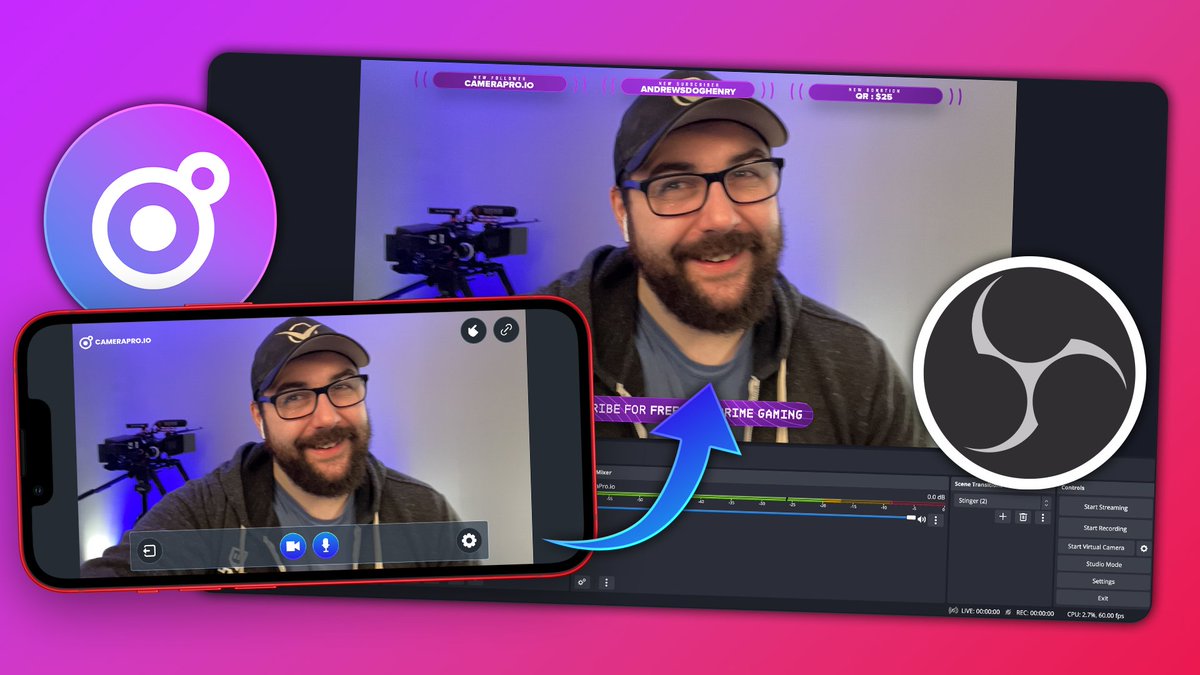
Use your phone as a webcam! Go to CameraPro.io on your mobile device. Go to send video Copy the stream link Send the link to yourself in Discord or email and add it into OBS Studio as a "Browser Source"

Use your phone as a webcam!
Go to CameraPro.io on your mobile device.
Go to send video
Copy the stream link
Send the link to yourself in Discord or email and add it into OBS Studio as a "Browser Source"
CameraProio (@cameraproio) 's Twitter Profile Photo

In CameraPro.io rooms you can drag and drop video feeds right into OBS Studio. The video feed will match your OBS canvas resolution to help with setup times.

In CameraPro.io rooms you can drag and drop video feeds right into OBS Studio. The video feed will match your OBS canvas resolution to help with setup times.
OBS (@obsproject) 's Twitter Profile Photo

If you are new to OBS Studio, we are excited to launch a new monthly video series on how to get the most out of OBS, hosted by @EposVox. Check out the first video, getting started with OBS Studio in under 3 minutes! youtube.com/watch?v=DFWDuq…

CameraProio (@cameraproio) 's Twitter Profile Photo

CameraPro.io is a great way to pull in video feeds from remote devices into OBS Studio. Check out our new homepage: camerapro.io Join the Discord: discord.gg/T63rnedjjx

CameraPro.io is a great way to pull in video feeds from remote devices into OBS Studio.

Check out our new homepage: camerapro.io
Join the Discord: discord.gg/T63rnedjjx
CameraProio (@cameraproio) 's Twitter Profile Photo

You can send your OBS feed to other streamers with CameraPro.io. Start your virtual camera in OBS. Start your camera in CameraPro. In settings switch your video device to OBS. Copy the link and send it off to your friend to add in their stream as a browser source.

OBS (@obsproject) 's Twitter Profile Photo

OBS Studio 29.1 is out! This release adds AV1/HEVC streaming to YouTube (feature in beta), multiple audio tracks in Simple Output Mode, preloading stinger transitions, new audio encoder settings, faster loads/updates, and various other fixes. Changelog: github.com/obsproject/obs…